Sorry I did say that but after checking this it seems OOo can export to pdf without any extra software, but not edit pdf documents. My mistake, apologies. 


 Topic: Microsoft OneNote 2007 (Read 108,083 times)


 That is what led me to Evernote, which I'm happy with. But, I will be getting a copy of OneNote 2007 next week as part of the MS Action Pack and I'd like to try it. But, if it doesn't play well with Firefox then I won't bother. I don't want to have to switch to IE every time I want to save a clipping from the web.


See:
http://www.paulgraham.com/microsoft.html
http://www.paulgraham.com/cliffsnotes.html


See:
http://www.paulgraham.com/microsoft.html
http://www.paulgraham.com/cliffsnotes.html
Ummm... what does this have to do with the discussion at hand? Not saying it doesn't... I just can't see the correlation to a review on OneNote.
Sorry I did say that but after checking this it seems OOo can export to pdf without any extra software, but not edit pdf documents. My mistake, apologies.Actually, your idea isn't that far off though. I found that Onenote can export to Word Doc format, and that can be read by OO.
See:
http://www.paulgraham.com/microsoft.html
http://www.paulgraham.com/cliffsnotes.html
Ummm... what does this have to do with the discussion at hand? Not saying it doesn't... I just can't see the correlation to a review on OneNote.
I was talking about vendor lockin and Microsoft, and Graham says that the business model of M$ is dead. So I was wondering if anyone has found anything that comes close to OneNote (I have read the long notetaking thread, mind you) but is not using a proprietary format.


an MHT file (a compiled HTML file)Sorry if this is nitpicking.


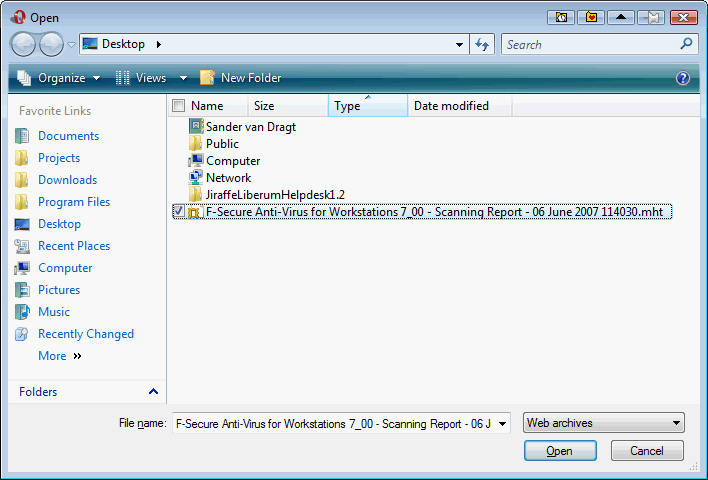
Opera browser opens MHT files, they call it Web Archive (single file)

works for .mht dunno about .chmOpera browser opens MHT files, they call it Web Archive (single file)
How?
I tried file > open, then selected web archives from the dropbox, and tried to 'see' a .chm file. But nothing shows up.

Does OneNote have an extension for Firefox? I tried OneNote 2003 back in the day but uninstalled it because I couldn't clip from Firefox. I would rather give up OneNote than Firefox!
Yes, there is an add-in that lets you clip from Firefox and it works fine. It shows up on the context menu when you right-click on a page or text selection. Info comes into OneNote just as if you'd clipped it from IE.Seems to be outdated. Will not work with FF2.xx
The Firefox add in is just one example. Check out the list at the OneNote PowerToys list.
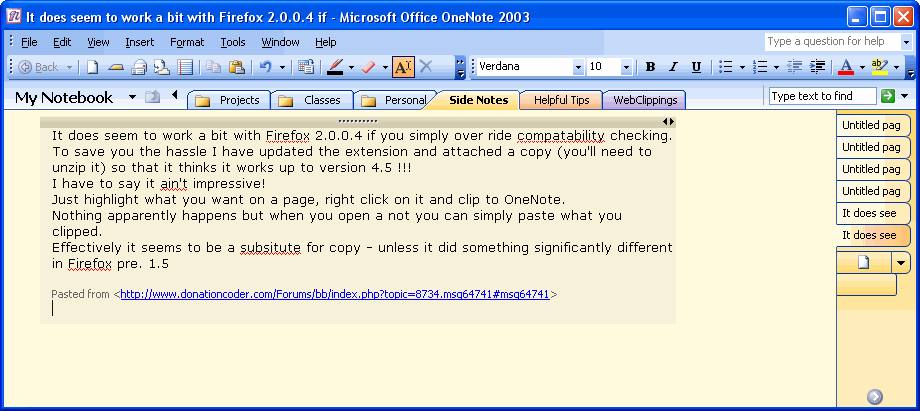
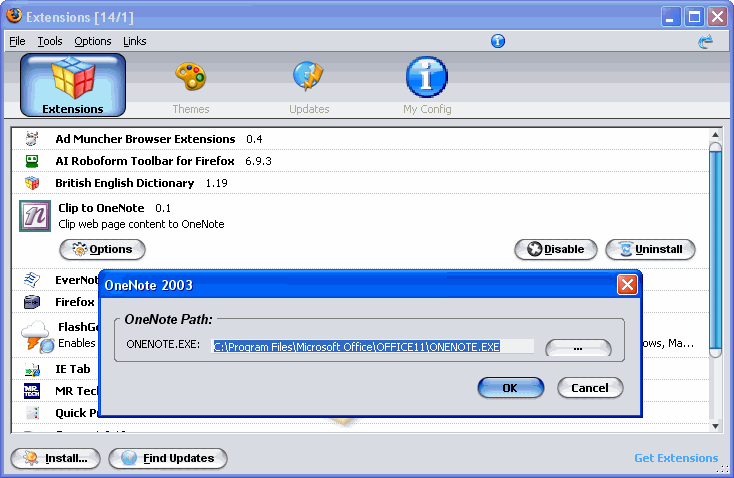
 clipnote.zip
(15.7 KB - downloaded 524 times.)
clipnote.zip
(15.7 KB - downloaded 524 times.)
 )
)


Original address: https://www.donationcoder.com/forum/index.php?topic=8734.0
 VanDragt.com