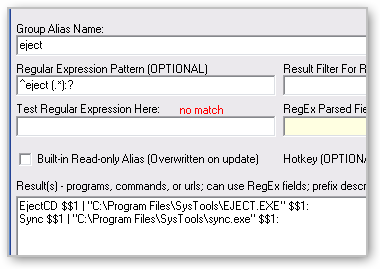
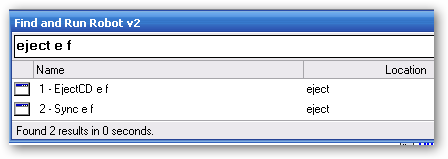
this should be easy for regex pros.. i have this alias here to eject removable drives and i want the semi-colon to be added automatically after the drive letter. e.g. if i type "eject e" --> "eject e:"; "eject e f" --> "eject e: f:" (minus quotes).. can someone give me a hand.. 
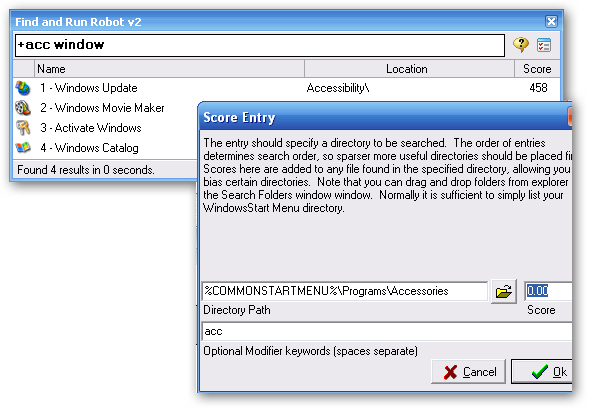
another type of alias that i'm looking for is to link a path with the keyword, say "games" then whenever i type "games <abc>", Farr will be searching <abc> in the path only.. something like the "cpanel" that is available right now..
Quote
RegEx Pattern: ^eject (.*)
EjectCD $$1 | "C:\Program Files\SysTools\EJECT.EXE" $$1
another type of alias that i'm looking for is to link a path with the keyword, say "games" then whenever i type "games <abc>", Farr will be searching <abc> in the path only.. something like the "cpanel" that is available right now..