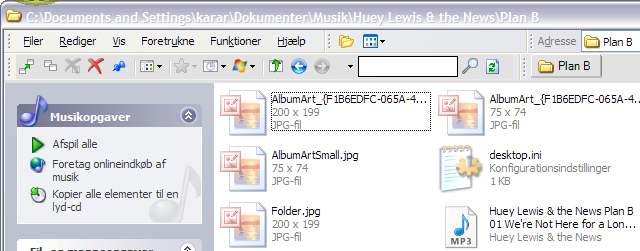
In the Windows Media Player 11 Library I was to insert a CD cover picture, but got distracted and forgot I had another image in the clipboard, so when I clicked "insert image" it was the wrong image. I have tried everything to change this image, but havent yet figured out what to do. So where I should see young Robyn's face, I now see an add offering some program at €30. I would rather prefer to look at lovely Robyn!
I deleted the file from WMP, but when it comes back, WMP is remembering the image. So I guess I need to find where WMP is hiding the album info, and delete something there? But where? So far I have not been able to find anything smelling of music album infos.
Where in XP is WMP 11 hiding CD cover images?
---------
Most wrong:
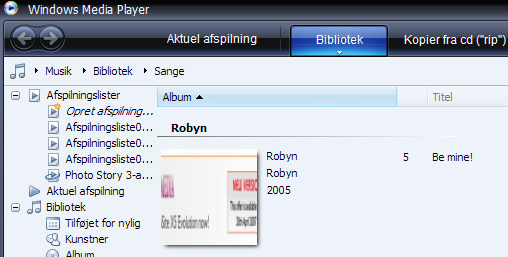
The right stuff:
 http://www.robyn.com/
I deleted the file from WMP, but when it comes back, WMP is remembering the image. So I guess I need to find where WMP is hiding the album info, and delete something there? But where? So far I have not been able to find anything smelling of music album infos.
Where in XP is WMP 11 hiding CD cover images?
---------
Most wrong:
The right stuff:
http://www.robyn.com/