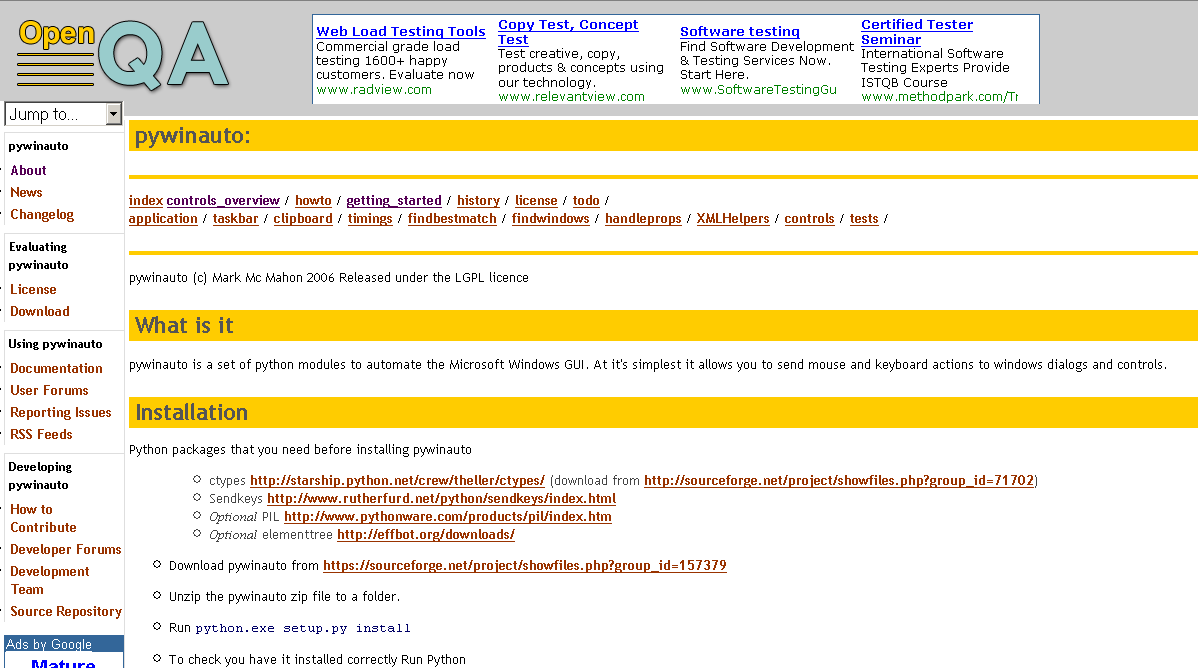
I have just stumbled upon something so cool, that I have to post it here before I have even downloaded it!  And of course it's Python related!!
What is it
pywinauto is a set of python modules to automate the Microsoft Windows GUI. At it's simplest it allows you to send mouse and keyboard actions to windows dialogs and controls.
[attachthumb=#1]
It has a syntax that is very pythonic.
How does it work
A lot is done through attribute access (__getattr__) for each class. For example when you get the attribute of an Application or Dialog object it looks for a dialog or control (respectively).
At the 2nd line the SaveAs dialog might not be open by the time this line is executed. So what happens is that we wait until we have a control to resolve before resolving the dialog. At that point if we can't find a SaveAs dialog with a ComboBox5 control then we wait a very short period of time and try again, this is repeated up to a maximum time (currently 1 second!)
This avoid the user having to use time.sleep or a "WaitForDialog" function.
Sit back and have a look at a little movie
Jeff Winkler has created a nice screencast of using pywinauto at ShowMeDo.
And of course it's Python related!! What is it
pywinauto is a set of python modules to automate the Microsoft Windows GUI. At it's simplest it allows you to send mouse and keyboard actions to windows dialogs and controls.
[attachthumb=#1]
It has a syntax that is very pythonic.
How does it work
A lot is done through attribute access (__getattr__) for each class. For example when you get the attribute of an Application or Dialog object it looks for a dialog or control (respectively).
Code
myapp.Notepad # looks for a Window/Dialog of your app that has a title 'similar'
             # to "Notepad"

myapp.PageSetup.OK # looks first for a dialog with a title like "PageSetup"
                  # then it looks for a control on that dialog with a title
# like "OK"Code
app.Notepad.MenuSelect("File->SaveAs")
app.SaveAs.ComboBox5.Select("UTF-8")
app.SaveAs.edit1.SetText("Example-utf8.txt")
app.SaveAs.Save.Click()
At the 2nd line the SaveAs dialog might not be open by the time this line is executed. So what happens is that we wait until we have a control to resolve before resolving the dialog. At that point if we can't find a SaveAs dialog with a ComboBox5 control then we wait a very short period of time and try again, this is repeated up to a maximum time (currently 1 second!)
This avoid the user having to use time.sleep or a "WaitForDialog" function.
Sit back and have a look at a little movie
Jeff Winkler has created a nice screencast of using pywinauto at ShowMeDo.