If you use the FARR v2 plugin FarrFox, you might like this update.

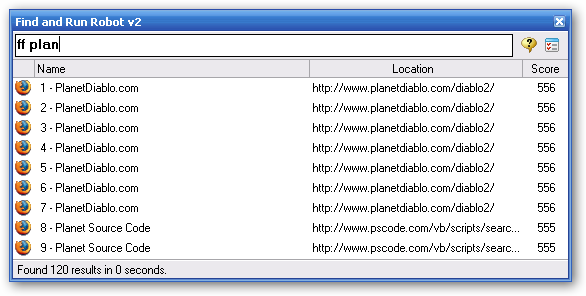
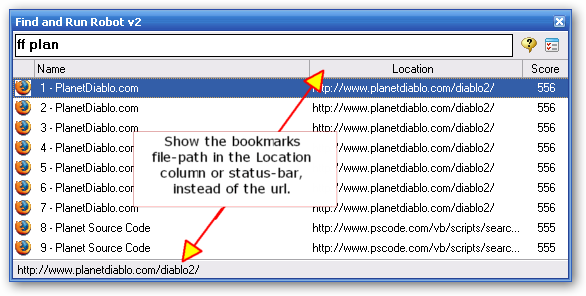
FarrFox now searches your bookmarks from: FireFox, Opera, and IE-based browsers, all at once. No configuration should be required.
NOTE: FARR now knows how to install the FarrFox plugin automatically if you run the updater, so there is no need to download and install it manuall unless you want to for some reason.
Manual Download: http://www.donationcoder.com/Software/Mouser/findrun/addons/FarrFox/FarrFox.zip
Install Instructions: Just copy the files over existing files in the Plugins/FarrFox subdirectory of FARR.
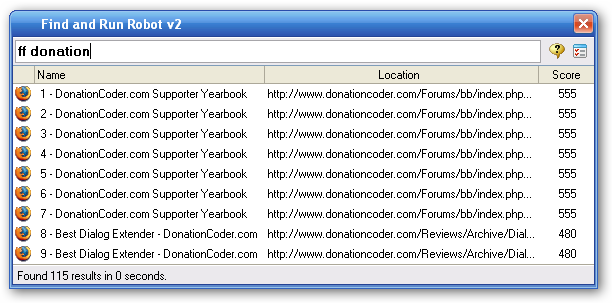
Usage: Just type 'ff keywords'
Note: the first time you use it after a long period of disuse it will need to rescan all your favorites, which can take some seconds.
Version 1.03.01 - March 29, 2007

FarrFox now searches your bookmarks from: FireFox, Opera, and IE-based browsers, all at once. No configuration should be required.
NOTE: FARR now knows how to install the FarrFox plugin automatically if you run the updater, so there is no need to download and install it manuall unless you want to for some reason.
Manual Download: http://www.donationcoder.com/Software/Mouser/findrun/addons/FarrFox/FarrFox.zip
Install Instructions: Just copy the files over existing files in the Plugins/FarrFox subdirectory of FARR.
Usage: Just type 'ff keywords'
Note: the first time you use it after a long period of disuse it will need to rescan all your favorites, which can take some seconds.
Version 1.03.01 - March 29, 2007
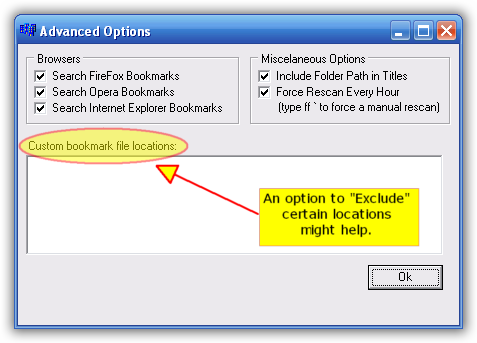
- Advanced options lets you configure which browser bookmarks to search, and whether to include folder paths in titles
- Different icons are now used for firefox, ie, opera.


 How are your bookmarks stored? Maybe this or a similar plugin could launch your bookmarks.