


Hey all
Was just thinking about how I use the Print Screen button a lot and then hit <Start key>+R and type MSPAINT.exe and THEN hit <Ctrl>+V to paste my pic into the window. How about an app that, when the Print Screen button is pressed and Windows captures the screen, a program sees the button being pressed, launches MSPAINT.exe and pastes the picture into the window. I know I could just use Mousers really cool ScreenshotCaptor, but it takes too long to load on my machine and I don't use any features but "Take images of active window" . Could anyone do this?
-Wreckedcarzz
Was just thinking about how I use the Print Screen button a lot and then hit <Start key>+R and type MSPAINT.exe and THEN hit <Ctrl>+V to paste my pic into the window. How about an app that, when the Print Screen button is pressed and Windows captures the screen, a program sees the button being pressed, launches MSPAINT.exe and pastes the picture into the window. I know I could just use Mousers really cool ScreenshotCaptor, but it takes too long to load on my machine and I don't use any features but "Take images of active window"
. Could anyone do this?-Wreckedcarzz


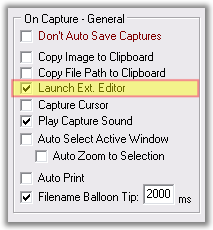
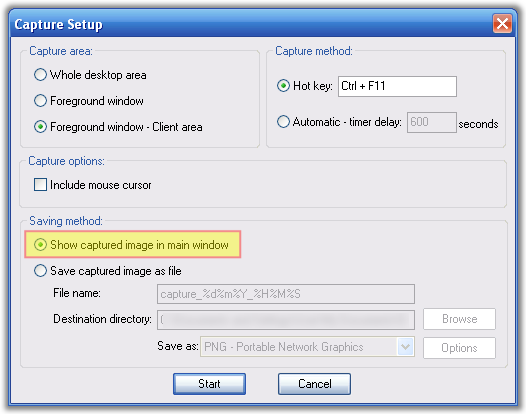


 Or use PasteScreen!

