


It's back up.
Poisson Rouge - Red Fish
Basic Info
| App Name | Poisson Rouge - Red Fish |
| Technology | Flash Website |
| Language | Primarily English. There is one section about the French alphabet |
| App URL | http://www.poissonrouge.com/ |
| Test System Specs | Pentium III 866mhz, 512mb Ram, Windows XPSP2 and Pentium 4 2.99ghz with 512mb Ram, Windows XP |
| Supported OSes | Any that support flash enabled broswers |
| Support Methods | Email address listed on site |
| Upgrade Policy | NA |
| Trial Version Available? | NA |
| Pricing Scheme | Free |
| Donation Link | http://www.poissonrouge.com/downloads/index.html |
| Screencast Video URL | NA |
| Disclaimer | I am not affiliated with the site or its authors. |
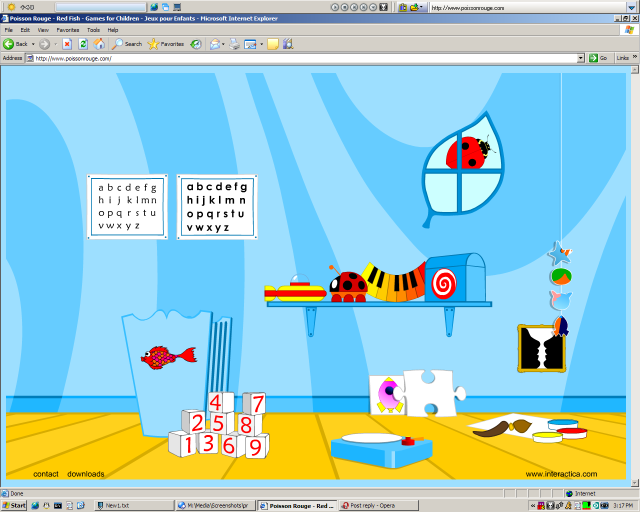
Screenshot of main interface:
Intro:
Poisson Rouge (French for Red Fish) is a beautifully done Flash website that is primarily directed at children, though everyone can enjoy it. I have used this website with literally hundreds of children and every single one of them has enjoyed it. This is a wonderful example of what can be done with the Flash medium.
When you first get to the website, it will look like a bedroom with some toys on a shelf, a few items on the floor, a cradle, and a leaf shaped window. To explore the site, you simply click on the different parts of the screen. An easy way to get kids started is to tell them that the mouse pointer will change to a hand with its index finger extended when they are pointing at something that they can click on.
Clicking on any of the areas on the main interface will bring you to a new part of the website.
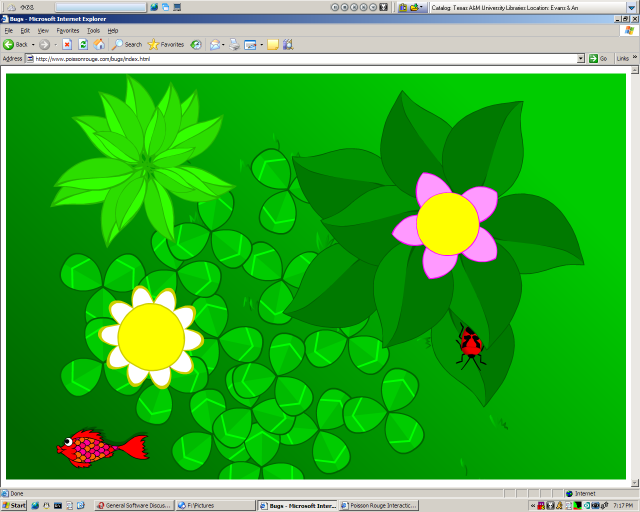
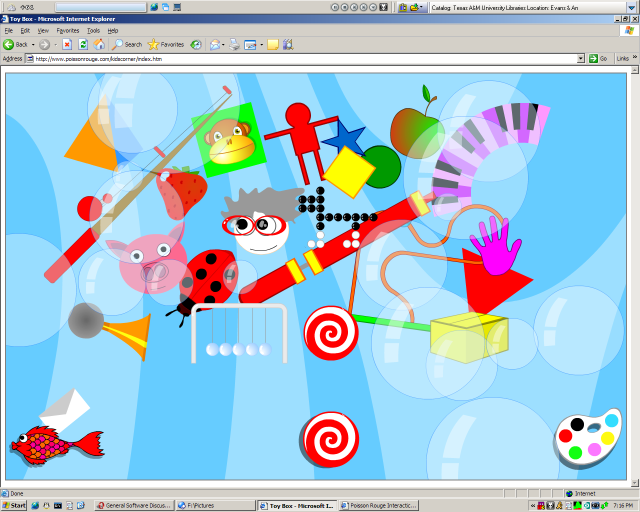
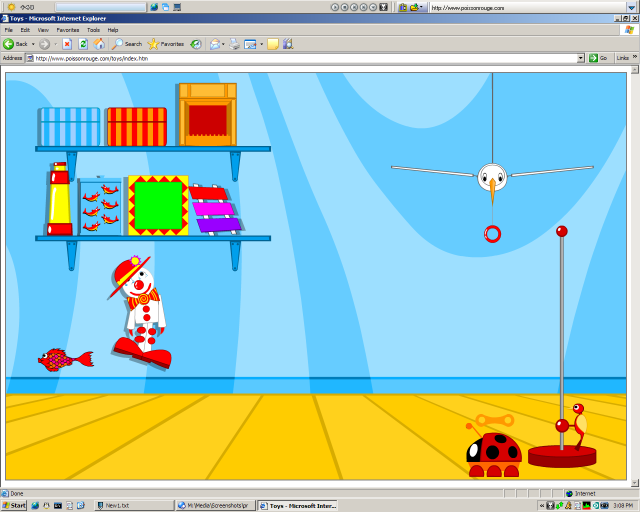
This is where the fun begins. On the new page that you have arrived at, there will be numerous additional things that you can click on to play little mini-games. Each mini-game is beautifully illustrated and has outstanding sound. To get back to the main screen, you click on the Red Fish in the corner of the screen. To return from a mini-game to that area, look for an icon in the corner or bottom of the screen. Below I have included some screenshots of various mini-games, as well as brief comments about them:
Painting
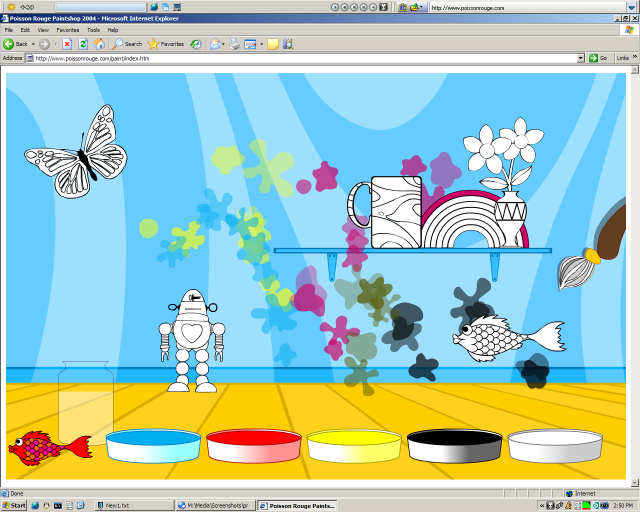
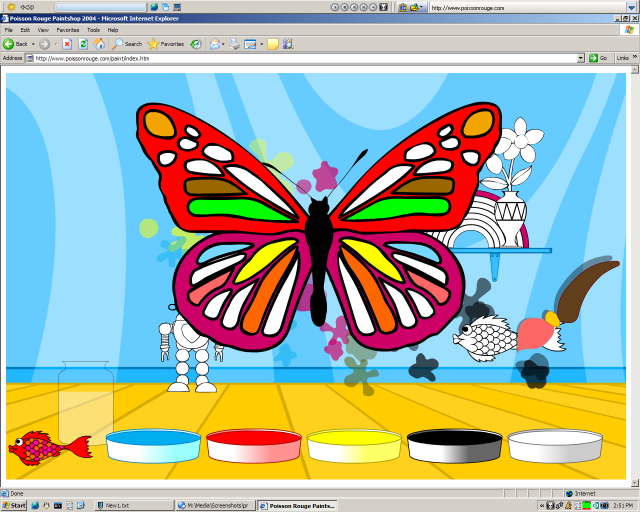
The painting area allows you to splatter paint on the walls as well as paint a few objects. When painting the objects, the paintbrush acts like a fill bucket in standard paint programs. The best part about this section of the site is that you can mix the colors by dipping your brush in more than one paint bucket. There is a glass of water to clean your brush off.
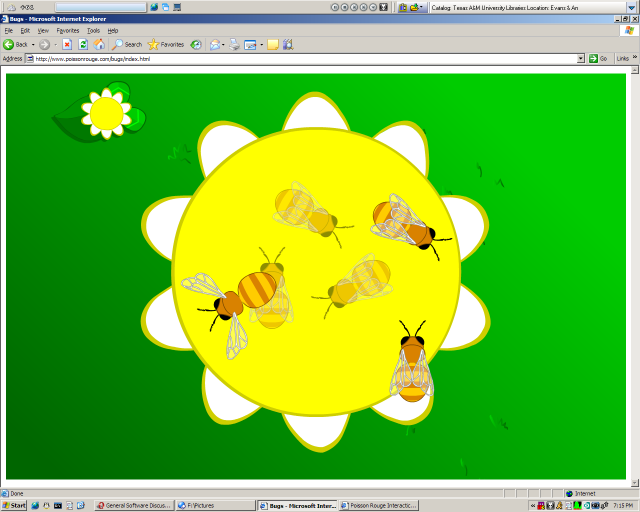
Musical Bees
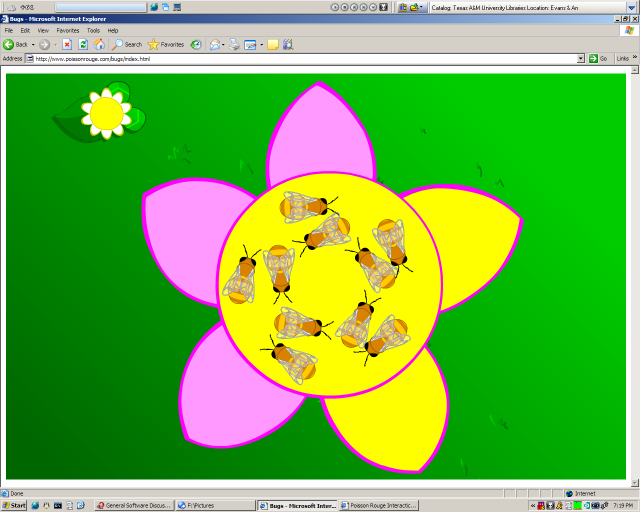
This mini-game plays a great jazzy tune. You can control which instruments are playing by clicking on the various petals of the flower. As the music plays, the bees dance around the flower.
Bug Paths
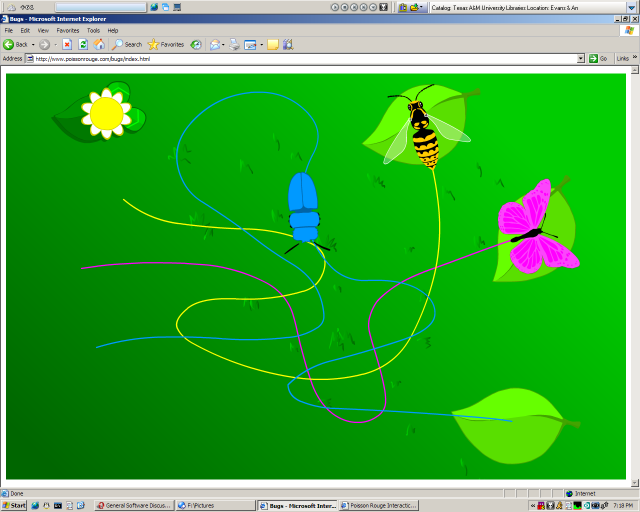
Here you direct the bugs to their flower by moving the mouse over them along the path. This is great for teaching mouse coordination. Again, we have great music. I especially like the music for the 4th bug.
Puzzles
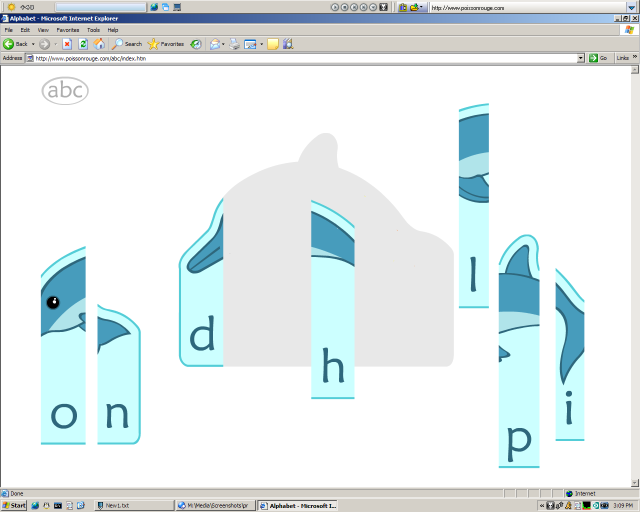
Put the puzzles together. Some of the puzzles teach spelling like this one, and some are just pictures.
Picture Parts
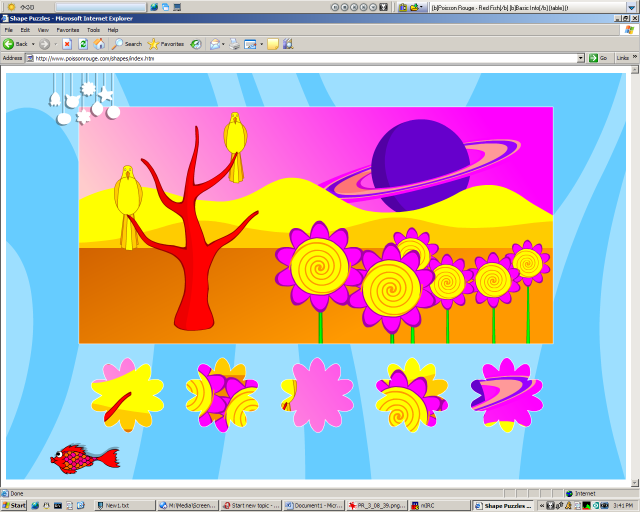
This is another puzzle type mini-game. You try to find where to place the picture pieces so that they match the background image exactly. As you place all the pieces, more appear that are harder to place. There are various backgrounds and piece shapes to choose from.
Fishing
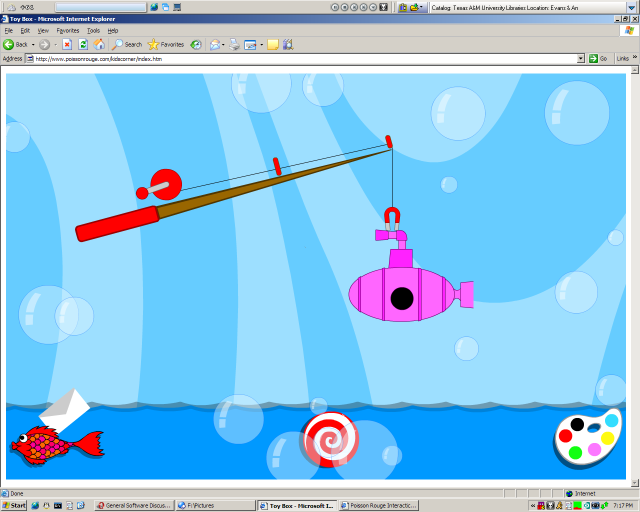
The younger kids love this one. All you do is click the reel on the fishing pole to lower the magnet into the water. Then you click it again to reel it back in. There are some silly things to catch.
Matching
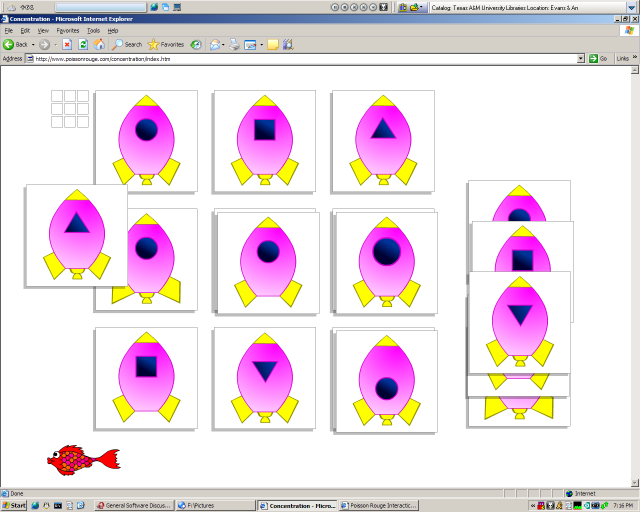
Match the pieces to the identical picture. Each picture is only slightly different than the others or is in a different orientation.
Submarine
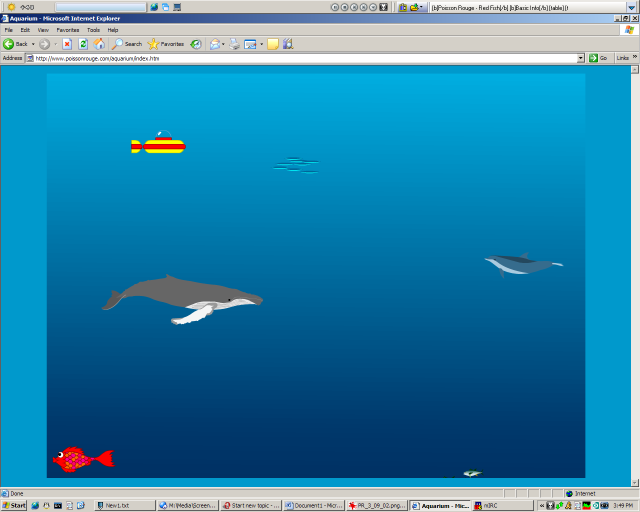
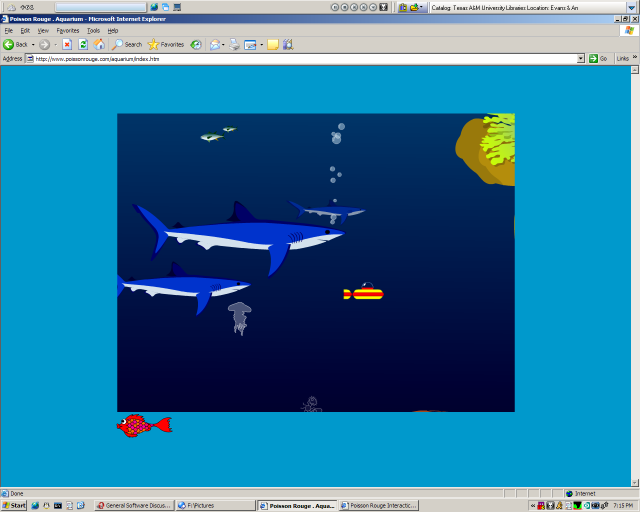
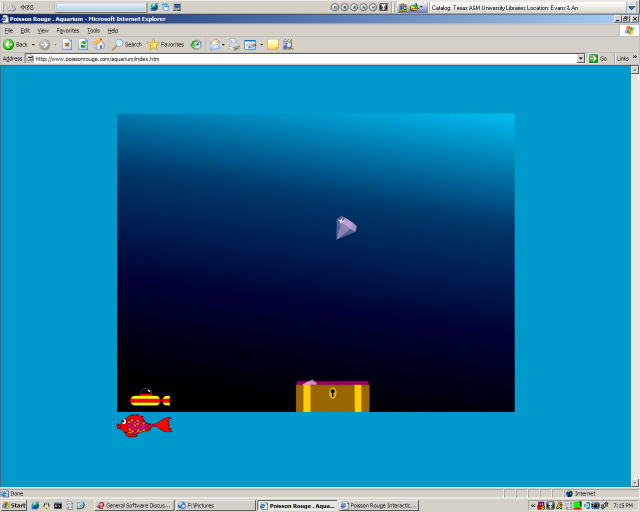
Click and drag the submarine to explore the ocean depths. Click on ocean creatures to see them up close or play a mini-game.
There are a few areas that could be improved, though they are very minor. First of all, the redfish image on the baby cradle in the main interface appears to be an active link (mouse cursor changes when on it), but it doesn't do anything. Next, on some screens an envelope appears next to the main navigation icons. That envelope is to send email to the authors. Unfortunately, it is too easily clicked by youngsters, and it even animates with a little clown which entices children to click on it. When it is clicked, the default email program will pop up and confuse the child. Finally, a couple of the toys have little devil characters that occasionally pop up, which could possibly offend some users.
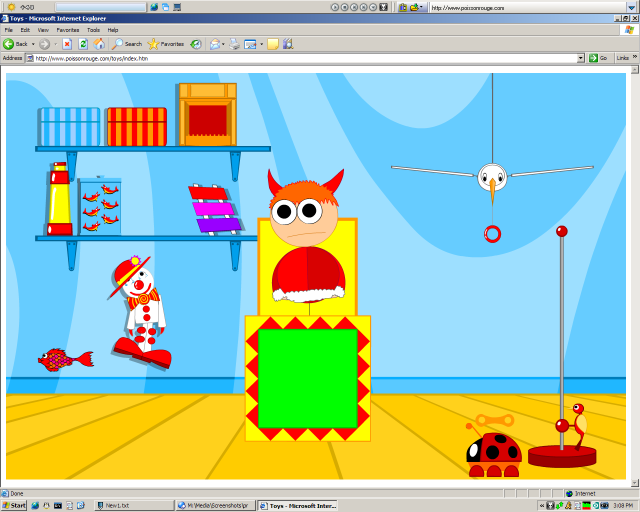
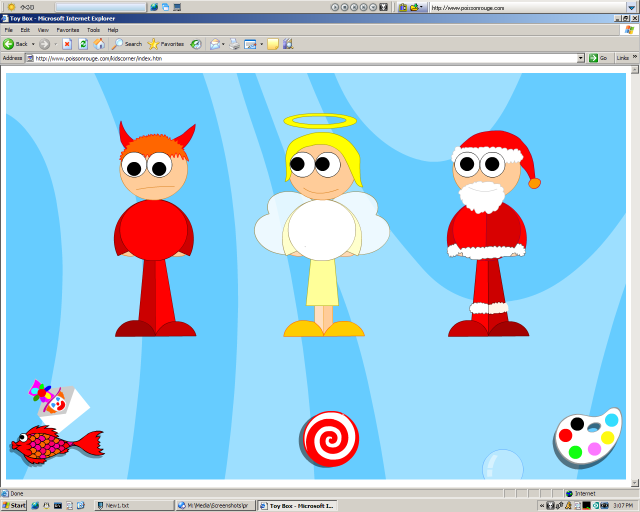
Finally, some mini-games are noticeably slow on my PIII that I have at home. There are no slowdowns whatsoever on the fast school machines. Also, I would assume that a dialup connection would see long delays between mini-games, but I don't have a way to test that.
Who is this app designed for:
Obviously the primary audience for this website is young children. I have seen children as young as 4 years old enjoy the website. Kids in the 5-7 age range tend to love the site and never get tired with it. I have also had kids as old as 9 years old explore the site and have a lot of fun with it, though the excitement doesn't last near as long with them. I will admit to spending quite a bit of time exploring the site as well.
The Good
Beautiful graphics, sound, and music
Teaches mouse skills, pattern matching, alphabet skills, numbers, even some basic french words are offered
Non-violent
New features being added over time. The submarine game mentioned above was just added about a week ago.
The needs improvement section
Make the Red Fish on the baby cradle on the initial screen do something when clicked on
Don't make the email links so attractive
Devil image may offend some users
Some mini-games run slowly on my PIII 866mhz machine
Likely to see long load times if on dialup
Conclusions
I am really impressed with this website. My students have a lot of fun, and they are learning as they use it. In an age where even Kindergarten aged children are playing video games on consoles at home, it is exciting to find a wholesome interactive experience that can keep them engaged. I give this site a 5 out of 5.


