I have an odd problem with an Acer laptop and an Anker USB-C hub. The hub's USB-A and at least one of its USB-C ports work, but its SD card reader doesn't. When I put a card in, Windows can't see it at all. Strangely, USB Safely Remove does see the card, but thinks it's empty.
A web search showed various postings on the Acer forum about problems with USB-C ports, albeit not this particular one. One recommendation was to update BIOS. Mine isn't the very latest, but updating BIOS would be serious if it went wrong, and there's no guarantee it would work anyway.
Another suggestion was that maybe the drivers needed updating. This is something I've never done before. As far as I can see, the Microsoft driver I have is dated 2006... so maybe there's a newer one.
What are the best and easiest ways of checking drivers, please?
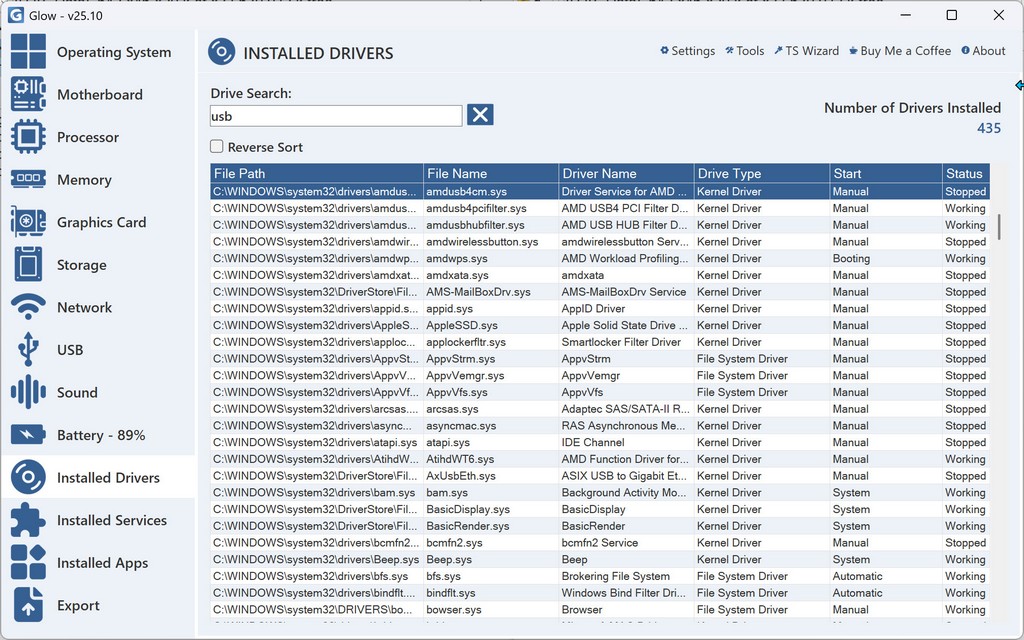
Umf... Glow gives a nice list, but doesn't include dates, or which ones are out of date.
A web search showed various postings on the Acer forum about problems with USB-C ports, albeit not this particular one. One recommendation was to update BIOS. Mine isn't the very latest, but updating BIOS would be serious if it went wrong, and there's no guarantee it would work anyway.
Another suggestion was that maybe the drivers needed updating. This is something I've never done before. As far as I can see, the Microsoft driver I have is dated 2006... so maybe there's a newer one.
What are the best and easiest ways of checking drivers, please?
Umf... Glow gives a nice list, but doesn't include dates, or which ones are out of date.