Re: Game Engines and Apps
« Reply #25 on: August 13, 2011, 01:02 PM »


 Topic: Game Engines and Apps (Read 79,417 times)





Hey kyrathaba, have you seen anything that looks good for C#? (I'm sure you've looked into it more than me.)

 but I know it causes objects to not rotate the way you would think you are telling them to. Unity comes with built-in functions that automatically convert the "easy to understand" 3D rotations into quaternions and back again.
An example is quaternionsw. I don't even understand what quaternions are or how they work. All I know is that they are 4-dimensional things that allow you to avoid something called gimbal lockw that occurs when rotating in 3-dimensions (and I can't wrap my brain around them). I'm not sure I understand exactly what gimbal lock is either


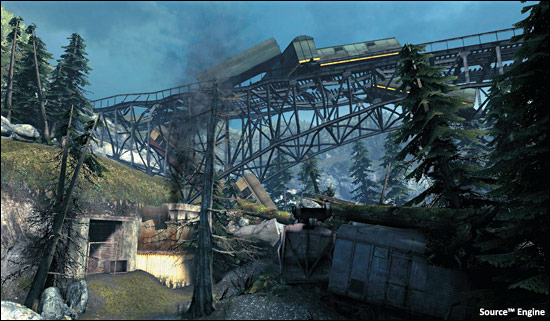
There has never been a better time to start designing game environments and level designs. More game engines and level editors are becoming readily available for free or small price of the game to anyone who wants to learn how to level design. But with more choices, comes indecision. Especially if you are just beginning your journey into level design and game environment art.
What game engine should you start with? What level editor do you choose to work with? What is the difference between a game engine and a level editor? How do you download level editing tools and game engine to work with? Is UDK better then CryEngine 3 SDK or is Unity 3D the way to go? Which Source Engine game should I start mapping for? What is the difference between game environment artist and level designer?
Where do I start?
In this tutorial I want to help you choose which level editor and game engine you may want to start with. I will cover the basics and then go more in-depth to help you choose the "right" game engine and level editor.
Original address: https://www.donationcoder.com/forum/index.php?topic=5471.0