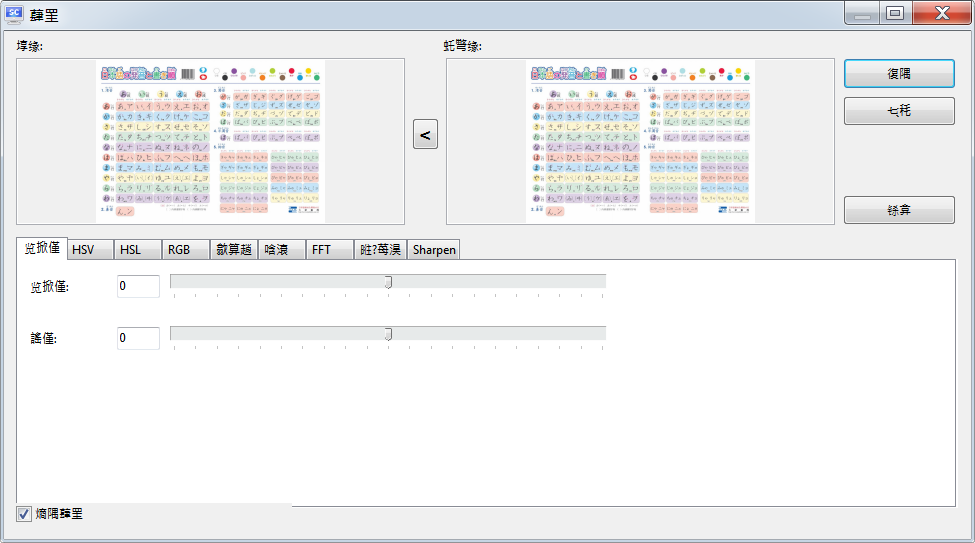
I have just started to use Screenshot Captor v4.41 under Traditional Chinese Windows 7.
Some language display problems are encountered. Any way to solve?
(1)
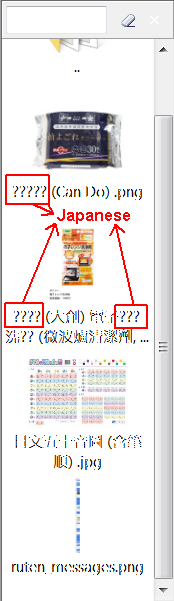
Double-byte characters, except Traditional Chinese characters, can not be displayed in the thumnail pane:
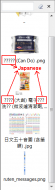
(2)
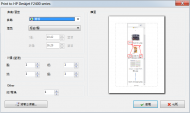
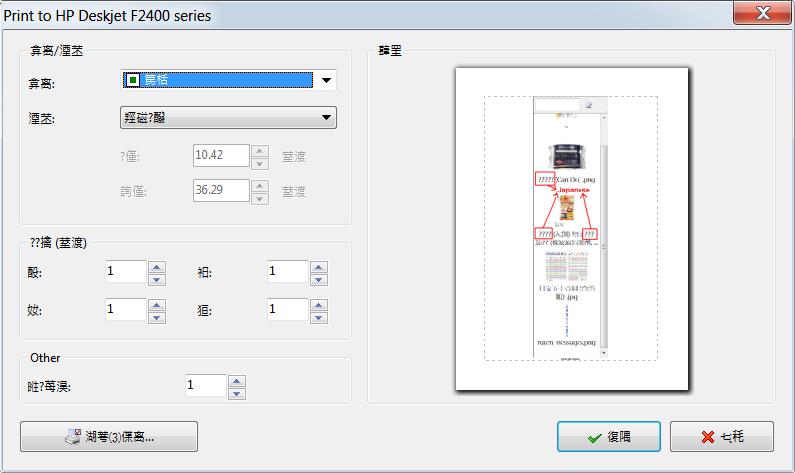
All the Chinese characters in the "Print to" dialogue displayed by "File > Print Screenshot (with preview)" are garbled, i.e., only look like so, but are actually not.
:
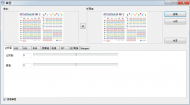
Same with some other dialogues like "Enhance and adjust colors, contrast, etc":
Some language display problems are encountered. Any way to solve?
(1)
Double-byte characters, except Traditional Chinese characters, can not be displayed in the thumnail pane:
(2)
All the Chinese characters in the "Print to" dialogue displayed by "File > Print Screenshot (with preview)" are garbled, i.e., only look like so, but are actually not.
:
Same with some other dialogues like "Enhance and adjust colors, contrast, etc":