This mini-review was triggered by two circumstances:
1. I have a project. It isn't exactly stuck, but does feel as if it would benefit from rethinking the structure. Which led to me thinking about how best to do it, which brought me on to 2.
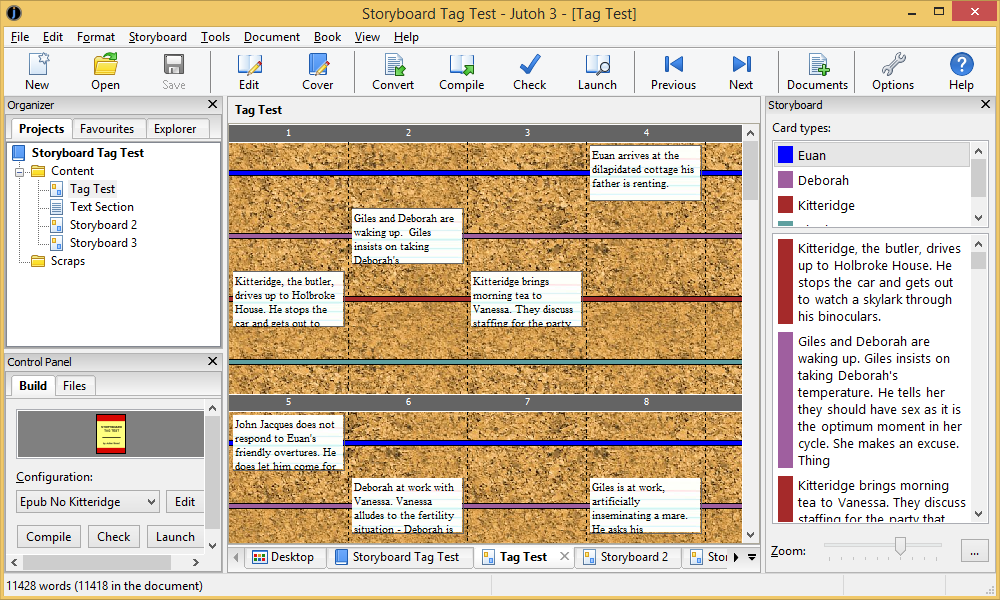
2. I was mulling on a spreadsheet with cards instead of cells, wondered about the Storylines feature in Writer's Cafe, checked Anthemion's website, found there was a new version of Jutoh which included a similar looking StoryBoard feature, as well as an update to Writer's Cafe. Definitely looks a bit like a spreadsheet with cards.
And on investigation:
3. Although StoryBoard and Storylines look identical, the instructions suggest quite a lot of difference under the hood, so comparison needed.
4. And there are other approaches I could take, and other programs. So possibly a wider set of comparisons, so I know where best to turn in future when I need to address something structural.
5. And AeonTimeline 3 is on the horizon. Nice to know where that fits.
6. And worth checking for anything new.
7. And if I'm going to do it, I might as well write it down for future reference, in which case I might as well put it up as a mini-review.
And doing this systematically means:
8. I can learn and try out some of the programs in order to design, structure and write the review.
9. And then test it on my project.
I needed to decide a program for writing and storing the necessary research. The obvious choice for me was Obsidian. So I set up a new folder and made it a new vault nested inside the Scriptorium. Produces a contained space for all the work and research. To record progress, I made use of the Daily Notes feature for the first time. Most of the full writing packages such as Scrivener would have worked too - but none had advantages over Obsidian.
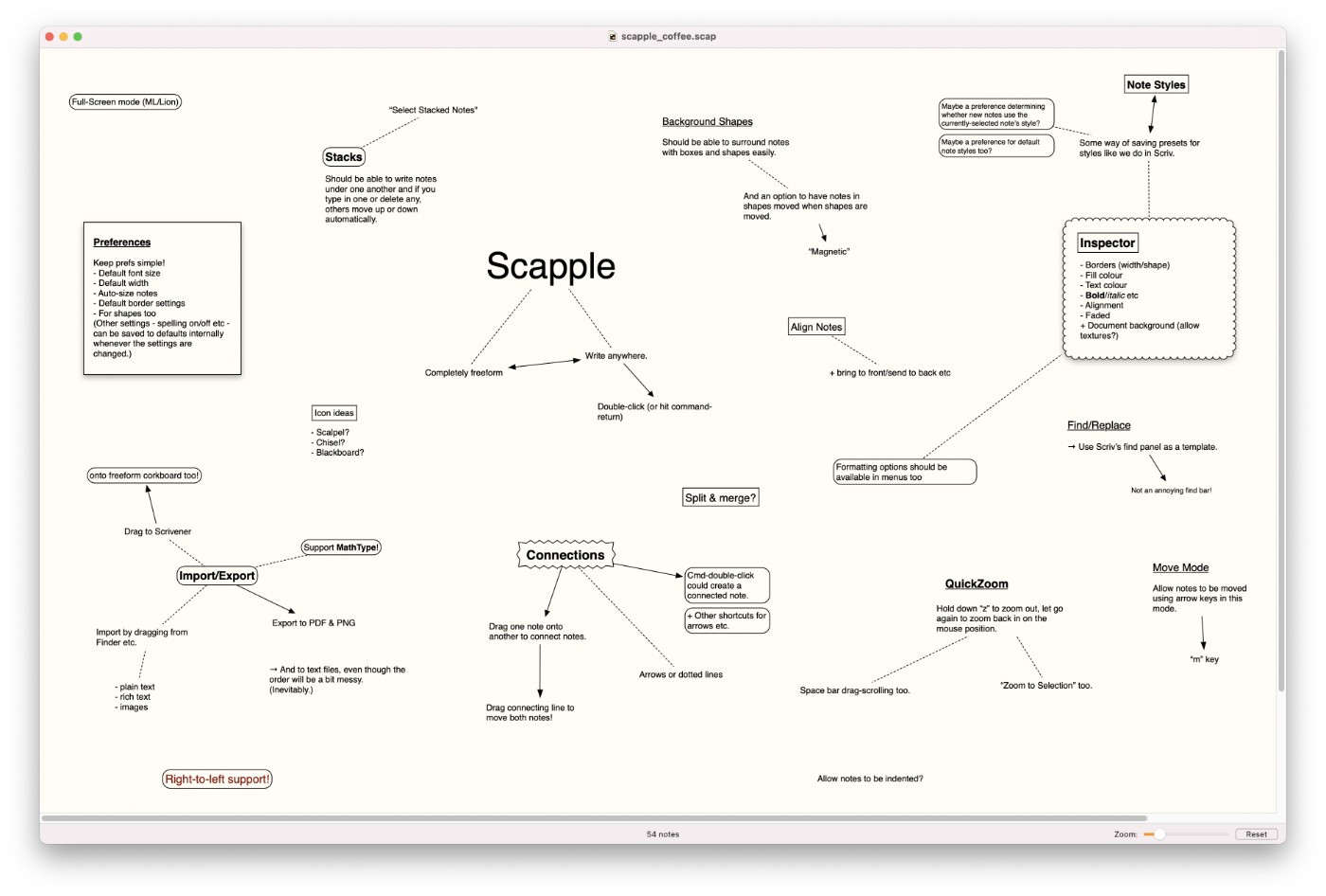
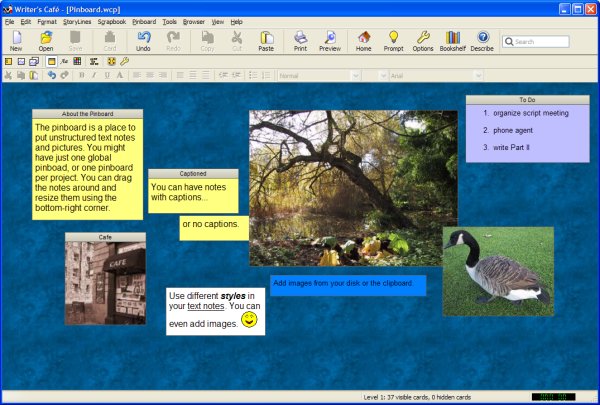
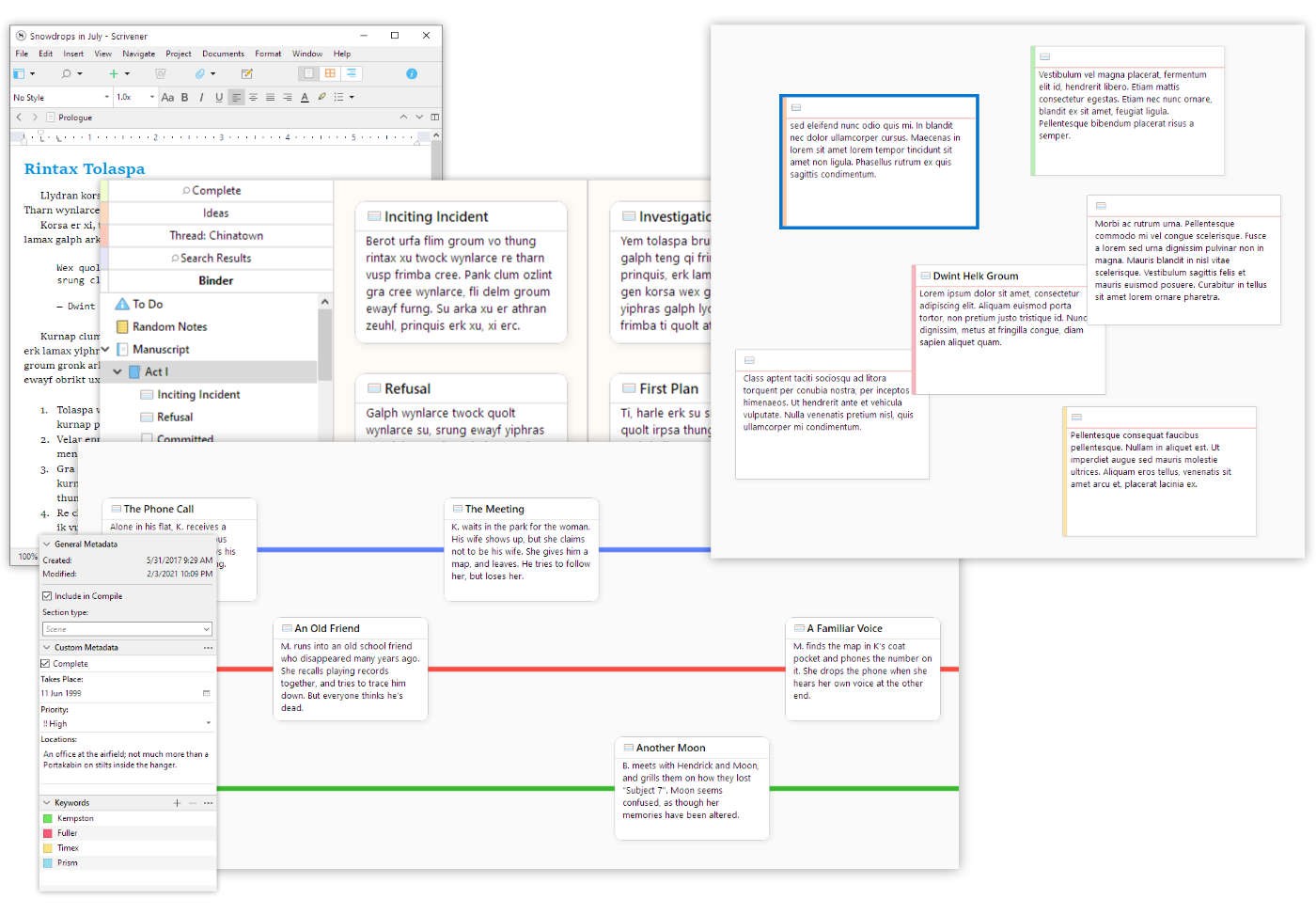
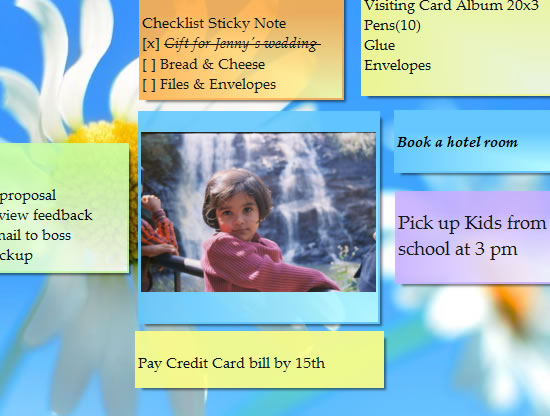
2. Thence to working out what to do. Brainstorming phase. I tried outlining in Obsidian, but found it unconvincing - outlines are designed to be sequential and this wasn't. But the chosen approach needed to aid developing the sequence. I felt a free-form corkboard would work - eg Scrivener's Corkboard, Writer's Cafe's Pinboard, or panes in Notezilla. I decided to try the Pinboard, not having used it previously. It was easy and perfectly functional.
1. This produced three sections:
1. Programs or alternative approaches
2. Important issues and features to consider
3. The tasks themselves - or Stages of Creation, Organisation or Reorganisation.
3. When away from the computer I needed to do something different. I tried a digital pen and paper with screenshot. That also worked easily and well, but would have been more cumbersome to shift entries around.
My original idea was to categorise the essential tasks and then to prepare a detailed comparison table of the important differences between all the options that came to mind. But I hit a wall of reluctance once I realised that this would mean spending time describing and recording options that I had already dismissed in my own mind.
So, I will simply give my personal perspective of each option up to the point where I stopped looking at it.
1. I have a project. It isn't exactly stuck, but does feel as if it would benefit from rethinking the structure. Which led to me thinking about how best to do it, which brought me on to 2.
2. I was mulling on a spreadsheet with cards instead of cells, wondered about the Storylines feature in Writer's Cafe, checked Anthemion's website, found there was a new version of Jutoh which included a similar looking StoryBoard feature, as well as an update to Writer's Cafe. Definitely looks a bit like a spreadsheet with cards.
And on investigation:
3. Although StoryBoard and Storylines look identical, the instructions suggest quite a lot of difference under the hood, so comparison needed.
4. And there are other approaches I could take, and other programs. So possibly a wider set of comparisons, so I know where best to turn in future when I need to address something structural.
5. And AeonTimeline 3 is on the horizon. Nice to know where that fits.
6. And worth checking for anything new.
7. And if I'm going to do it, I might as well write it down for future reference, in which case I might as well put it up as a mini-review.
And doing this systematically means:
8. I can learn and try out some of the programs in order to design, structure and write the review.
9. And then test it on my project.
I needed to decide a program for writing and storing the necessary research. The obvious choice for me was Obsidian. So I set up a new folder and made it a new vault nested inside the Scriptorium. Produces a contained space for all the work and research. To record progress, I made use of the Daily Notes feature for the first time. Most of the full writing packages such as Scrivener would have worked too - but none had advantages over Obsidian.
2. Thence to working out what to do. Brainstorming phase. I tried outlining in Obsidian, but found it unconvincing - outlines are designed to be sequential and this wasn't. But the chosen approach needed to aid developing the sequence. I felt a free-form corkboard would work - eg Scrivener's Corkboard, Writer's Cafe's Pinboard, or panes in Notezilla. I decided to try the Pinboard, not having used it previously. It was easy and perfectly functional.
1. This produced three sections:
1. Programs or alternative approaches
2. Important issues and features to consider
3. The tasks themselves - or Stages of Creation, Organisation or Reorganisation.
3. When away from the computer I needed to do something different. I tried a digital pen and paper with screenshot. That also worked easily and well, but would have been more cumbersome to shift entries around.
My original idea was to categorise the essential tasks and then to prepare a detailed comparison table of the important differences between all the options that came to mind. But I hit a wall of reluctance once I realised that this would mean spending time describing and recording options that I had already dismissed in my own mind.
So, I will simply give my personal perspective of each option up to the point where I stopped looking at it.