Hi SC Folks,
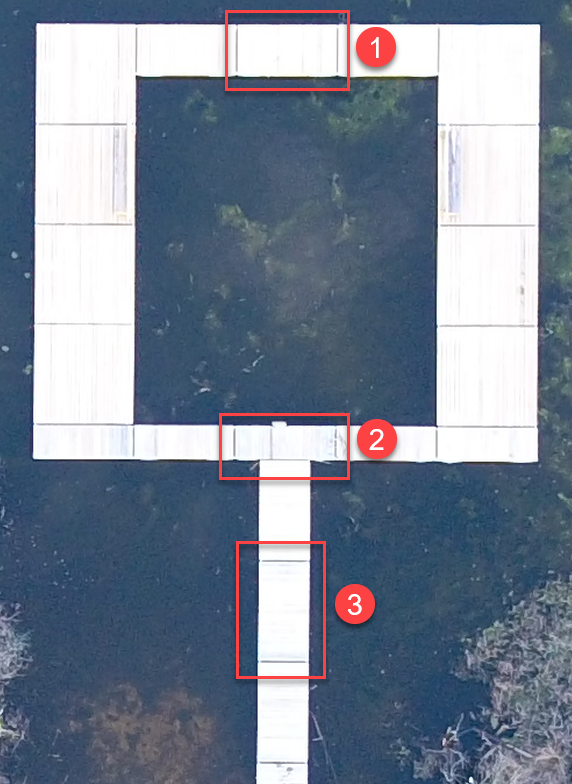
I religiously (3-4 times a week) use numbered steps (1, 2, 3) when documenting screenshots in instructions to show order of operations/tasks. My screenshot tool allows me to pick "Step" and then I just click, click, click on an image and the numbers are sequential. Does this exist in SC? I've attached a screenshot showing it off (1, 2, and 3). I literally clicked the Step icon and then just clicked the screenshot 3 times. It's really fast. I really hope this exists in SC.
Thanks
I religiously (3-4 times a week) use numbered steps (1, 2, 3) when documenting screenshots in instructions to show order of operations/tasks. My screenshot tool allows me to pick "Step" and then I just click, click, click on an image and the numbers are sequential. Does this exist in SC? I've attached a screenshot showing it off (1, 2, and 3). I literally clicked the Step icon and then just clicked the screenshot 3 times. It's really fast. I really hope this exists in SC.
Thanks