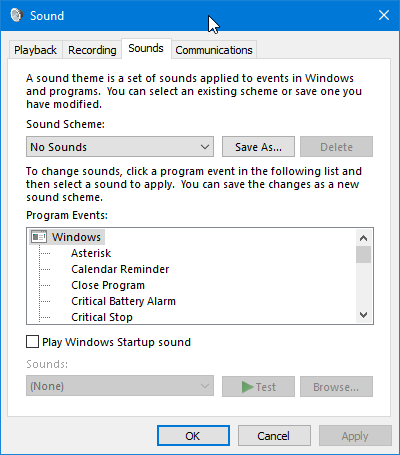
In Windows 10, in the lower right corner of the task bar, is a speaker icon. Whenever I click on it to raise or lower the master sound level, when it closes, it gives a loud chime sound. How do you turn off the closing chime sound?
How to Disable Windows 10 Volume Adjustment Sound?
« on: February 11, 2020, 01:23 AM »