DonationCoder.com forum
 
Read-only archive. This is a static copy of the DonationCoder.com forum. Reading and searching work as before; logging in, posting and private messages do not.
Archive of 2026-10-21 · About this archive · Main site

Author Topic: [solved] bluetooth problem after win10 update to 1903  (Read 5,771 times)

anandcoral

  • Honorary Member
  • Joined in 2009
  • **
  • Posts: 802
    • Participated in NANY Challenge Thirteen Times
[solved] bluetooth problem after win10 update to 1903
« on: November 29, 2019, 04:32 PM »
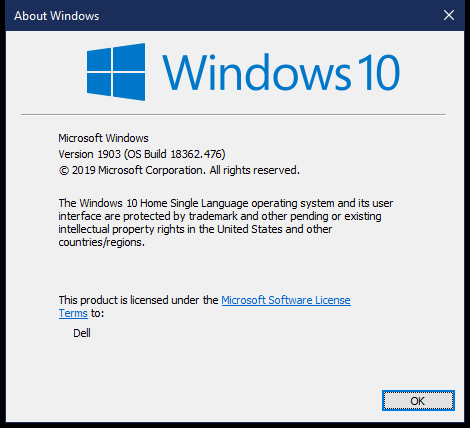
My Win10 64bit laptop got updated to ver. 1903.
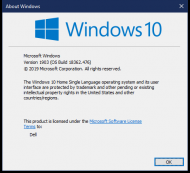
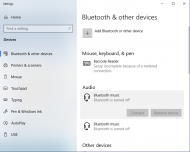
2019-11-29_213338.png

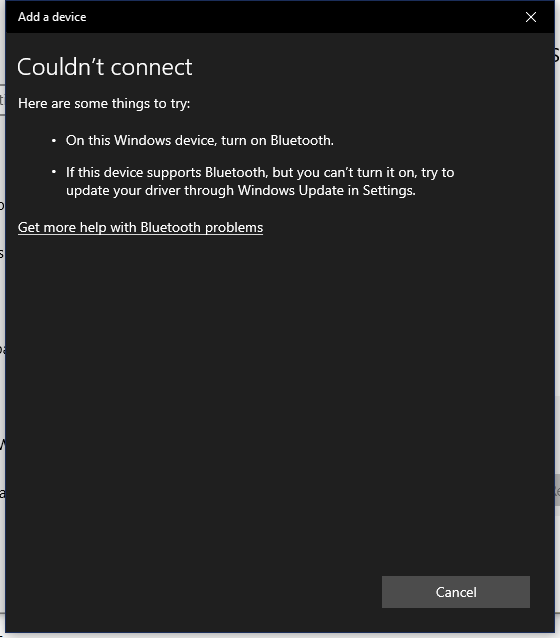
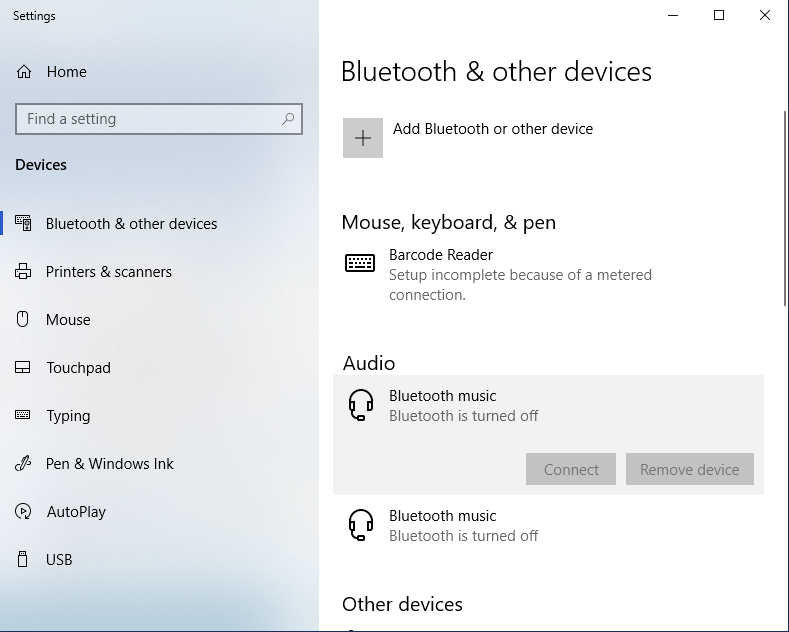
After this update I cannot find bluetooth option in charms bar. Searching for bluetooth show in system but trying to enable it showing error.
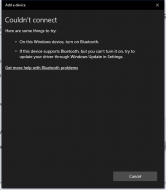
2019-11-29_213042.png

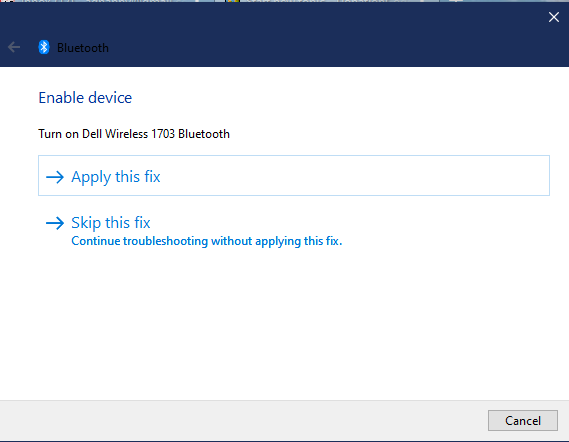
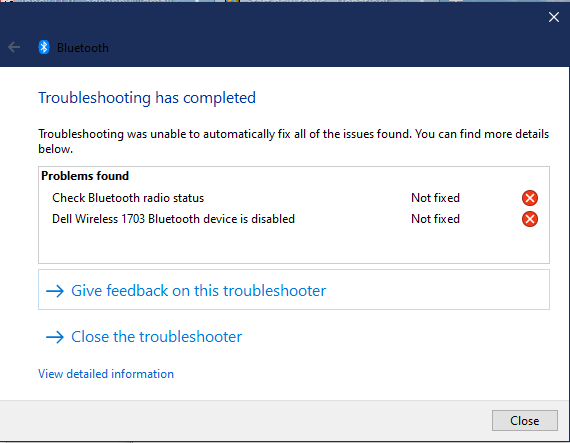
Before the update bluetooth was working fine, and no any software or hardware were occurred which may have affected it. So conclusion is the win update did it. Tried to fix it but no solution.
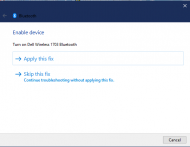
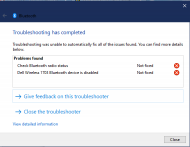
2019-11-29_215518.png

2019-11-29_215550.png

2019-11-29_220438.png

Now, has members here have faced similar situation and any suggestion how to enable/fix it.

Regards,

Anand
« Last Edit: December 23, 2019, 06:26 PM by anandcoral »

anandcoral

  • Honorary Member
  • Joined in 2009
  • **
  • Posts: 802
    • Participated in NANY Challenge Thirteen Times
Re: bluetooth problem after win10 update to 1903
« Reply #1 on: December 23, 2019, 06:25 PM »
Solved.

Googling gave me many solutions but none worked. Then at on webpage it was suggested to check Bluetooth drive number from "device manager" and download driver for it.

On opening "device manager" I found disabled marker on Bluetooth and when I enabled it, all working fine.

Why I did not go to "device manager" ? Well Win+S (search) "bluetooth" never gave suggestion for "device manager" ! Though it gave option to fix it never fixed, see images in original message.

Microsoft !!!

Regards,

Anand

Original address: https://www.donationcoder.com/forum/index.php?topic=49144.0