
Just asking as the last update was back in December 2018.
Is there any plan to update to ScreenShot Captor ?
« on: September 10, 2019, 01:44 AM »


 Topic: Is there any plan to update to ScreenShot Captor ? (Read 74,297 times)


customizable toolbars, buttons for more (all) menu entries (my most commonly used functions are'nt available as toolbar buttons)
bigger toolbar buttons
customizable hotkeys for menu entries (functions)
If people let me know there favorite features that they would like to see toolbar buttons for I will add them right away.My favorite features for toolbar buttons and hotkeys are:


My favorite features for toolbar buttons and hotkeys are:These, plus:
SpecialFX2: Patchtext/contents of selected region with background
SpecialFX2: Splice out strip defined by selection - Deluxe effects
Objects: Flatten all objects to background


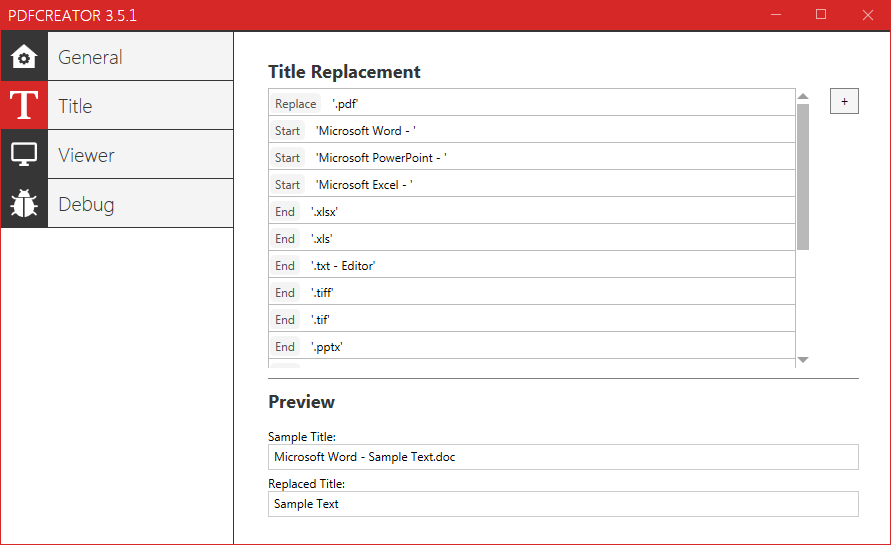
I'd appreciate a rules-based file-renamer within Screenshot Captor.
Would it be enough, or easier, to harness a command-line file renamer like BRC (brother of the better-known Bulk Rename Utility (BRU)) or Rename Master?
SC already zooms in and out with plain mousewheel..doh, how did I miss that?
Edit: When scrolling on the image itself, SC only zooms out but doesn't zoom in.That's very odd -- this is a core feature of SC, to zoom with mouse wheel.. It should zoom in and out.
I'd appreciate a rules-based file-renamer within Screenshot Captor.
-lanux128 (2019-10-05, 01:09:56)
Would it be enough, or easier, to harness a command-line file renamer like BRC (brother of the better-known Bulk Rename Utility (BRU)) or Rename Master?
...This is why I keep banging on about CHS (ClipboardHelp & Spell) as being an ideal image capture management tool, if users (and its author) only but realised it. The user can forget about worrying about image filenames or what directory the ruddy image is stored in or where it is.
It really does seem rather like a no-brainer, to me: If CHS is running, then every screenshot image that goes to Clipboard also is saved to the CHS image database folder [NB: together with any post-capture SC(ScreenshotCaptor} artefacts added at time of capture, if SC was being used to make the screenshot], from where the user can, at their leisure, view that image saved - just scroll through the images flagged in the CHS Grid display and view the image (with zooming) in the CHS Memo display. The user can at that point also trigger a separate image viewer (e.g., Irfanview) from the view button in the CHS Memo display, which will have previously been associated with images in the CHS settings. Any half-decent image viewer will also have a built-in image management tool and metadata editing tool. The latter would typically be an EXIF editor - e.g., Irfanview is very good in both regards.
If the user then wants to operate on (edit/change) that image, then they can invoke the third-party image editing tool (e.g., SC is very good) from the edit button in the CHS Memo display and which would have been associated with image editing in the CHS settings. (NB: This would require that SC or other image editor be installed first, of course.)
Done this way, the user:
- can forget about the image file (if/when needed, it's path and name are given in the Text tab in the CHS Memo display), and
- can forget about the viewer/editor applications (they are seamlessly integrated into CHS settings), and
- concentrate on the task at hand - namely the functionality that is required (e.g., image view and/or edit) regarding any particular screen capture or clip or other image selected in CHS.
All the above boils down to making the whole process of image capture management more effective/efficient. It's a useful time-saving approach, simply because it automates the integration of image application functionality. The user typically doesn't generally capture an image because they want to capture it per se, but because they want to do something with the image - or its file - once it has been captured.QuoteWhen seeking to improve a frequently-used and manually intensive process, the rule of thumb is generally to automate wherever possible/feasible and cost-effective to do so.
(As usually described in most/any Work Study practitioner's handbook.)
SC already zooms in and out with plain mousewheel..doh, how did I miss that?
Edit: When scrolling on the image itself, SC only zooms out but doesn't zoom in. Maybe I changed something in the settings? It works well both ways in the "zoom meter" area though.
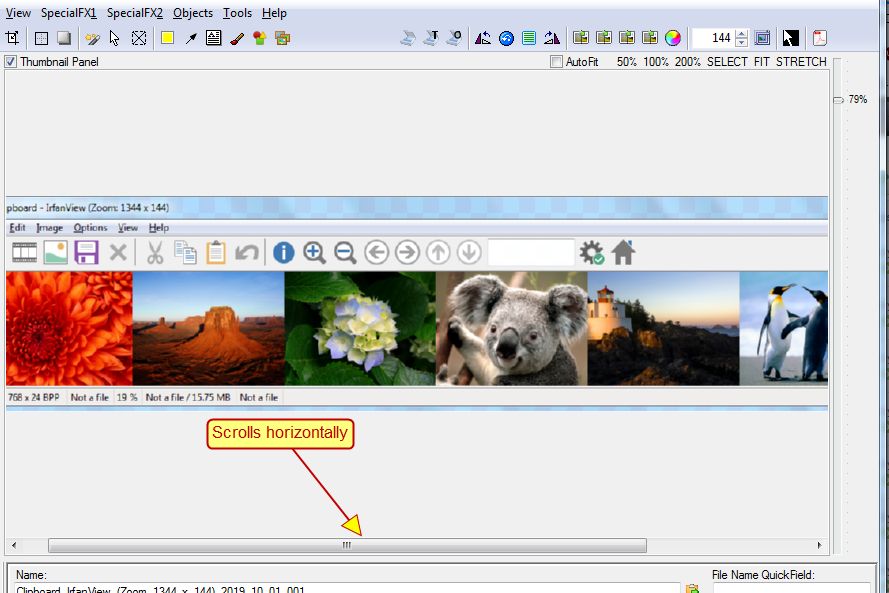
It should always zoom in and out, BUT if the zoomed view won't all fit in the window, it will zoom in differently depending on where your cursor is.. That is, it zooms and then adjusts the panning position so that the area under your cursor stays in view.thanks for the detailed explanation.


auto numbering stamps
Original address: https://www.donationcoder.com/forum/index.php?topic=48702.0
