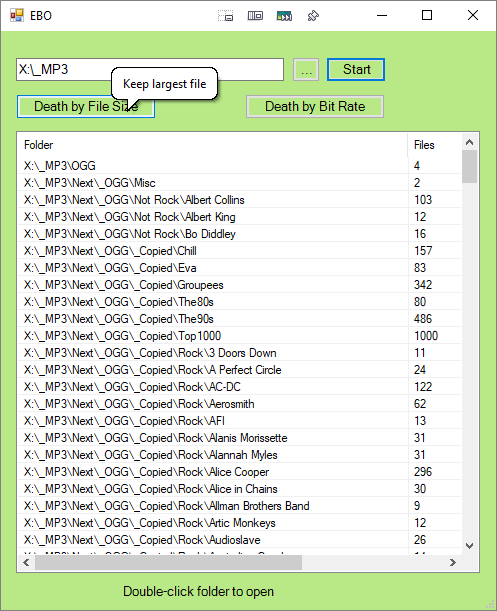
Wonder if you can 'and' in a not 0 file count also?Yep, this works
Code
"C:\base folder\" !childfilecount:1 !childfilecount:0Code
"C:\base folder\" childfilecount:>1Sooo many additional options as well. Never knew.Indeed, Everything just keeps on giving. It is in that sweet spot of having a simple looking UI yet is very rich in features and syntax options. I actually didn't know about the childfilecount: command until I read this thread and thought "I bet Everything has some way or other to do this".

I noticed there is a difference between
Code
"C:\base folder\" !childfilecount:1 !childfilecount:0Code
"C:\base folder\" childfilecount:>1The former lists both the matching folders and their files, but the latter only lists the folders. This means that there are two different workflows to choose among
1. find the list of matching folders and then manually open matching folders in Explorer one at a time and delete unwanted files.
2. find the list of all *files* in matching folders, sort the Everything list by Path and manually delete unwanted files one at a time directly in Everything.
For workflow 2 the search could be one of these
Code
"C:\base folder\" !childfilecount:1 !childfilecount:0 file:Code
"C:\base folder\" !childfilecount:1 !childfilecount:0 ext:mp3Code
"C:\base folder\" !childfilecount:1 !childfilecount:0 audio:
 More than one file v2019.03.04.zip