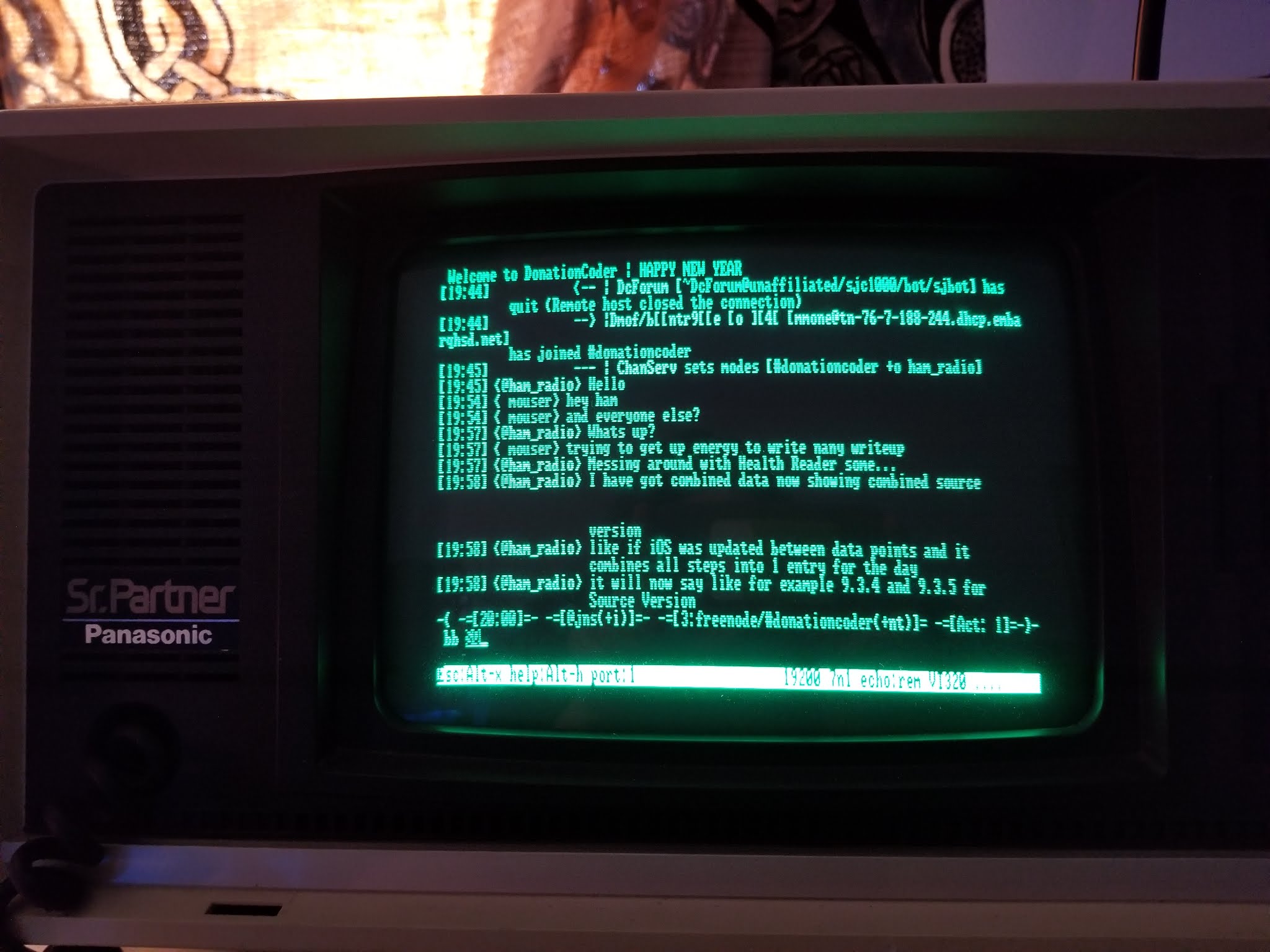
Some years ago, when visiting the midwest vintage computing festival I picked up a Panasonic Sr. Partner luggable 8088 computer from someone's cheap "as-is" pile. I figured if it wasn't working it would be a fun project to try and restore it.
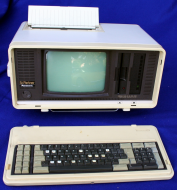
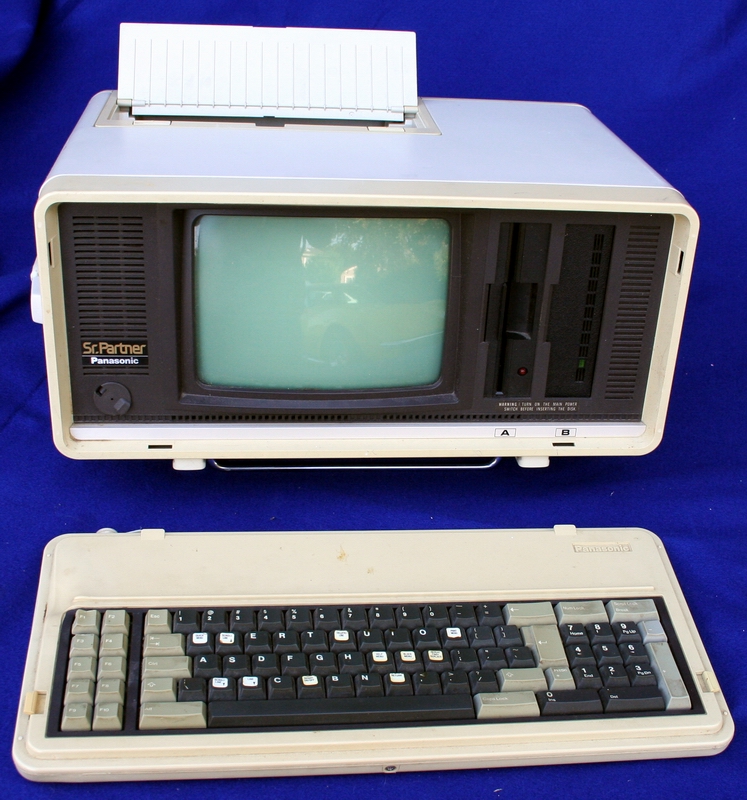
It's really kind of neat, it has a built-in thermal printer on top.
Sure enough, when I brought it home, I was slightly disappointed, although not surprised, that after switching it on, nothing appeared on the screen.
The light for one of the floppy drives remained on solid, and the screen remained dark.
I could hear a fan running, but no high-pitched whine from the little CRT screen, which is what you would expect if it had power going to the flyback.
At least a year later (or was it two?), and after moving, I finally got around to trying to fix it (first round) - I started with taking the entire thing apart, and trying to get the screen out, which ended up being rather tricky. This thing is built like a giant puzzle-tank.
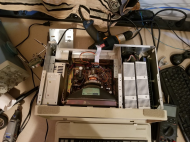
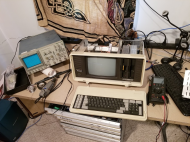
When I finally got the video input going to the monitor hooked up to a scope, I was pleased to find what looked like a TTL signal, so not completely dead logic-wise. So, my attention went to focusing on the power to the CRT monitor. After inspecting the PCB and not finding anything visually wrong, and poking and prodding at it for quite some time with it powered (dangerous! don't do this without proper precautions!) I was just ready to give up, when I accidentally bump one of the flyback caps and sure enough I briefly heard the high-pitch whine of a flyback powering on. I proceeded with poking each of the caps with a long plastic screwdriver (the kind you use for adjusting variable coils) and I eventually found the one I bumped, and found that when I held it in place, the display would turn on. This was the first time I saw a blinking cursor! After pulling power, draining caps and anode, I re-soldered the cap, and the crt was back from the dead!
A kind friend had gifted me some ancient floppies with various versions of MS DOS to try with this thing, so I inserted one of them, powered it on, nothing. blinking cursor, and drive with solid red light.
After trying all the disks I had on hand, disappointed once again, I gave up for several months.
Eventually I got back to it, and concluded that the floppy drive was probably not working right. I figured I would try swapping the A and B drive, maybe the other one was good. Then I notice the B drive did not have the molex power connector hooked up. Didn't think nothing of it.
Swapped the drives, powered them both on. Now the computer won't even show the cursor! What's going on! After some trial and error:
* both floppies disconnected: have cursor, after some time 'boot error' (was excited to see text for the first time!)
* Only drive A connected: solid power light
* Both drives connected: no cursor.
* Only drive B connected: no cursor.
* Using drive B as drive A: no cursor.
I eventually concluded drive B was defective. It was the only option, because any time it's connected to power, the machine would be dead.
I noticed it would even behave this way when I only connect power, and not the data cable, so I immediately start measuring the pins on the molex connector, and sure enough, there is a short!
<months pass again with the machine disassembled on the workbench>
After disassembling the broken floppy drive next round, I managed to disconnect the smaller pcb on the back with the molex and data connector, with everything disconnected but the small pcb, i'm still measuring a short - this is good news! that means the problem is in the smaller (less complicated pcb).
Near the molex power connector I see 3 capacitors, 2 elco's and one ceramic. I figured that a bad capacitor there could definitively be causing this short - visually they look fine though. In absence of anything else to try, i start with desoldering the ceramic cap (as it was the easiest to get to) - still shorting out. Disappointment again.
<months pass again with the machine disassembled on the workbench>
Today I had off of work and finally decided to have another go at this! I desoldered the other 2 capacitors, and sure enough, no more short!
I replaced the ceramic cap I desoldered earlier with a spare. I didn't have a replacement for the 2 elco's (there was one on the 12V and one on the 5V pin) - i figured they are probably just to remove ripples in the supplied power, and decided to try without them.
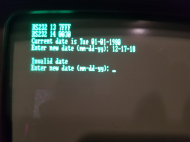
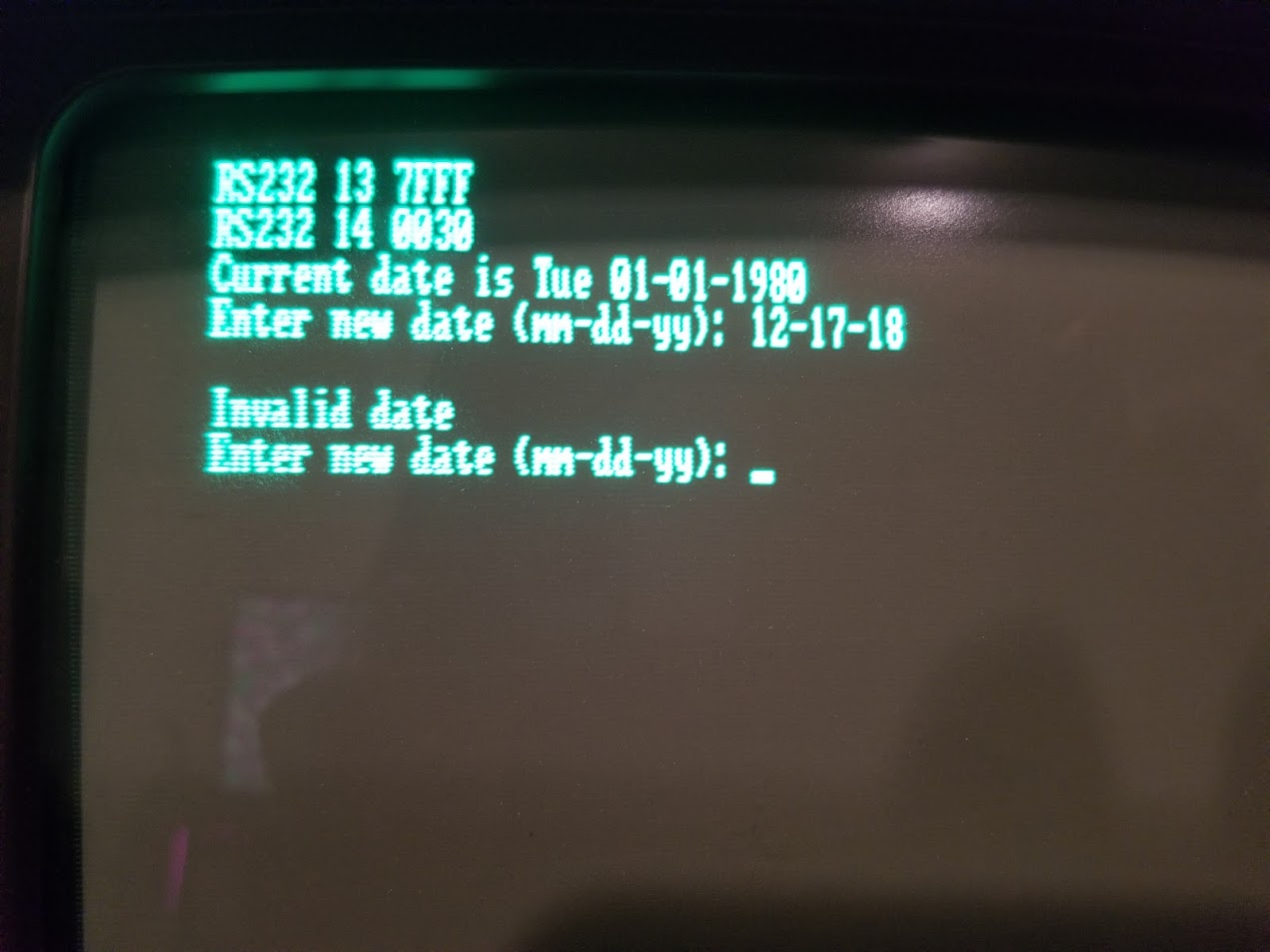
In the end my persistence was rewarded! I finally got the machine to boot, and both drives are now functional! I eventually found a bootable dos floppy. It was very confused about the current date, as if I'm an alien from the future. It was clear no one in 2019 was ever intended to use this machine!
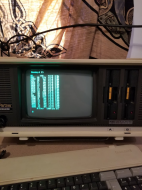
I tried putting in a floppy in the second drive, and sure enough, both work!
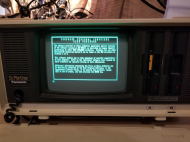
Time to fire up GWBASIC (which I found on one of the donated floppies!) and go to town!
It's really kind of neat, it has a built-in thermal printer on top.
Sure enough, when I brought it home, I was slightly disappointed, although not surprised, that after switching it on, nothing appeared on the screen.
The light for one of the floppy drives remained on solid, and the screen remained dark.
I could hear a fan running, but no high-pitched whine from the little CRT screen, which is what you would expect if it had power going to the flyback.
At least a year later (or was it two?), and after moving, I finally got around to trying to fix it (first round) - I started with taking the entire thing apart, and trying to get the screen out, which ended up being rather tricky. This thing is built like a giant puzzle-tank.
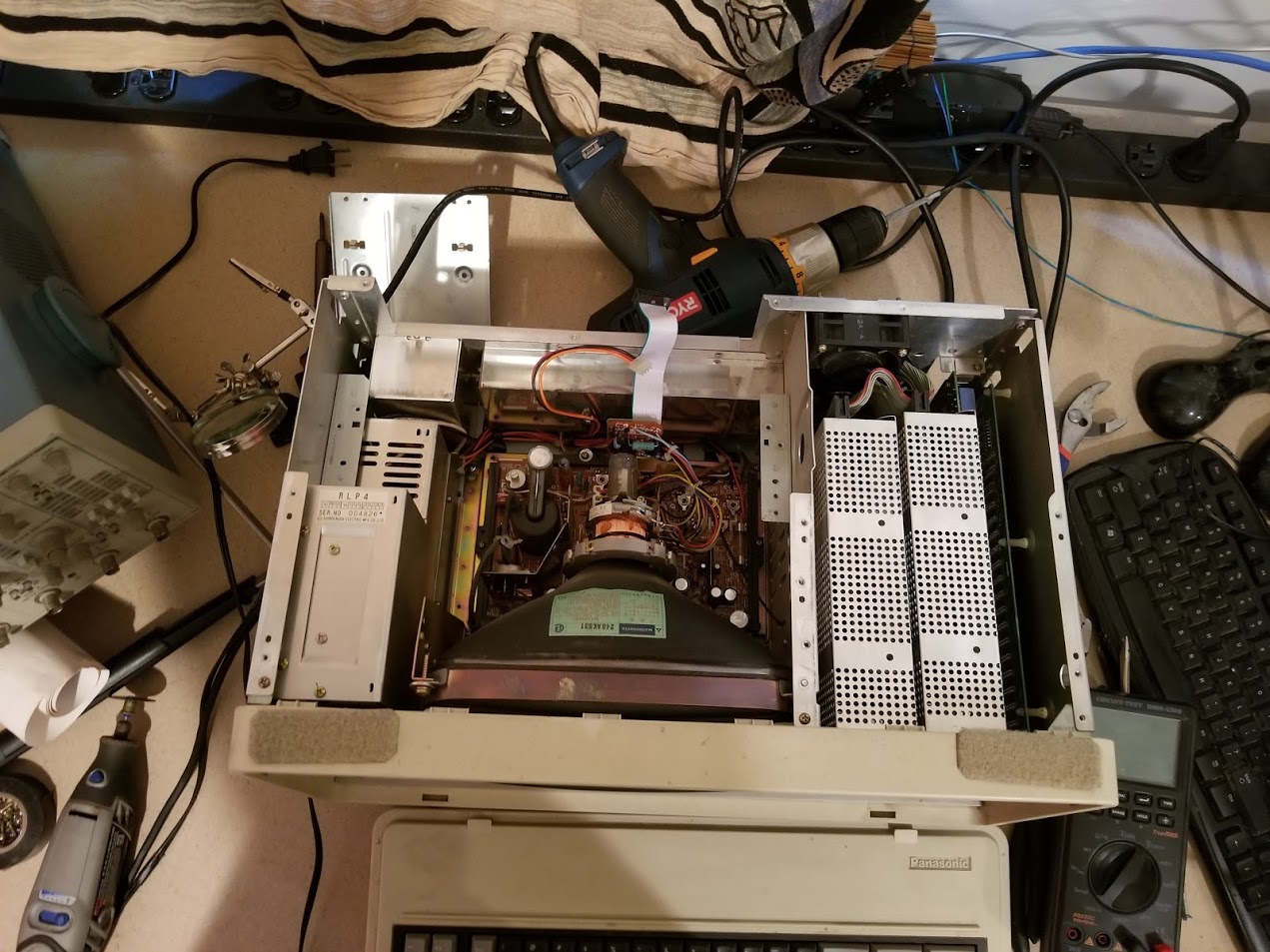
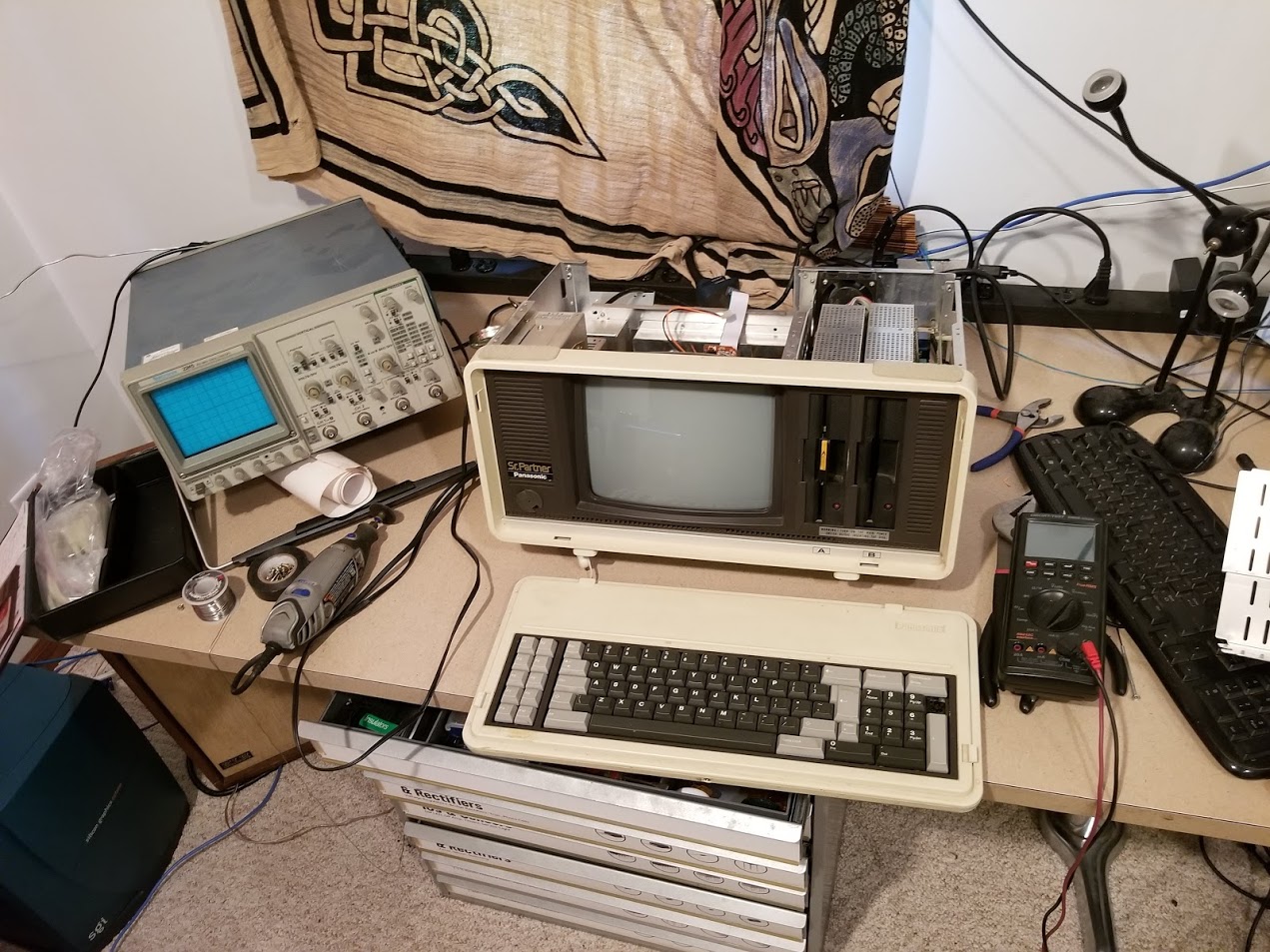
When I finally got the video input going to the monitor hooked up to a scope, I was pleased to find what looked like a TTL signal, so not completely dead logic-wise. So, my attention went to focusing on the power to the CRT monitor. After inspecting the PCB and not finding anything visually wrong, and poking and prodding at it for quite some time with it powered (dangerous! don't do this without proper precautions!) I was just ready to give up, when I accidentally bump one of the flyback caps and sure enough I briefly heard the high-pitch whine of a flyback powering on. I proceeded with poking each of the caps with a long plastic screwdriver (the kind you use for adjusting variable coils) and I eventually found the one I bumped, and found that when I held it in place, the display would turn on. This was the first time I saw a blinking cursor! After pulling power, draining caps and anode, I re-soldered the cap, and the crt was back from the dead!
A kind friend had gifted me some ancient floppies with various versions of MS DOS to try with this thing, so I inserted one of them, powered it on, nothing. blinking cursor, and drive with solid red light.
After trying all the disks I had on hand, disappointed once again, I gave up for several months.
Eventually I got back to it, and concluded that the floppy drive was probably not working right. I figured I would try swapping the A and B drive, maybe the other one was good. Then I notice the B drive did not have the molex power connector hooked up. Didn't think nothing of it.
Swapped the drives, powered them both on. Now the computer won't even show the cursor! What's going on! After some trial and error:
* both floppies disconnected: have cursor, after some time 'boot error' (was excited to see text for the first time!)
* Only drive A connected: solid power light
* Both drives connected: no cursor.
* Only drive B connected: no cursor.
* Using drive B as drive A: no cursor.
I eventually concluded drive B was defective. It was the only option, because any time it's connected to power, the machine would be dead.
I noticed it would even behave this way when I only connect power, and not the data cable, so I immediately start measuring the pins on the molex connector, and sure enough, there is a short!
<months pass again with the machine disassembled on the workbench>
After disassembling the broken floppy drive next round, I managed to disconnect the smaller pcb on the back with the molex and data connector, with everything disconnected but the small pcb, i'm still measuring a short - this is good news! that means the problem is in the smaller (less complicated pcb).
Near the molex power connector I see 3 capacitors, 2 elco's and one ceramic. I figured that a bad capacitor there could definitively be causing this short - visually they look fine though. In absence of anything else to try, i start with desoldering the ceramic cap (as it was the easiest to get to) - still shorting out. Disappointment again.
<months pass again with the machine disassembled on the workbench>
Today I had off of work and finally decided to have another go at this! I desoldered the other 2 capacitors, and sure enough, no more short!
I replaced the ceramic cap I desoldered earlier with a spare. I didn't have a replacement for the 2 elco's (there was one on the 12V and one on the 5V pin) - i figured they are probably just to remove ripples in the supplied power, and decided to try without them.
In the end my persistence was rewarded! I finally got the machine to boot, and both drives are now functional! I eventually found a bootable dos floppy. It was very confused about the current date, as if I'm an alien from the future. It was clear no one in 2019 was ever intended to use this machine!
I tried putting in a floppy in the second drive, and sure enough, both work!
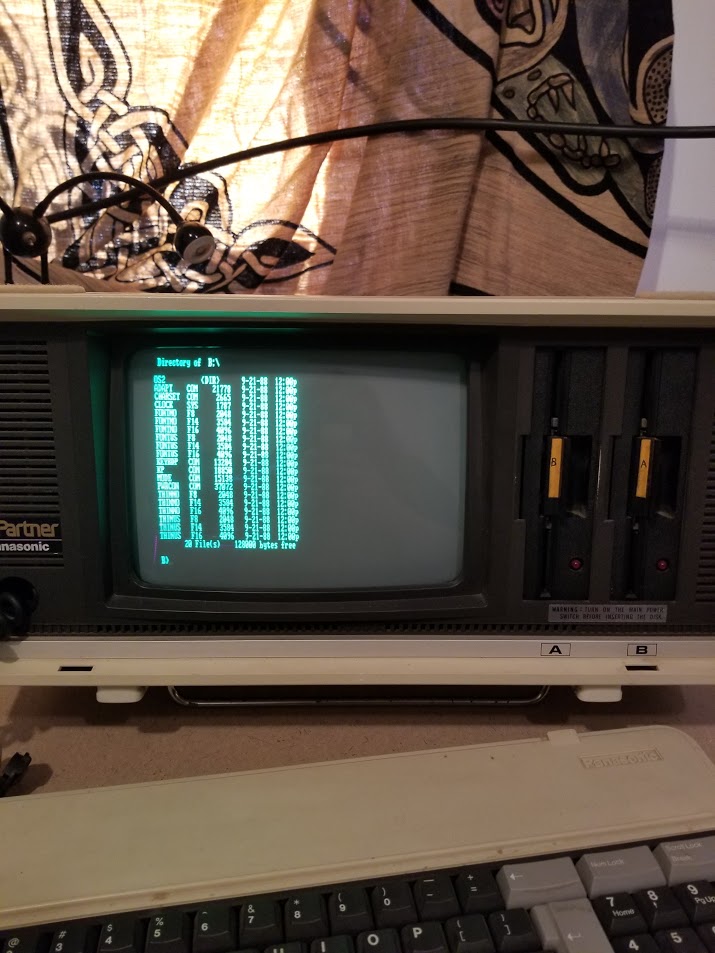
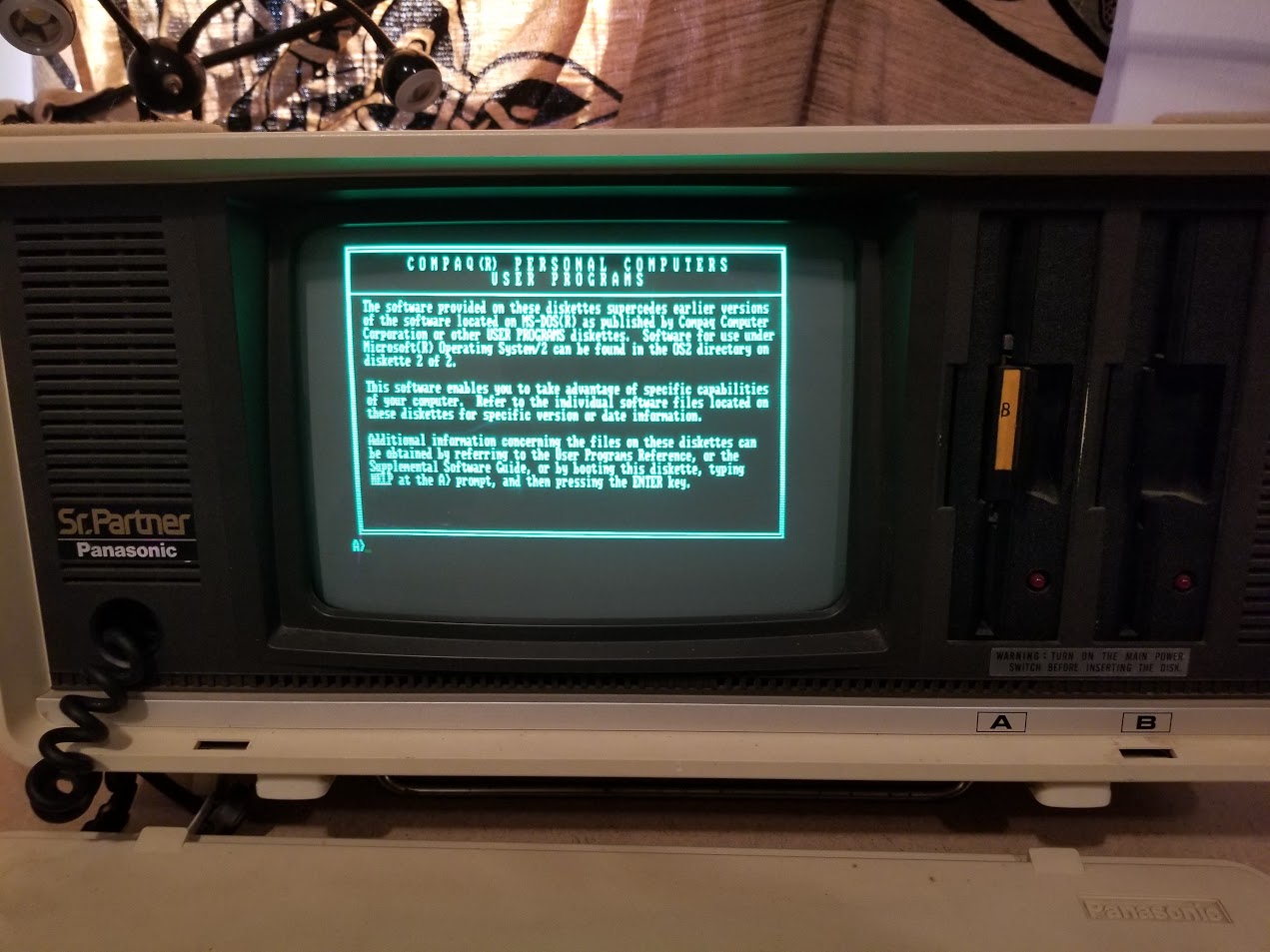
Time to fire up GWBASIC (which I found on one of the donated floppies!) and go to town!