


Quote
I went to university today and during class I heard a peer talking about the troubles he was having trying to located a certain setting within Windows. I suggested God mode to him and when the entire class thought I was joking I realized that this "hidden feature" isn't as common as I thought it was so I thought I'd share with imgur and maybe it will help out fellow IT guys and gals! (or even the average user)
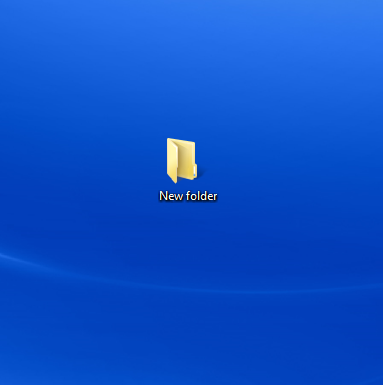
First create a new folder
Quote
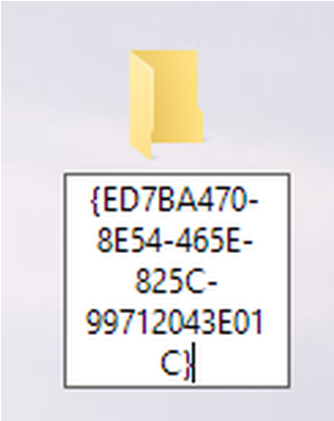
Secondly you are gonna want to name the folder the following
GodMode.{ED7BA470-8E54-465E-825C-99712043E01C} (for Windows 10 Creators Edition and above, use the code below
- )
Then press enter
Quote
Win 10 Creators Edition and Above
*Update. Right-click desktop, select New --> Shortcut, and paste the text below:
%windir%\explorer.exe shell:::{ED7BA470-8E54-465E-825C-99712043E01C}
To change the icon, right-click the new shortcut, select Properties, go to the Shortcut tab, click Change Icon, and paste the text below:
%windir%\System32\imageres.dll The icon is the 6th from the left in the third row. Or use any other icon you like.
Quote
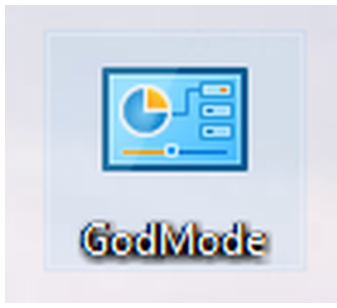
BOOM, the folder icon will change to a cool little control panel
Quote
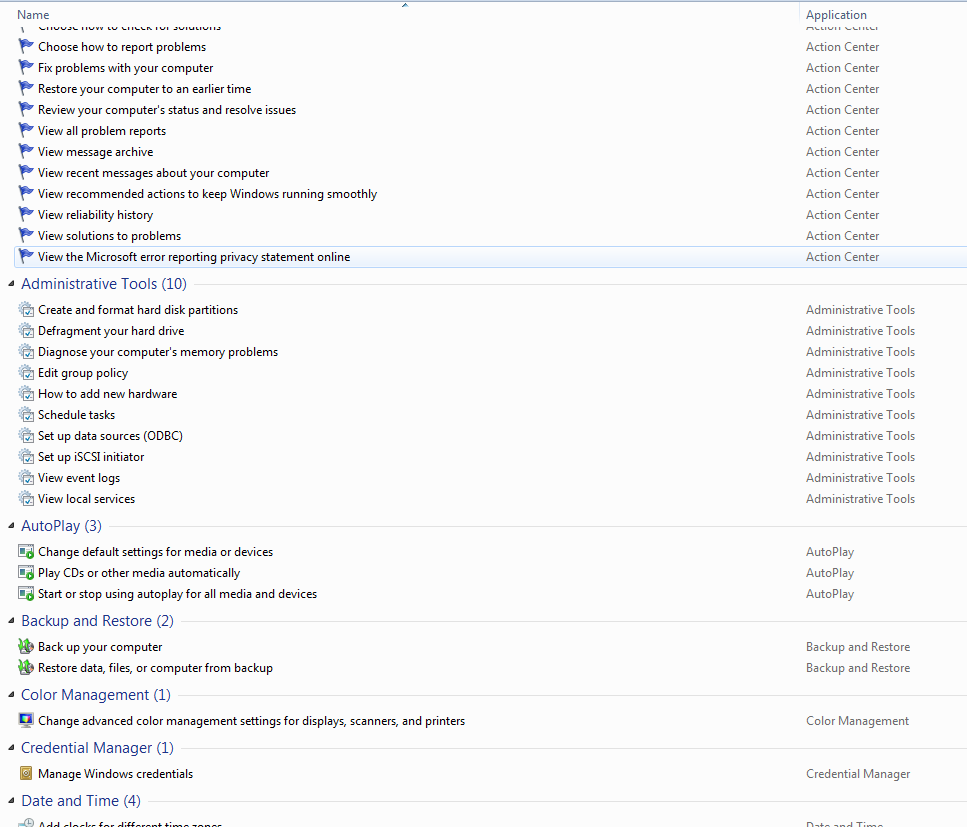
Open it up and enjoy all the settings windows has to offer!
Hope this helps someone!
Source: https://imgur.com/gallery/NTFgg
Author: https://imgur.com/user/IsNice
