DonationCoder.com forum
 
Read-only archive. This is a static copy of the DonationCoder.com forum. Reading and searching work as before; logging in, posting and private messages do not.
Archive of 2026-10-21 · About this archive · Main site

Author Topic: Help - not sure what happened but windows seems to be hosed  (Read 8,401 times)

Carol Haynes

  • Waffles for England (patent pending)
  • Global Moderator
  • Joined in 2005
  • *****
  • Posts: 8,073
    • Cody Award
    • Furry Fandom Badge - Furry Fandom
Hi

Sorry not been around for ages - wonder if anyone has any ideas

Yesterday Windows got really slow, and ran out of system RAM (all 32Gb) and I have no idea why as I wasn't running anything unusual.

I tried to restart but it froze so I forced a restart and it got passed the usual Windows 7 start up screen but not to the desktop. I just ended up with a blank screen.

I have run CHKDSK and it comes up with no errors. I tried to start Windows in Safe Mode but it scrolls through the usual drivers, the hard disk is chuntering but it doesn't seem to go any further.

The problem is my system is dual booting Windows 10 and Windows 7 - when I try to boot from a windows 7 repair disk it says the wrong version of windows is installed.

Any ideas how to get in to repair the windows 7 installation? There is no 'Repair this computer" in the advanced startup screen for windows 7 in the dual boot menu.

I am currently seeing this from the Windows 10 installation. Files on the Windows 7 side appear to be fine

Carol Haynes

  • Waffles for England (patent pending)
  • Global Moderator
  • Joined in 2005
  • *****
  • Posts: 8,073
    • Cody Award
    • Furry Fandom Badge - Furry Fandom
Re: Help - not sure what happened but windows seems to be hosed
« Reply #1 on: January 28, 2018, 01:04 PM »
OK Seem to have got Windows 7 up again.

No idea how - I did another CHKDSK from Windows 10 and no errors showed up. I ran an SFC check on the Windows 7 installation from Windows 10 (using OFFBOOT options) and no errors showed up.

Restarted and it started as normal.

Having said that I have 32Gb of RAM installed and it is currently using around 25% of it - all I am doing is browsing and running a virus scan (neither of which have increased RAM usage more than 2%)

The two largest processes are instances svchost.exe (553Mb and 240Mb) - which looks like a lot to me. I checked Windows update and there are no updates pending or happening in the background.

Anyone any idea how to figure out where 8Gb RAM is going?

I ran a full Malwarebytes scan (no detections) and am running a full virus scan - so far nothing.

I am usually quite good at figuring out this sort of stuff but this has me confused.

wraith808

  • Supporting Member
  • Joined in 2006
  • **
  • Posts: 11,205
    • Participated in NANY Challenge Fourteen Times
    • Coding Snacks
    • Writer
    • Hardware Hacker
Re: Help - not sure what happened but windows seems to be hosed
« Reply #2 on: January 28, 2018, 01:44 PM »
Process Explorer might help.

Carol Haynes

  • Waffles for England (patent pending)
  • Global Moderator
  • Joined in 2005
  • *****
  • Posts: 8,073
    • Cody Award
    • Furry Fandom Badge - Furry Fandom
Re: Help - not sure what happened but windows seems to be hosed
« Reply #3 on: January 28, 2018, 02:33 PM »
That's what I thought - but it doesn't seem to want to want to reveal much about what the svchost processes are up to

tomos

  • Charter Member
  • Joined in 2006
  • ***
  • Posts: 11,970
    • Gathering Badge
    • Participated in NANY Challenge Once
Re: Help - not sure what happened but windows seems to be hosed
« Reply #4 on: January 28, 2018, 03:11 PM »
Does it not show what's using the rest of the 8GB ram being used?

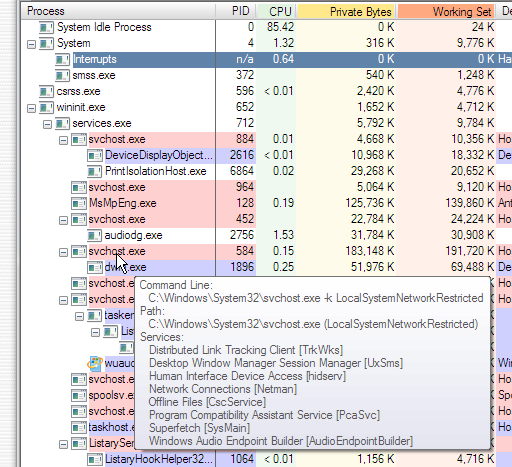
You presumably know this: mouseover &/or press Enter on (e.g.) the svchost will give more info

Screenshot - 2018-01-28 , 15_01_14.png
Tom

Carol Haynes

  • Waffles for England (patent pending)
  • Global Moderator
  • Joined in 2005
  • *****
  • Posts: 8,073
    • Cody Award
    • Furry Fandom Badge - Furry Fandom
Re: Help - not sure what happened but windows seems to be hosed
« Reply #5 on: January 28, 2018, 04:44 PM »
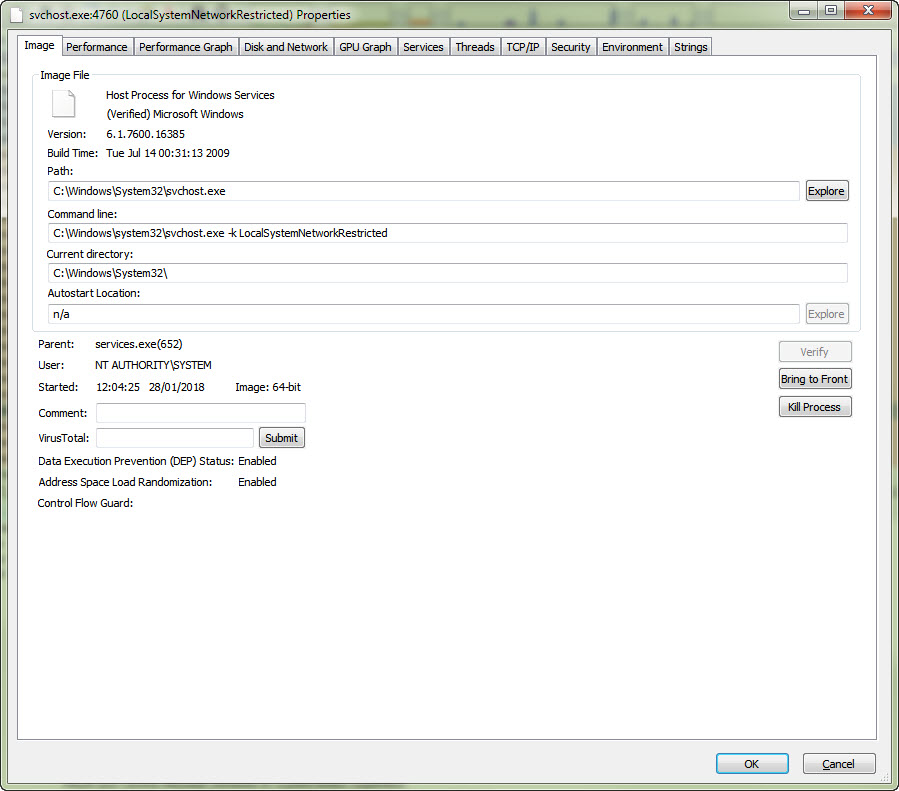
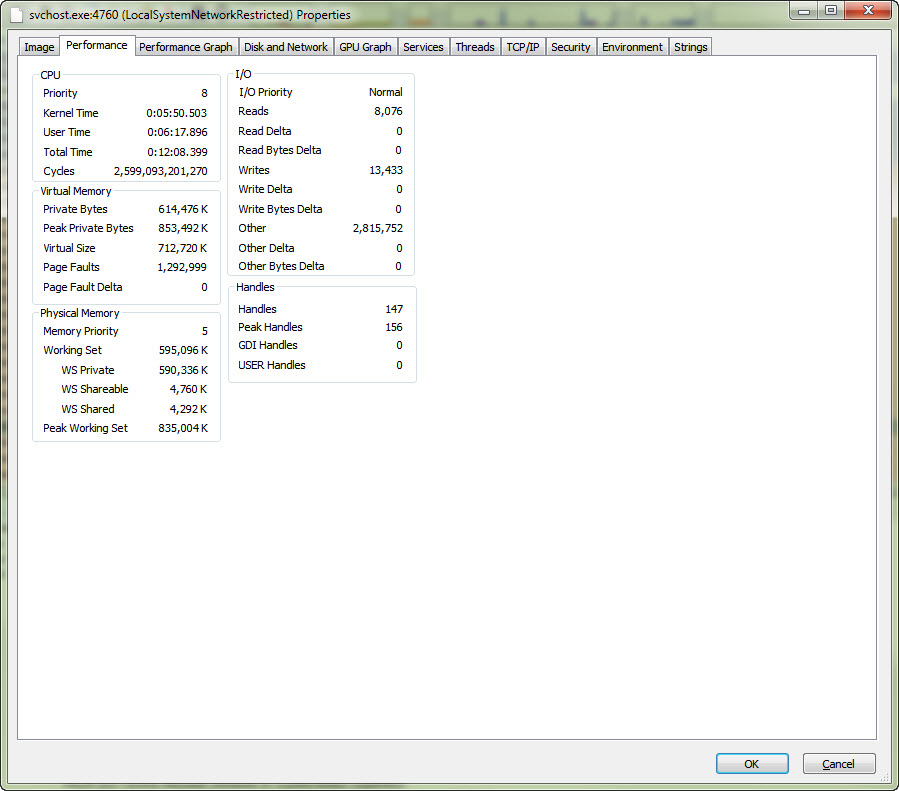
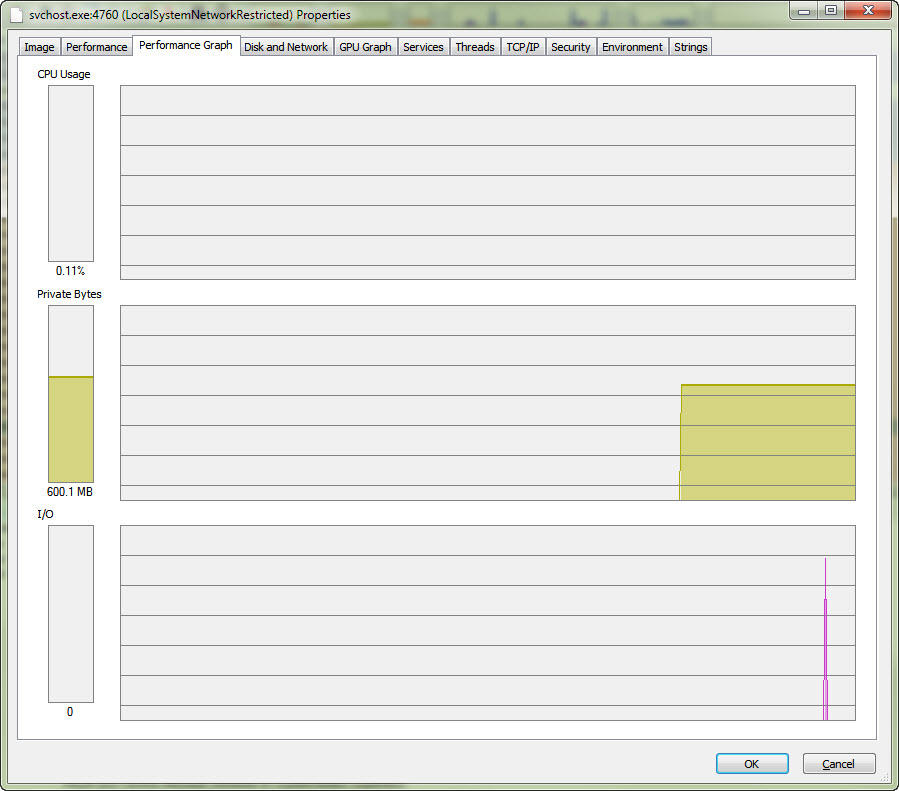
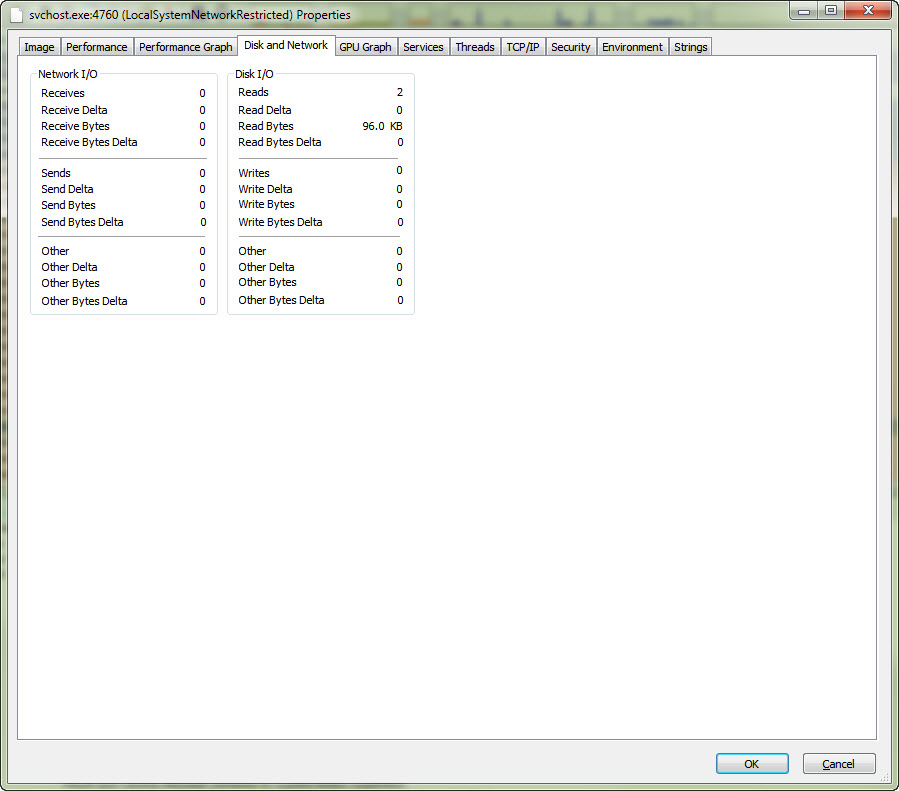
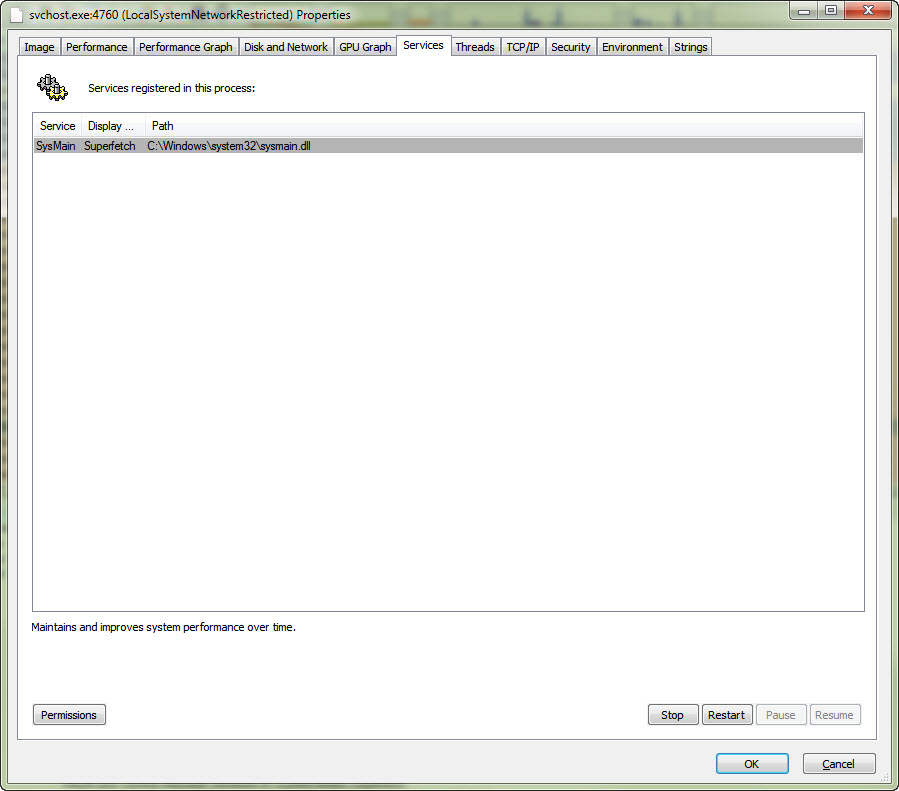
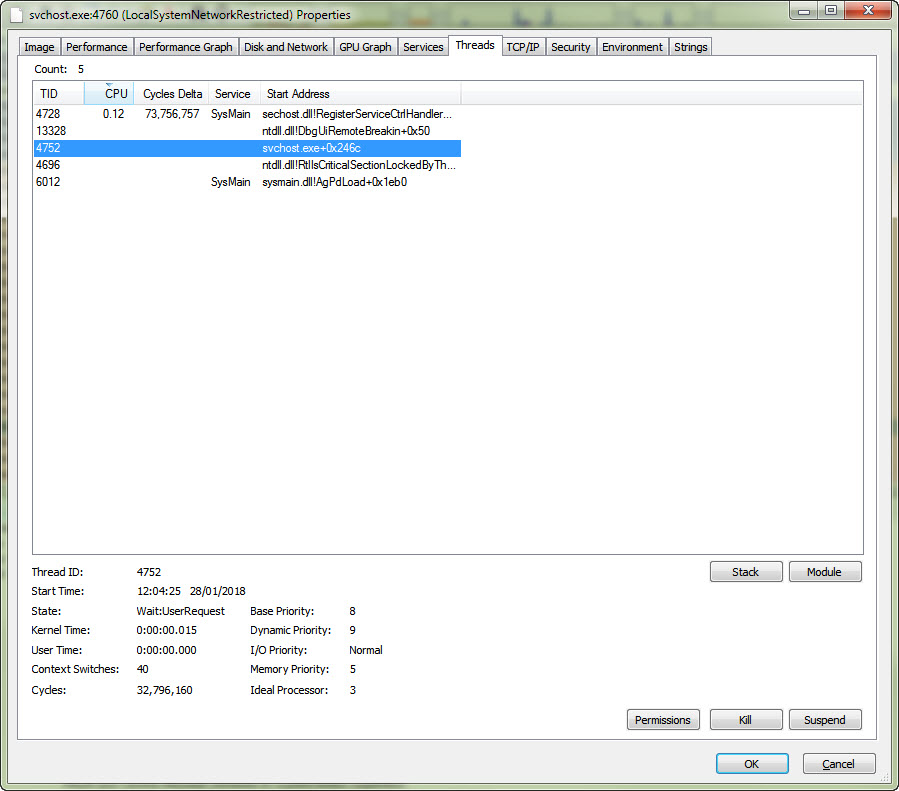
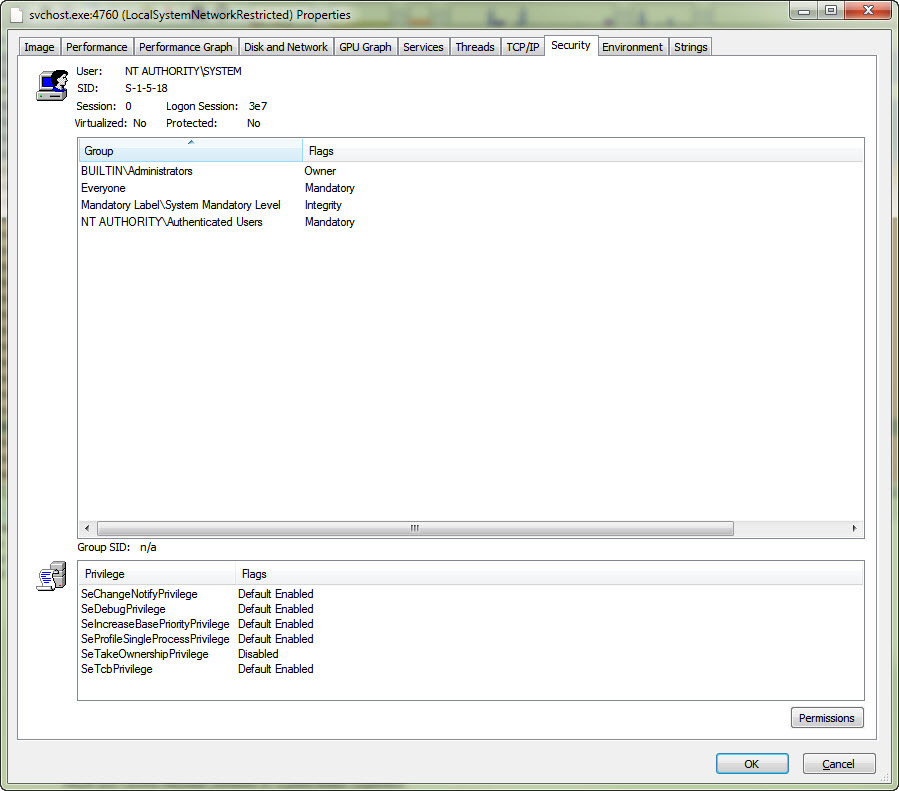
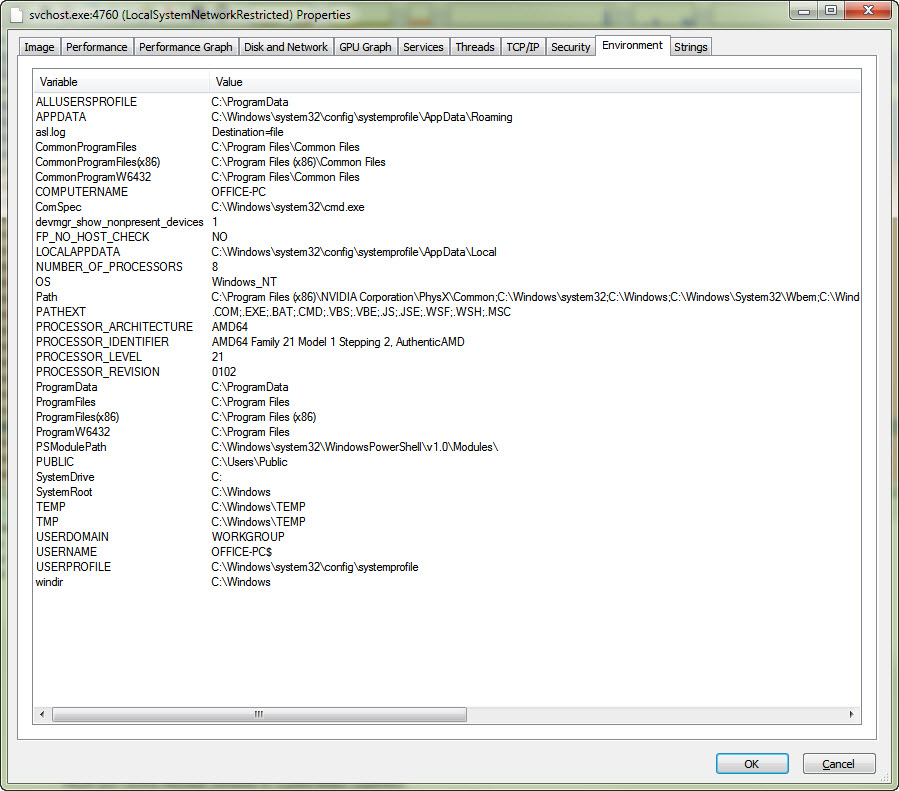
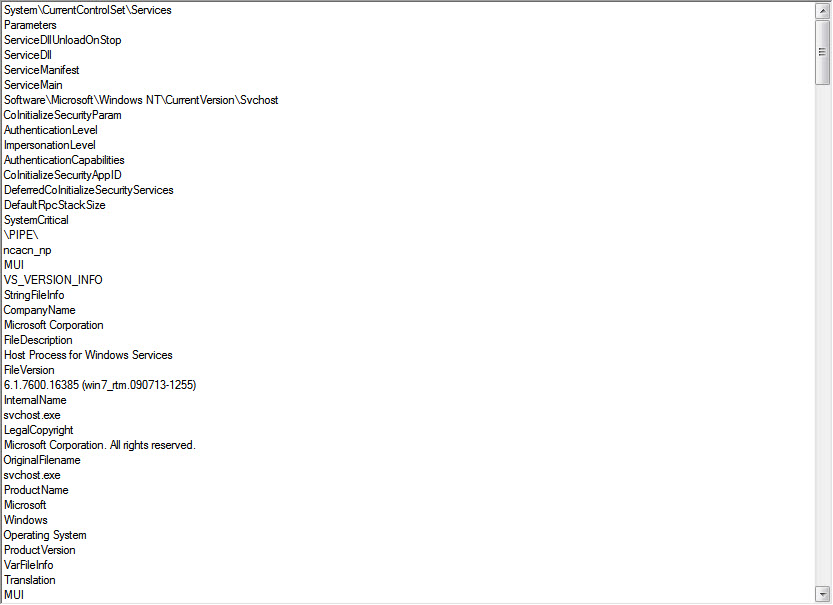
These are the panels that have info:

28-01-2018 16-37-21.jpg28-01-2018 16-37-38.jpg28-01-2018 16-37-43.jpg28-01-2018 16-37-51.jpg28-01-2018 16-37-56.jpg
28-01-2018 16-38-09.jpg28-01-2018 16-38-14.jpg28-01-2018 16-38-28.jpg28-01-2018 16-38-36.jpg28-01-2018 16-39-09.jpg

I have lost the plot  - what comes of messing with this to 430am  :tellme:

wraith808

  • Supporting Member
  • Joined in 2006
  • **
  • Posts: 11,205
    • Participated in NANY Challenge Fourteen Times
    • Coding Snacks
    • Writer
    • Hardware Hacker
Re: Help - not sure what happened but windows seems to be hosed
« Reply #6 on: January 28, 2018, 05:58 PM »
So, it looks like it's superfetch, and using at the peak 800MB, but currently almost 600 MB.  I've had problems with SuperFetch before on another system, and just disabled it.

It has an entry in the services control panel.  Just go to that entry and disable it.  It doesn't affect anything, so you can try this without worries.

More information:

https://superuser.com/questions/645650/what-is-superfetch-and-its-relation-to-svchost-exe-localsystemnetworkrestricte

cranioscopical

  • Friend of the Site
  • Supporting Member
  • Joined in 2006
  • **
  • Posts: 4,776
    • Cody Award
    • Official Forum Clown
    • rotten turkey sandwich - Rotten Turkey Sandwich
Re: Help - not sure what happened but windows seems to be hosed
« Reply #7 on: January 28, 2018, 09:03 PM »
Also, could it possibly be this?

Quote
Users of Malwarebytes, a popular security solution for Windows, reported on Saturday that the software's RAM usage and CPU utilization was going through the roof.

One user published a screenshot that showed the Malwarebytes Service process using more than 19 Gigabytes of RAM, and others soon chimed in and revealed that Malwarebytes used a lot of RAM and CPU on their devices as well.

It took down my machine, ate up ALL the memory, and required a restore-from-backup solution.
Chris

Carol Haynes

  • Waffles for England (patent pending)
  • Global Moderator
  • Joined in 2005
  • *****
  • Posts: 8,073
    • Cody Award
    • Furry Fandom Badge - Furry Fandom
Re: Help - not sure what happened but windows seems to be hosed
« Reply #8 on: January 28, 2018, 09:19 PM »
Thanks I will give them a go and see what happens - I disabled superfecth and stopped MBAM loading at startup.

mouser

  • First Author
  • Administrator
  • Joined in 2005
  • *****
  • Posts: 40,931
    • Gathering Badge
    • Plugin Coding Medal
    • Participated in NANY Challenge Seventeen Times
    • Cody Award
    • Coding Snacks
    • Volunteers/Staff
Re: Help - not sure what happened but windows seems to be hosed
« Reply #9 on: January 29, 2018, 04:41 AM »
Yikes!
Yeah martin at ghacks reports on the malware bytes issue: https://www.ghacks.net/2018/01/28/borked-malwarebytes-update-causes-high-ram-usage/

IainB

  • @Slartibartfarst
  • Supporting Member
  • Joined in 2008
  • **
  • Posts: 7,544
Re: Help - not sure what happened but windows seems to be hosed
« Reply #10 on: January 29, 2018, 05:14 AM »
@mouser:
Yikes!
Yeah martin at ghacks reports on the malware bytes issue: https://www.ghacks.net/2018/01/28/borked-malwarebytes-update-causes-high-ram-usage/
Classic. Very droll. Yeah. like nobody could have predicted that...  :o

Carol Haynes

  • Waffles for England (patent pending)
  • Global Moderator
  • Joined in 2005
  • *****
  • Posts: 8,073
    • Cody Award
    • Furry Fandom Badge - Furry Fandom
Re: Help - not sure what happened but windows seems to be hosed
« Reply #11 on: January 29, 2018, 04:07 PM »
Thanks all - things seem to be running relatively sensibly again now.

Original address: https://www.donationcoder.com/forum/index.php?topic=44995.0