I am trying to use Captor to replace Snipping Tool and Give me a fixed size capture window with minimum clicks.
With Snipping Tool I need 2 clicks start a dragable capture window, when I let go image is in clipboard
First how do I move Captor out of the notifications area so it is always in the taskbar?
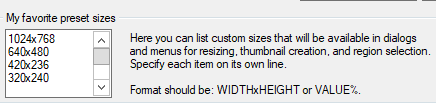
I managed to find how to set preset sizes in my favouritres (not intuitive) - but how do I get one of those to be the default from some shortcut (then easily choose another)?
Currently IL
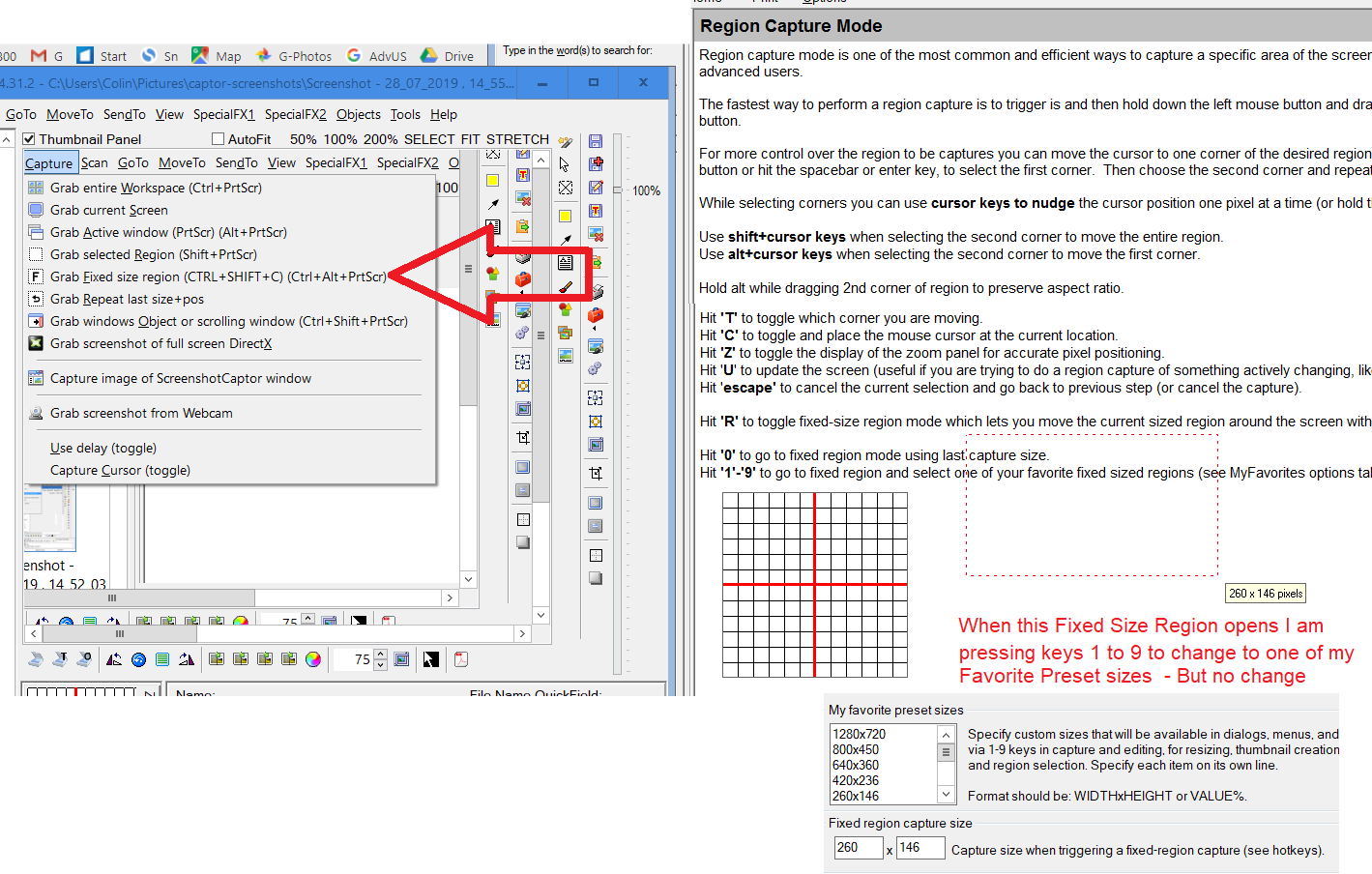
click Alt Ctrl PrntScrn - that puts a capture window around the current window
I then right click on red area (top left) then choose a size eg 420x236 - window changes size
BUT - as soon as I move my mouse to the resized window, it resizes to full size and moves partly off screen
What am I doing wrong - how do I get my 420x236 capture window on screen with minimum clicks then save to clipboard with minimum clicks?
Thanks ColinK
With Snipping Tool I need 2 clicks start a dragable capture window, when I let go image is in clipboard
First how do I move Captor out of the notifications area so it is always in the taskbar?
I managed to find how to set preset sizes in my favouritres (not intuitive) - but how do I get one of those to be the default from some shortcut (then easily choose another)?
Currently IL
click Alt Ctrl PrntScrn - that puts a capture window around the current window
I then right click on red area (top left) then choose a size eg 420x236 - window changes size
BUT - as soon as I move my mouse to the resized window, it resizes to full size and moves partly off screen
What am I doing wrong - how do I get my 420x236 capture window on screen with minimum clicks then save to clipboard with minimum clicks?
Thanks ColinK