DonationCoder.com forum
 
Read-only archive. This is a static copy of the DonationCoder.com forum. Reading and searching work as before; logging in, posting and private messages do not.
Archive of 2026-10-21 · About this archive · Main site

Author Topic: Uploading images  (Read 14,756 times)

wraith808

  • Supporting Member
  • Joined in 2006
  • **
  • Posts: 11,205
    • Participated in NANY Challenge Fourteen Times
    • Coding Snacks
    • Writer
    • Hardware Hacker
Uploading images
« on: November 17, 2017, 10:51 PM »
I'm not sure if this is where this goes- I though there was a section for problems with the forum.

I was updating a post with a lot of images.  I was going to use imgur, but because of the size of the images when placed, I decided to try to upload them to the forum.

The bane of my existence:

Your file is too large. The maximum attachment size allowed is 8000 KB.


Does it mean the individual file?  I don't think so, since I reduced them by a lot.  One is 2.75MB, and it gives me this image.

So then I thought it might mean the total of all the files, and the message was just stupid.  Nope, experimented with that (i.e. removing an image and then adding another one) and got the same error.

I'm close to giving up on the post, since I've been trying to do this for an hour and can't get past it, even splitting it.

The posts start with this one:
http://www.donationcoder.com/forum/index.php?topic=42493.msg414427#msg414427

mouser

  • First Author
  • Administrator
  • Joined in 2005
  • *****
  • Posts: 40,931
    • Gathering Badge
    • Plugin Coding Medal
    • Participated in NANY Challenge Seventeen Times
    • Cody Award
    • Coding Snacks
    • Volunteers/Staff
Re: Uploading images
« Reply #1 on: November 18, 2017, 12:58 AM »
Yeah it's 8mb total per post.. I can change that..

Curt

  • Supporting Member
  • Joined in 2006
  • **
  • Posts: 7,565
Re: Uploading images
« Reply #2 on: November 18, 2017, 10:09 AM »
@wraith808
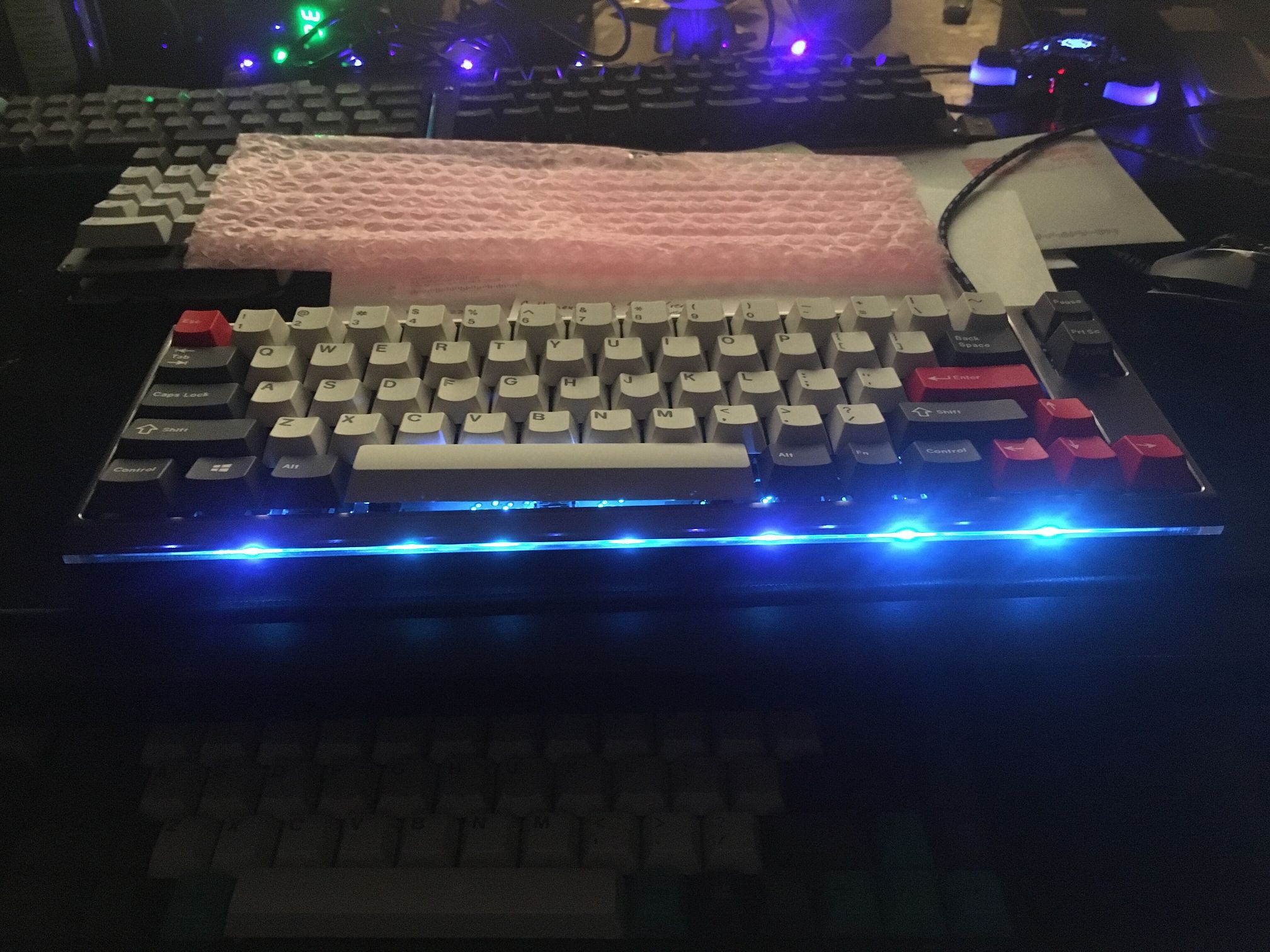
The third picture in the first post ("a Clueboard Rev 2 that I paid full price for") is 4.616 KB - and that is a lot for a poor connection or a so-called smart phone.
I don't think you can see any difference between the original (huge) PNG and this (compressed to 80%) 347 KB JPG :

Quote from: compressed jpg
[attachthumb=#]

So, less quality and more compression will let you upload all of your pictures into the one and same post ;-)


wraith808

  • Supporting Member
  • Joined in 2006
  • **
  • Posts: 11,205
    • Participated in NANY Challenge Fourteen Times
    • Coding Snacks
    • Writer
    • Hardware Hacker
Re: Uploading images
« Reply #3 on: November 18, 2017, 03:23 PM »
@wraith808
The third picture in the first post ("a Clueboard Rev 2 that I paid full price for") is 4.616 KB - and that is a lot for a poor connection or a so-called smart phone.
I don't think you can see any difference between the original (huge) PNG and this (compressed to 80%) 347 KB JPG :

Quote from: compressed jpg
[attachthumb=#]

So, less quality and more compression will let you upload all of your pictures into the one and same post ;-)


In my ire, as I had many different versions of those photos, I might have attached the wrong one, as I'd reduced the size on all of them.  It just doesn't tell you which or why in those terms.  So I was over and over selecting images, resizing them, etc.  I have a version sitting there that's 253k.  But in my having to delete and add and redo posts, I selected the wrong one apparently- it's not even the literal image I meant to upload.  I was getting frustrated by that point. :huh:

Which brings me to another issue- the attachment numbers.  They have attachment 1, 2, 3, etc beside them.  But that doesn't adequately show the number that will be in the attachthumb.  And if you're not naming them (as I wasn't in many of them that I uploaded) that can be frustrating and make them non identifiable.  In the post, that particular image is labeled attachment 4, i.e. [attachment 4 not found].

Looking at the post, attachment 4 is the redscarf.  It appears to be something in the way things are renumbered when an attachment is deleted, though it doesn't change the tags in the posts.  Maybe.  The correct image is there now, and as shown it's 107KB.  I was paying attention, but a lot of it was my own frustration at the process coming out, especially with the lack of clarity in the errors.

Interestingly enough, when posting this, I noticed this clearer (if not correct) note following the posting:

Quote
Allowed file types: txt, jpg, jpeg, gif, mpg, png, zip, rar, 7z, ahk, fbs, mov, avi, mpg, rm, exe, mid, mp3, wav, grid, opml, tgz, gz, xml, ini, alias, wma, ogg, xz, pdf, apk, wmv, mp4, asf, webp, webm
Restrictions: 50 per post, maximum total size 16000KB, maximum individual size 16000KB

So perhaps if we increase it to that actual amount, or make it agree with the error.
« Last Edit: November 18, 2017, 03:33 PM by wraith808 »

Original address: https://www.donationcoder.com/forum/index.php?topic=44608.0