DonationCoder.com forum
 
Read-only archive. This is a static copy of the DonationCoder.com forum. Reading and searching work as before; logging in, posting and private messages do not.
Archive of 2026-10-21 · About this archive · Main site

Author Topic: IDEA: time in the title bar and also a scroll/num/caps indicator  (Read 9,504 times)

mrpd

  • Participant
  • Joined in 2006
  • *
  • Posts: 11
I really like the TicTockTitle (which puts the time ect... in the title bar) from Skrommel and KeyInfo (which shows the status of my keystates num/caps on, scroll lock off etc) from jgpaiva but is there a way to have both of these items in the title bar? I have enough things in the tray and would like to have the status indicators in the titlebar so I don't have to look down at the tray to see if they are on or not.

Thanks,
-MrPD
« Last Edit: July 15, 2006, 12:01 PM by brotherS »

app103

  • That scary taskbar girl
  • Global Moderator
  • Joined in 2006
  • *****
  • Posts: 5,888
    • Participated in NANY Challenge Six Times
    • Coding Snacks
    • Gathering Badge
    • Cody Award
    • Volunteers/Staff
If skrommel's TicTockTitle and jgpaiva's KeyInfo do not play well together, you can use my DClock with the KeyInfo.

The biggest difference between my DClock and TicTockTitle is that mine is a small stay on top window that you can customize and stick anywhere on your screen. I like to keep it at the top of mine.

You can change the size & colors, and it will give you the date as a tooltip when you hover your mouse over it.

Comes with some other nifty tools you can access from either right clicking the clock itself or the tray icon.

More info about features are on the DClock 2 page.

screenshots of DClock with some of its tools (I need to update these to XP ones):


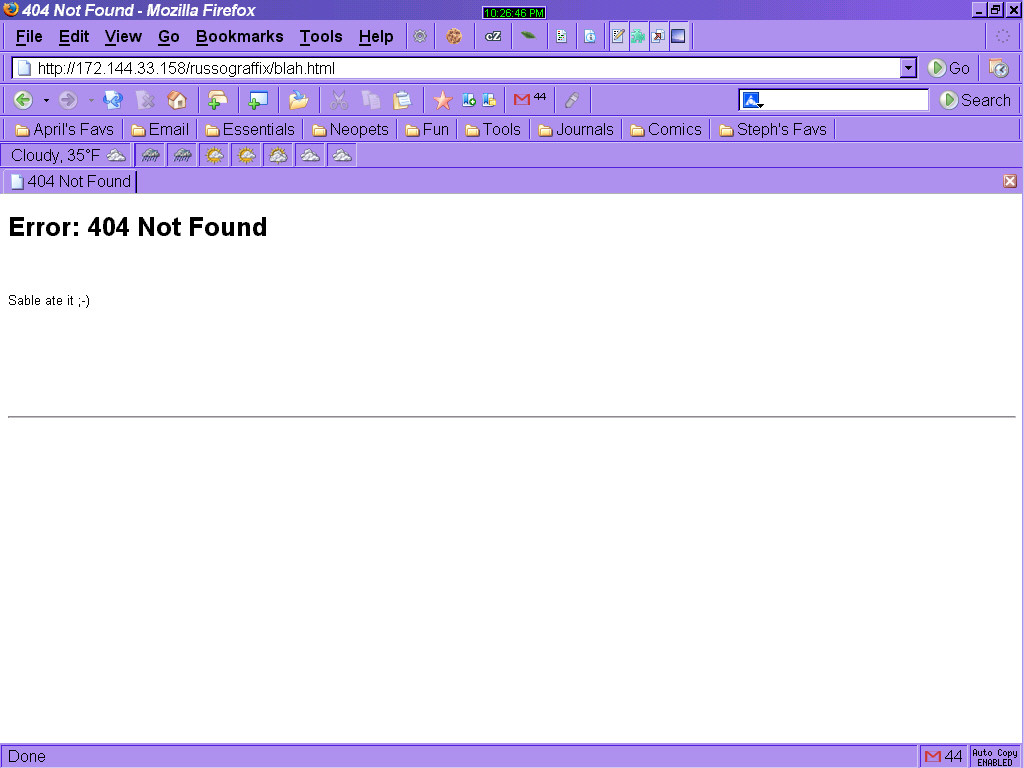
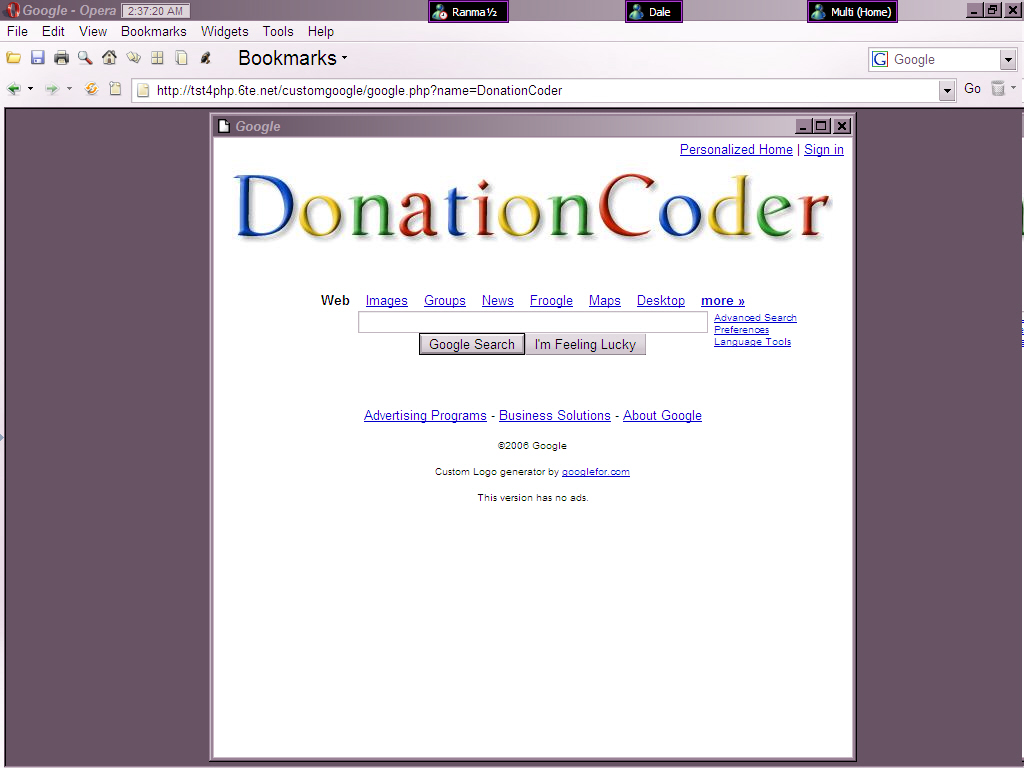
below are screenshots of Firefox on 9x and opera on XP with my clock at the top

jgpaiva

  • Artificial Idiocy
  • Global Moderator
  • Joined in 2006
  • *****
  • Posts: 4,727
    • Cody Award
    • Participated in NANY Challenge Once
    • Coding Snacks
    • Portugal Inhabitant
    • Linux User
That means you'd like to have the key information displayed in the TitleBar of a window, right?
I guess the easiest way to do that would be for skommel to modify TicTockTitle and add it that functionality. If not, they would conflict with each.
Any opinions skrommel?

app103

  • That scary taskbar girl
  • Global Moderator
  • Joined in 2006
  • *****
  • Posts: 5,888
    • Participated in NANY Challenge Six Times
    • Coding Snacks
    • Gathering Badge
    • Cody Award
    • Volunteers/Staff
oops...sorry...I thought jgpaiva's program displayed the key info in the titlebar.

I misunderstood.

nevermind  :-[

mrpd

  • Participant
  • Joined in 2006
  • *
  • Posts: 11
I guess this post is more for jgpaiva I'm sorry if I might have confused people, what I would like is to have is KeyInfo (which shows the status of my keystates num/caps on, scroll lock off etc in the tray notifaction area) from jgpaiva on the title bar of the windows just like TicTockTitle. TicTockTitle (which puts the time ect... on the title bar) from Skrommel already is in the titlebar. I just don't really look down at the time all that much but you are always looking up toward the titlebars of the windows. If you could show me the code to put the keystate indicators into the keyinfo.ahk to do this, that would be great. Also with some kind of X , Y offset so i could adjust where it goes.

Keep up the good programs!!  :Thmbsup:

Thanks for your help
« Last Edit: July 16, 2006, 07:57 AM by mrpd »

skrommel

  • Fastest code in the west
  • Developer
  • Joined in 2005
  • ***
  • Posts: 933
    • Participated in NANY Challenge Twice
    • Coding Snacks
:) Try TicTocTitle v1.4!

Added keys lock states for CapsLock, NumLock, ScrollLock and Insert. In the settings, use the words caps, num, scroll and insert.

I also corrected a bug when applying new settings.

Skrommel

Josh

  • Charter Honorary Member
  • Joined in 2005
  • ***
  • Posts: 3,411
    • Gathering Badge
    • Official Forum Clown
    • Coding Snacks
    • Plugin Coding Medal
    • Volunteers/Staff
    • Military Service Badge - US Army
    • Furry Fandom Badge - Furry Fandom
    • Linux User
Skrommel, I must say thank you again for your work on this. Is there any way to add an indicator icon for the CNSI lines? Like, a green light icon next to each or red light icon to indicate each key's status?
Strength in Knowledge

Original address: https://www.donationcoder.com/forum/index.php?topic=4368.0