
Now I'm going to guess that Deozaan uses Chrome?
Yep. I'm using Vivaldi, which is Chrome-based.
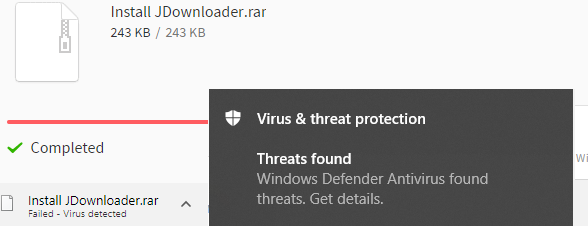
But note that it wasn't Chrome/Vivaldi that flagged it for me. It was Windows Defender's real-time protection.


 Topic: grab urls (Read 49,313 times)


Now I'm going to guess that Deozaan uses Chrome?


Now I'm going to guess that Deozaan uses Chrome?
Yep. I'm using Vivaldi, which is Chrome-based.
But note that it wasn't Chrome/Vivaldi that flagged it for me. It was Windows Defender's real-time protection.
Now it's even stranger since we're both using Vivaldi and Defender on the same file and yet I don't get any hit from Defender, even when I scan it after download.


Now I'm going to guess that Deozaan uses Chrome?
Yep. I'm using Vivaldi, which is Chrome-based.
But note that it wasn't Chrome/Vivaldi that flagged it for me. It was Windows Defender's real-time protection.
There goes that idea, was hoping you'd say Chrome.
Now it's even stranger since we're both using Vivaldi and Defender on the same file and yet I don't get any hit from Defender, even when I scan it after download.
Makes absolutely no sense ...



Are you guys all positive you're downloading the same file? How about posting some checksums?

If it makes you feel better, I'm using Chrome, Windows Defender, and Malwarebytes, and none of them gave any indication.
Are you guys all positive you're downloading the same file? How about posting some checksums?
Install JDownloader .rar
243 KB
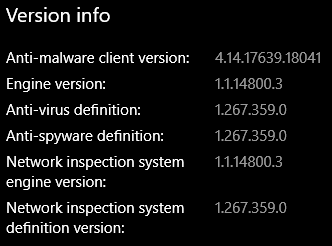
Defender Definitions v1.267.267.0 (so below Deo for both, but mines showing no updates available on either - I wonder if those are regional or something.).
Like Stephen, I can't post a checksum of a file that gets immediately removed by Defender.Defender Definitions v1.267.267.0 (so below Deo for both, but mines showing no updates available on either - I wonder if those are regional or something.).
I was on that version of the definitions when I started making the post but decided to check for updates just in case a newer version would result in the file not being flagged. The file was still flagged on the newer version. So I put down the newer version as what I was currently running.
- https://mega.nz/#!DQUSDS4Q!3oCI6KwWTivL3PSTcTAv4YDQxKfkgxMEsehkdTLumP0

Wraith, Kalos don't indicate anything on their systems, I've got six systems (five Win10Pro + WHS2011) plus one completely brand new Win10Pro VM with no other programs and yet ... nothing ...
About the only thing I'm getting out of this is it's the AV that can't be trusted.
About the only thing I'm getting out of this is it's the AV that can't be trusted.
I thought we'd already established that


I got told by these ridiculous people from JDownloader, that actually the adware downloaded is different for each user! Depending on its system, region, etc!
So has anyone figured out what the virus is and how to get rid of it?
It still messes up my Firefox Google results with fake results.
Why don't you ask them if you're already in contact with them...?
There are lots of forums to help you remove viruses / adware. I've used a couple over the years, probably mentioned them here somewhere.
Or try instructions as per multiple sites that tell you how to "remove BingSearchby". One I found was on malwaretips.com, appeared to give fairly sensible advice.

The fake google results, all have BING as their referral.
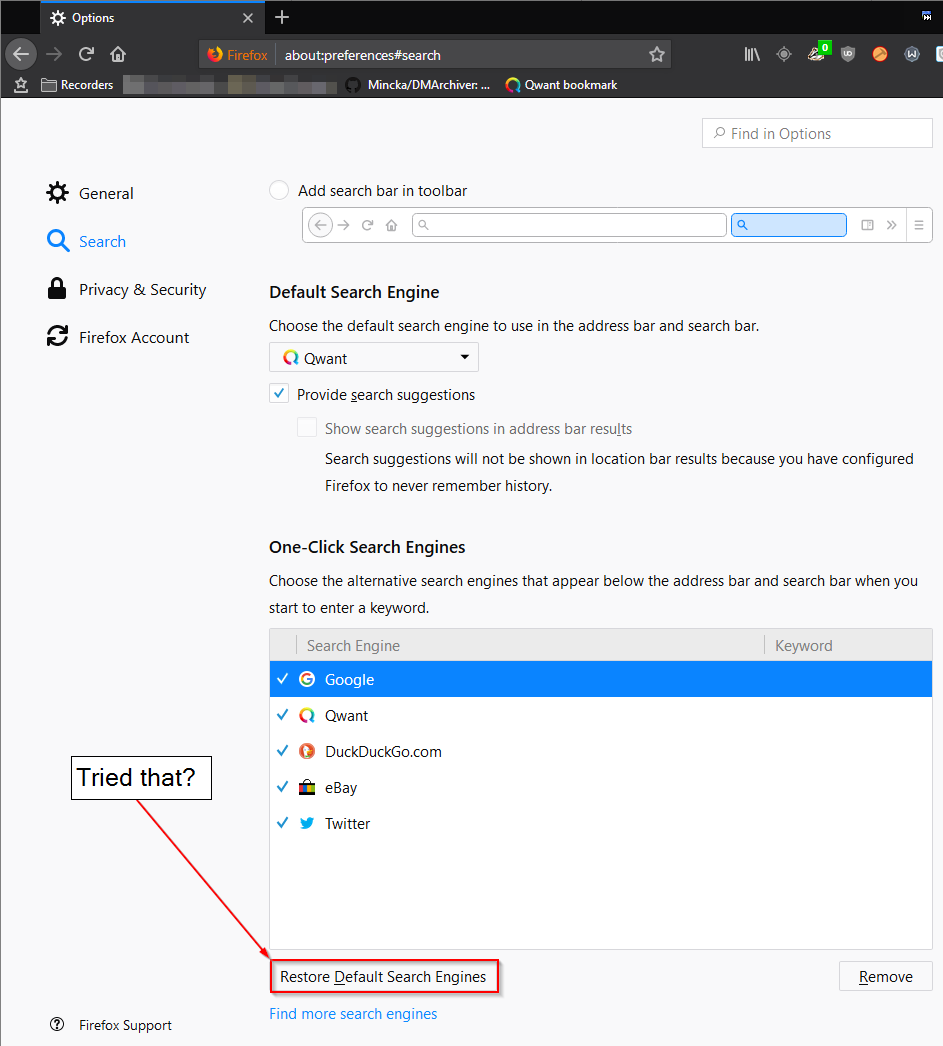
They use the installCorew installer.The fake google results, all have BING as their referral.
[attachment 1 not found]
JDownloader2 Ad-ware Free Installers from here and here.
Original address: https://www.donationcoder.com/forum/index.php?topic=43236.0