Since some here are coming around to Sumatra let me do a plug for my sumatra_highlight_helper tool. It is really useful, if you ask me. 


 Topic: So, what pdf reader app is your fav? (Read 72,694 times)


I have been using PDF Xchange Viewer for years. I tried the newly free PDF Xchange Editor a few months back but didn't like it and switched back to the viewer.





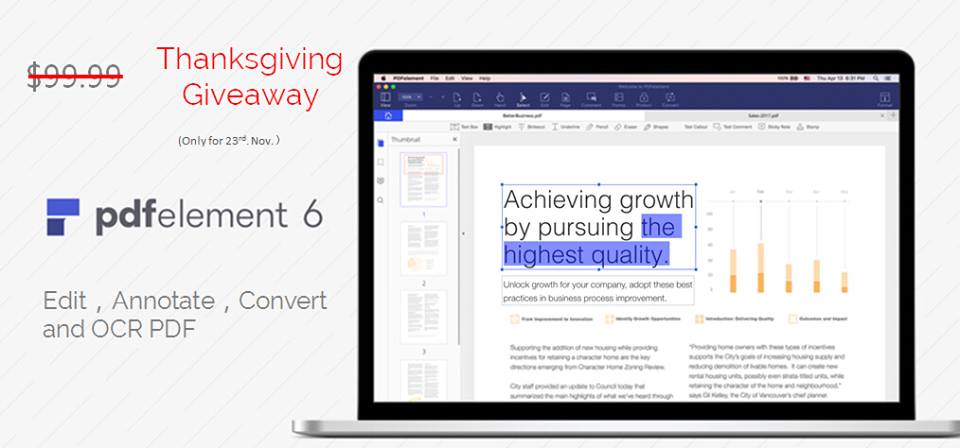
Thanksgiving Giveaway! Tap "Pumpkin" in the App to get PDFelement desktop program for free. Only valid for today (23rd.Nov.)

, we can find a large number of PDF tools online, who will choose a paid shareware?

Advanced settings
SumatraPDF can be customized by editing settings file.
Command-line arguments
For most complete documentation, read "this" page.
https://www.sumatrapdfreader.org/manual.html
I don't do pdf editing, just reading and copy/paste. I use an old version of Foxit Reader (4.0) and love it. Tried Sumatra, but found that I had to make excessive use of the menu to get things done.


Possibly vaguely related:
I tried PDFXchange a couple of years ago, and found no shortcuts for getting various views of a page. Adobe Reader isn't super in that direction, but does haveIt no longer uses Ctrl+0 to show full page (edit// I may be wrong there but pretty sure they had that as the full-page view shortcut)
- Ctrl+1 for page width
- Ctrl+3 for content width (margins removed from view)
- Alt+LeftArrow for previous 'view'
- and still mainly supports mouse zoom: Ctrl+Spacebar[+Alt] Click and drag for zooming in and out
But, certainly in the past, none of the aternatives gave much keyboard support for view/zoom-level
If all you're doing is reading and copy/paste, what kind of menu options are you going for?
Sumatra feels archaic and I can't think of a reason why I'd want to use it.

Original address: https://www.donationcoder.com/forum/index.php?topic=40614.0