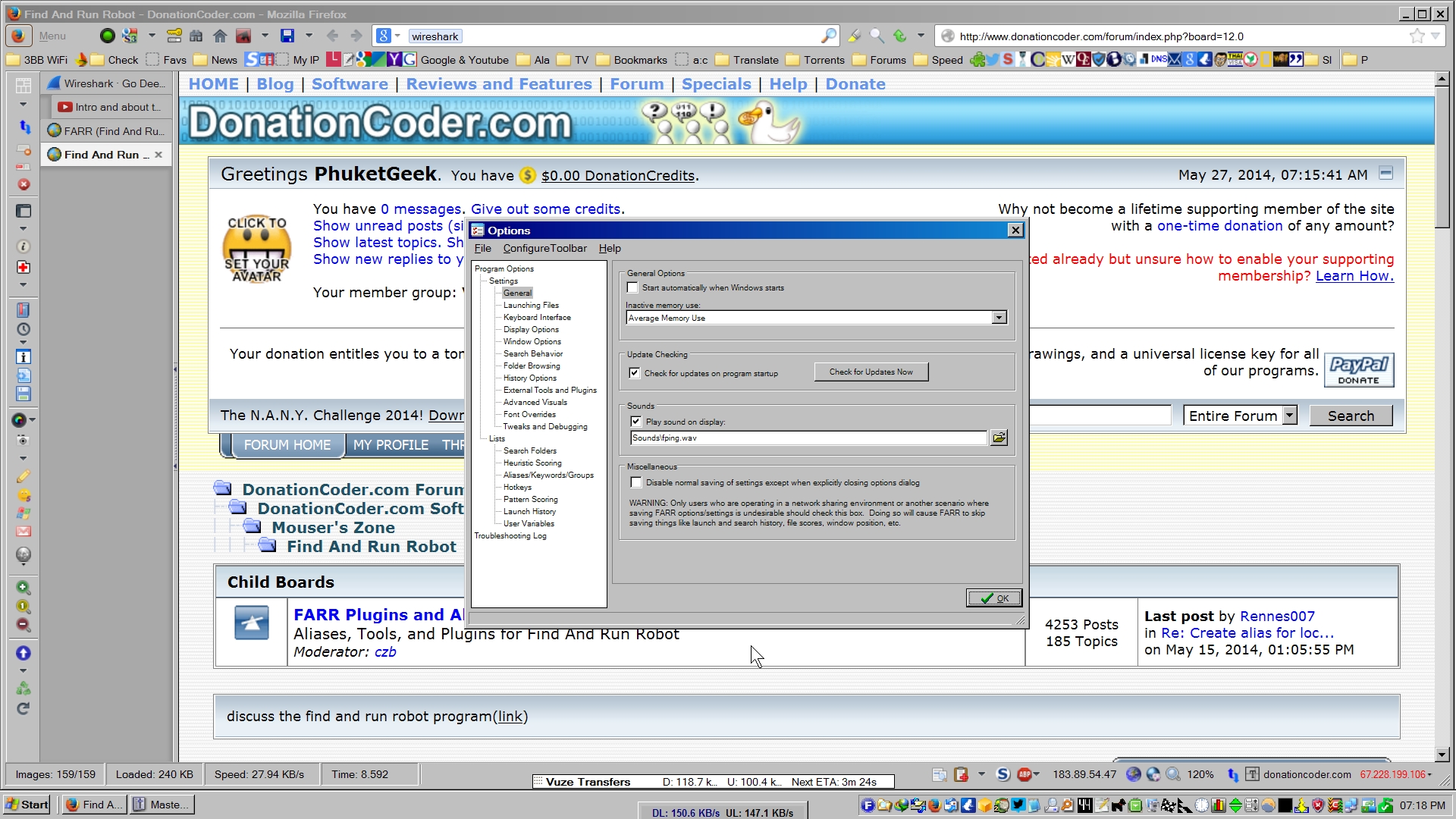
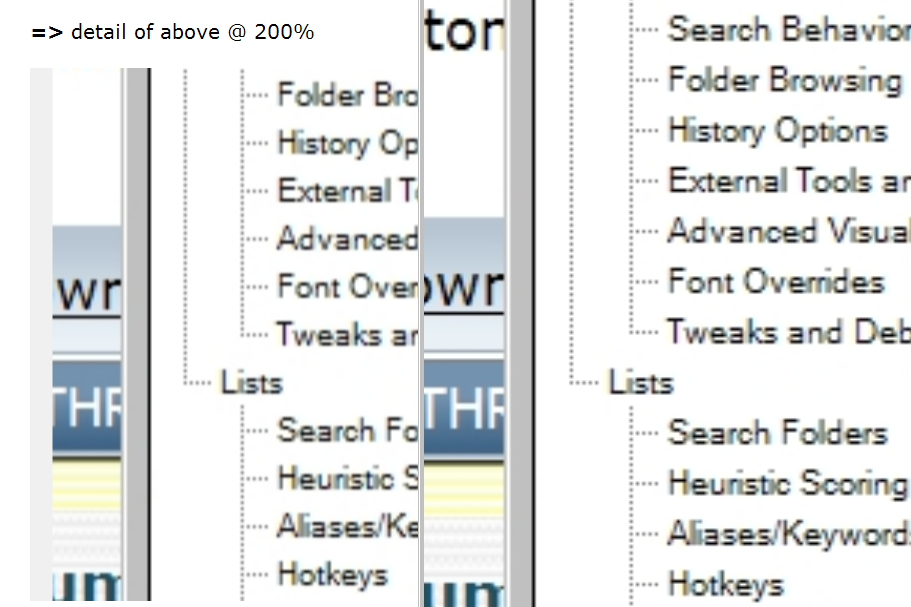
See attached picture.
Any Chance of Making The Options Window Font Twice As Big?
« on: May 27, 2014, 12:22 PM »

 Topic: Any Chance of Making The Options Window Font Twice As Big? (Read 14,131 times)


 Screenshot - 2014-05-27 , 14_32_34.png
(107.1 KB, 508x574 - viewed 1090 times.)
Screenshot - 2014-05-27 , 14_32_34.png
(107.1 KB, 508x574 - viewed 1090 times.)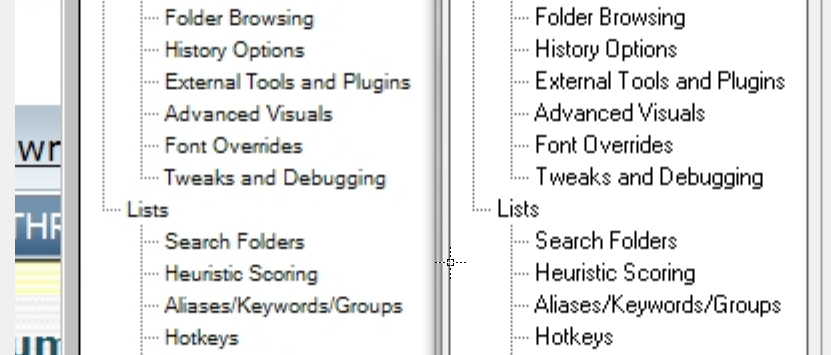 Screenshot - 2014-05-27 , 14_35_14.png
(133.9 KB, 831x355 - viewed 1087 times.)
Screenshot - 2014-05-27 , 14_35_14.png
(133.9 KB, 831x355 - viewed 1087 times.)

 FARRx800.jpg
(315.7 KB, 800x450 - viewed 629 times.)
FARRx800.jpg
(315.7 KB, 800x450 - viewed 629 times.)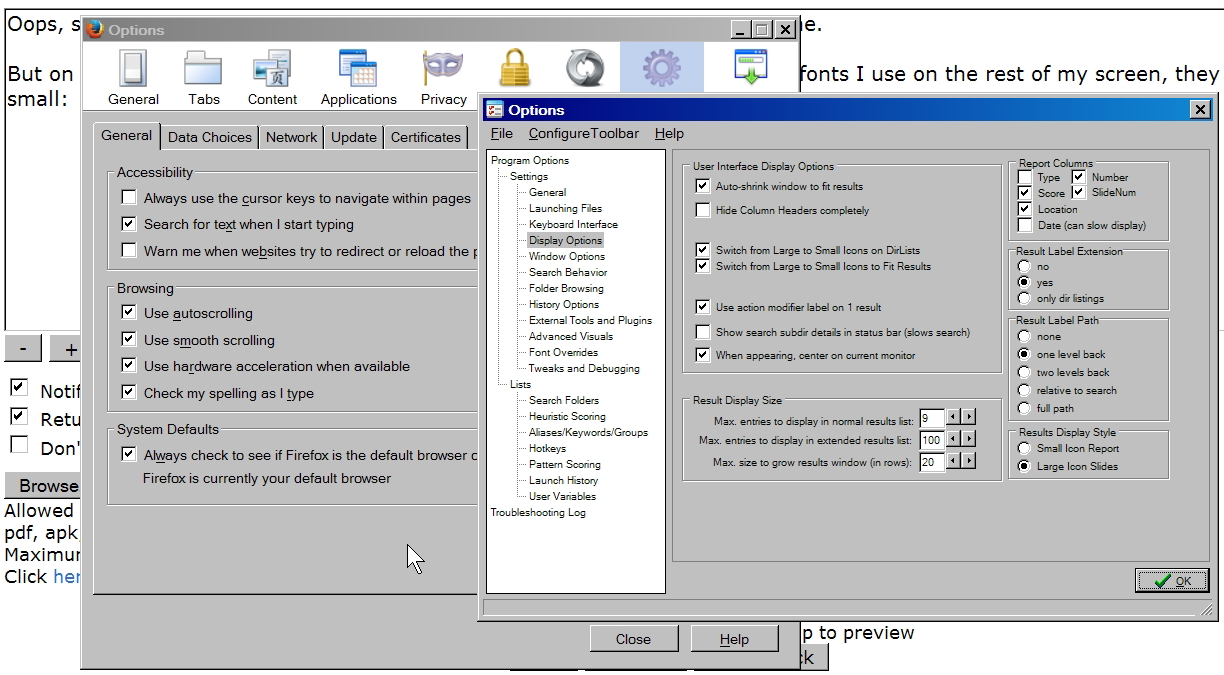 FFopt.jpg
(459.7 KB, 1224x675 - viewed 636 times.)
FFopt.jpg
(459.7 KB, 1224x675 - viewed 636 times.)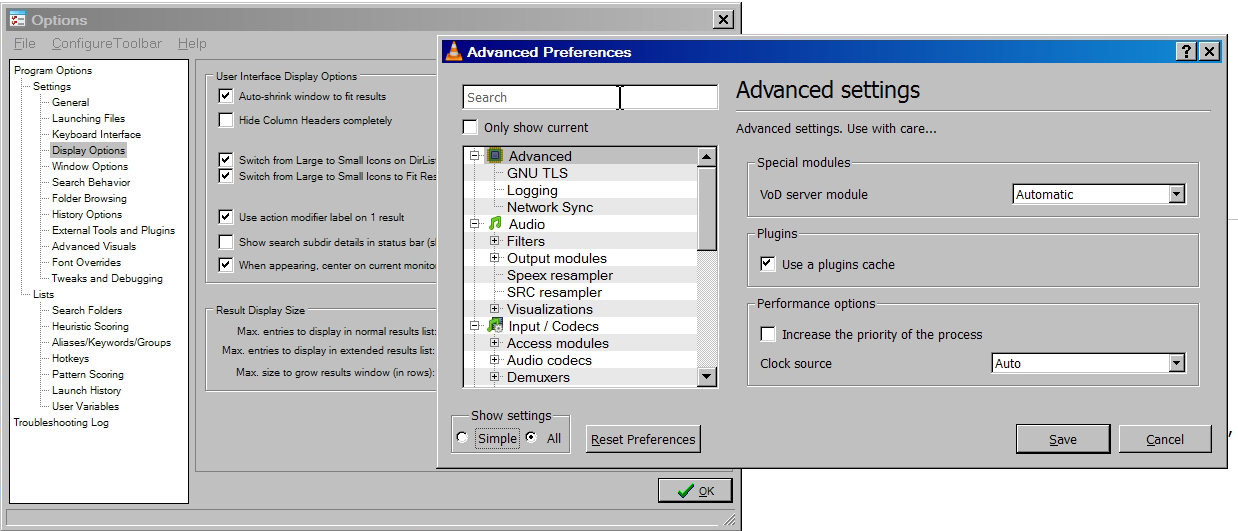 VLCopt.jpg
(339.8 KB, 1238x531 - viewed 623 times.)
VLCopt.jpg
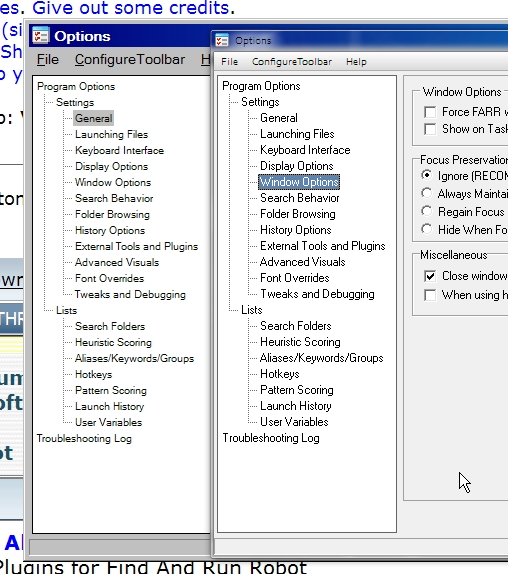
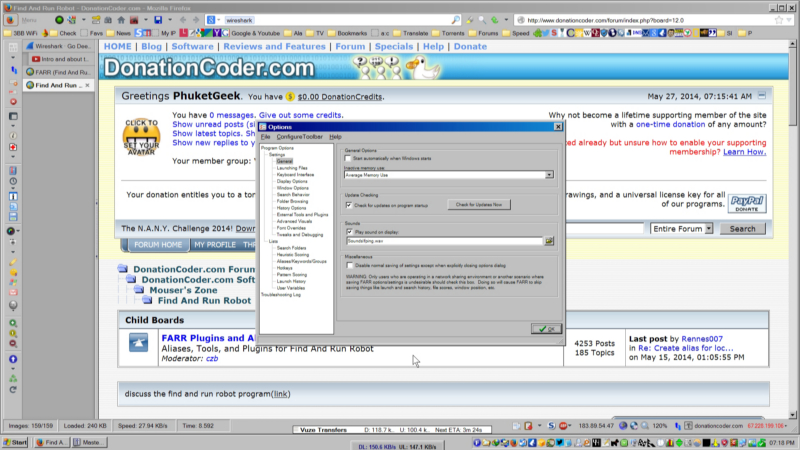
(339.8 KB, 1238x531 - viewed 623 times.)But on the other hand, if you compare the Options window font size, with the fonts I use on the rest of my screen, they sure look small. See first attachment.
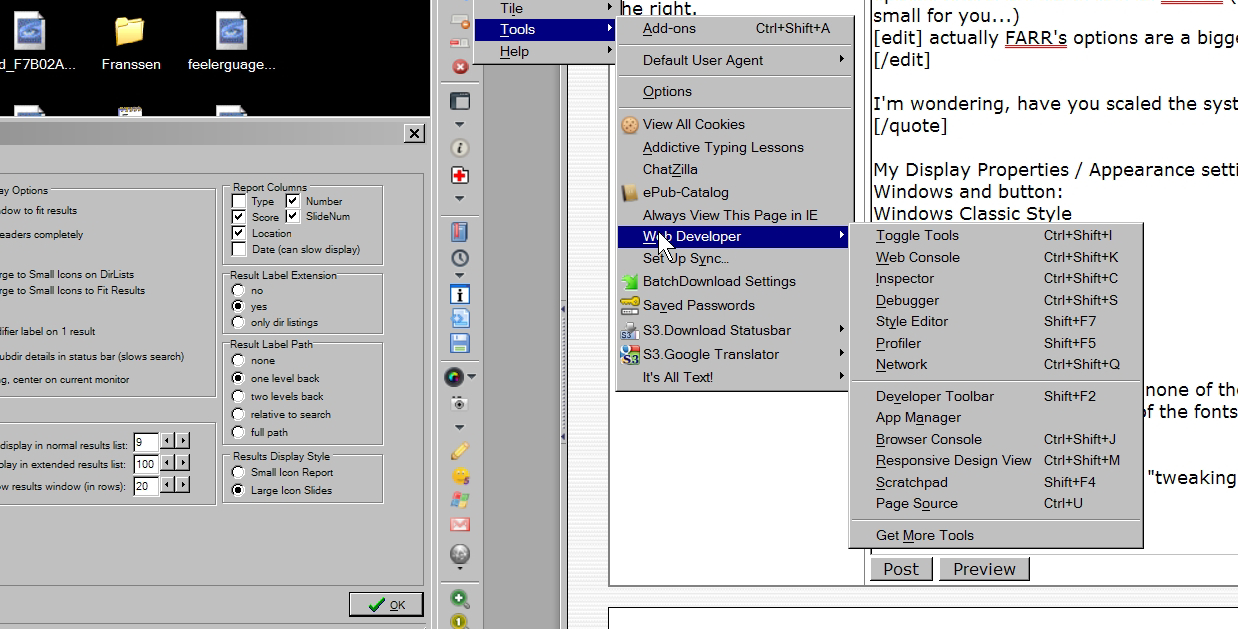
Or compare them to, say, a Firefox Option window. See second attachment.
Or VLC Options window. See third attachment.
I don't think it's so much the clarity of the font as, simply, its size.
 [/edit]



But on the other hand, if you compare the Options window font size, with the fonts I use on the rest of my screen, they sure look small. See first attachment.
Or compare them to, say, a Firefox Option window. See second attachment.
Or VLC Options window. See third attachment.
I don't think it's so much the clarity of the font as, simply, its size.
Yes, you're right - it is tiny compared to those.
Oddly they're the same size on my screen i.e. my Firefox options font is the same size as FARR's (so they'd both be too small for you...)
[edit] actually FARR's options are a bigger clearer font
I'm wondering, have you scaled the system font?
It also looks like the OP has ClearType on, which uses certain fonts and can cause a fuzzy look. I do not like ClearType at all.Yes, I have ClearType on.
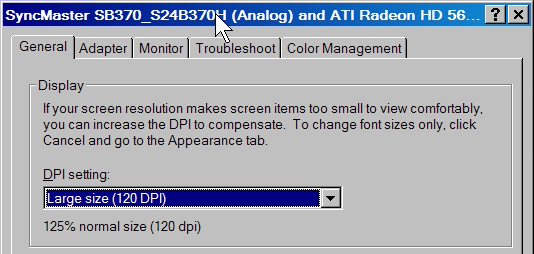
I just checked Display Properties / Settings: Screen Resolution is 1920 x 1080
Under Advanced, the DPI Setting is Large Size (120 DPI) - 125% Normal Size.
So I have increased the overall DPI Setting.


I just checked Display Properties / Settings: Screen Resolution is 1920 x 1080
Under Advanced, the DPI Setting is Large Size (120 DPI) - 125% Normal Size.
So I have increased the overall DPI Setting.
that's the key - FARR has not responded to this change.
In my experience, many apps dont respond, or dont respond well to the 125% setting...
(Can also be very problematic when on a 768 pixel height display and you cannot read or reach the OK button on dialogues - e.g. in IE.)
And this problem is going to get worse with the adoption of 4k Displays.
Original address: https://www.donationcoder.com/forum/index.php?topic=38029.0