This is a public service announcement for those of you who do not like the Windows 7 taskbar being so damn tall eating up desktop space for no reason.
You can change it go to back to the sane pre-Windows7 height and format:

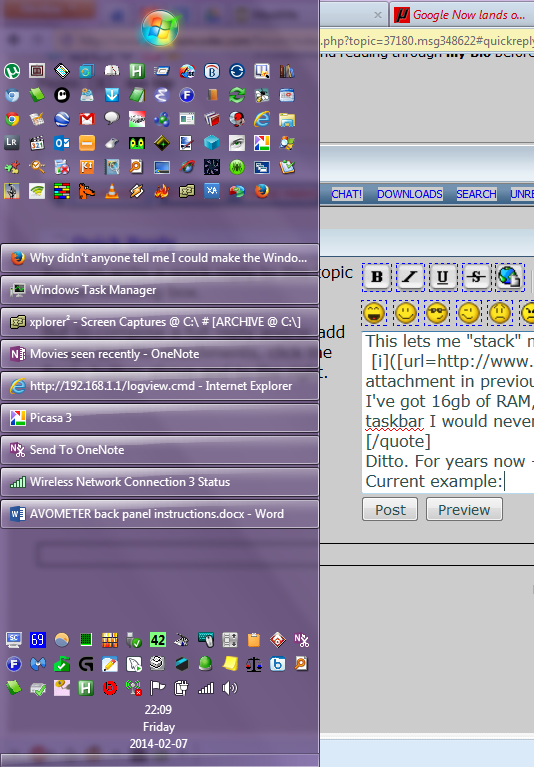
It's the small icons setting which reduces the height. I also change the taskbar buttons (grouping) option so that each program running gets it's own taskbar entry until it runs out of space; I hate the new behavior of combining taskbar buttons for multiple copies of explorer, etc.
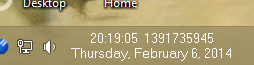
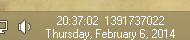
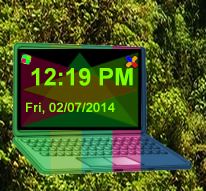
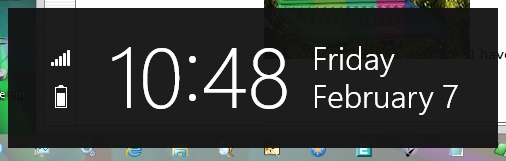
Note: One thing that happens when you reduce the taskbar height is you lose the full date shown in the bottom right. To solve that I install Tclock and configure it to show full textual date+time on the taskbar.
You can change it go to back to the sane pre-Windows7 height and format:
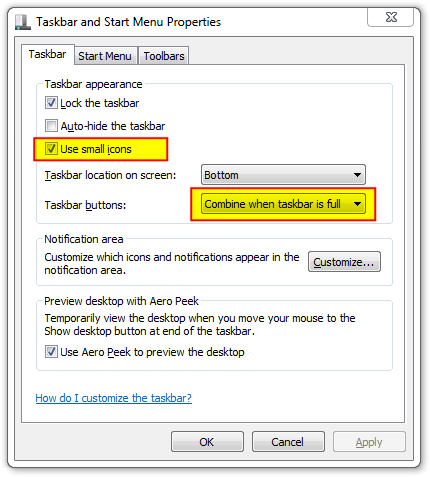
It's the small icons setting which reduces the height. I also change the taskbar buttons (grouping) option so that each program running gets it's own taskbar entry until it runs out of space; I hate the new behavior of combining taskbar buttons for multiple copies of explorer, etc.
Note: One thing that happens when you reduce the taskbar height is you lose the full date shown in the bottom right. To solve that I install Tclock and configure it to show full textual date+time on the taskbar.




![screenshot_Microsoft® Windows® Operating System (Windows Explorer) [explorer]_004.png](/forum/attachments/81699/screenshot_Microsoft®_Windows®_Operating_System_(Windows_Explorer)_[explorer]_004.png)
![screenshot_PowerPro (PowerPro 5.3.14) [powerpro]_001.png](/forum/attachments/81702/screenshot_PowerPro_(PowerPro_5.3.14)_[powerpro]_001.png)









 Love the purple, too!