
Is there any software that will alert you to the power cord being disconnected from a laptop and/or to the battery reaching low levels.
Laptop Battery.
« on: January 04, 2014, 06:29 AM »

 Topic: Laptop Battery. (Read 9,825 times)


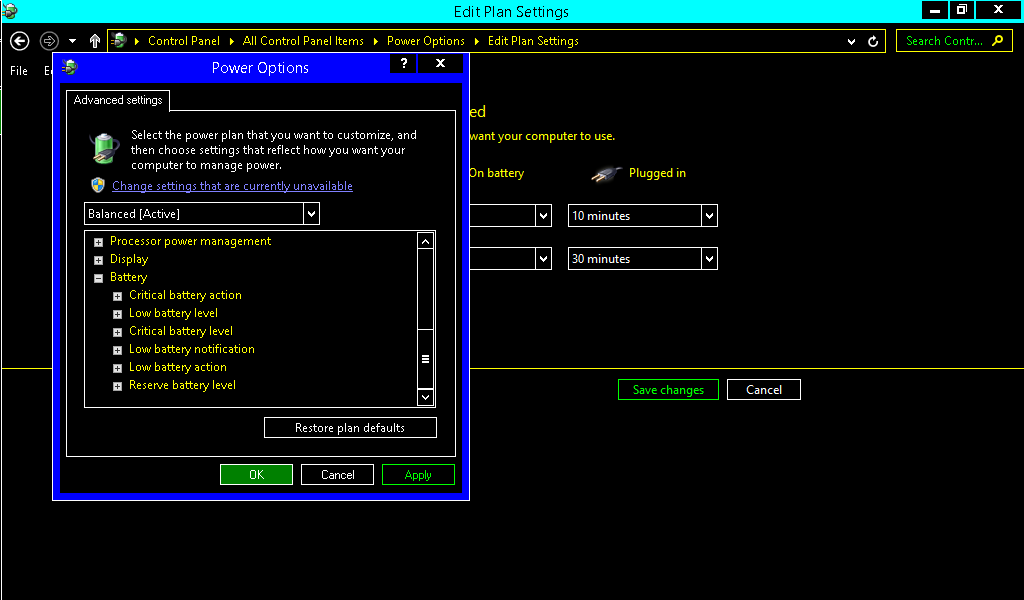


Isn't there usually an icon down in the system tray that shows whether you are on AC or battery?


Isn't there usually an icon down in the system tray that shows whether you are on AC or battery?
It doesnt notify of the change though (power => battery).

#Region ;**** Directives created by AutoIt3Wrapper_GUI ****
#AutoIt3Wrapper_UseUpx=n
#EndRegion ;**** Directives created by AutoIt3Wrapper_GUI ****

;--- Tray Menu ---
Opt('TrayMenuMode', 3)
TraySetClick(16)
$exititem = TrayCreateItem('Exit')


; WMI object creation for CIMV2 namespace
$gobjWMI_CIMV2 = ObjGet("winmgmts:\\.\root\cimv2")

; WMI event notification sink for power management
$gobjWMI_PowerEVT_Sink = ObjCreate("WbemScripting.SWbemSink")
ObjEvent($gobjWMI_PowerEVT_Sink, "PowerEVT_SINK_")


; Build notifier object for power management events
$gobjWMI_CIMV2.ExecNotificationQueryAsync($gobjWMI_PowerEVT_Sink, "Select EventType from Win32_PowerManagementEvent")


;; Sleep forevAr - make sure to build a hotkey somewhere to allow you to terminate this process...
While 1
	$nMsg = TrayGetMsg()
	Switch $nMsg
		Case $exititem
			Exit
		Case Else
	EndSwitch
	Sleep(100)
WEnd

; Power Management event sink function
Func PowerEVT_SINK_OnObjectReady($wmiObject, $wmiAsyncContext)
	$intEvent = $wmiObject.EventType

	Switch $intEvent
		Case 4
			; Machine is entering suspend")
		Case 7
			; OS reports resume from suspend is complete")
		Case 10
			; AC <-> DC switch
			MsgBox(48, "YTOTPC", "Excuse me but you have suffered a AC/DC event." & @CRLF & @CRLF & "This could be because you tripped over the power cord" & @CRLF & "or inadvertently plugged it in.")
		Case 11
			; OEM Power event...
		Case 18
			; Hardware triggered resume from suspend...
		Case Else
			; You can case these out from the constant defines mentioned earlier in this thread
	EndSwitch
EndFunc ;==>PowerEVT_SINK_OnObjectReady YTOTPC.7z
(252.0 KB - downloaded 406 times.)
YTOTPC.7z
(252.0 KB - downloaded 406 times.)Original address: https://www.donationcoder.com/forum/index.php?topic=36941.0