Knowing what exactly is happening to your machine is a pretty fundamental thing when using a computer. Windows has a built-in task manager, but it is primitive.
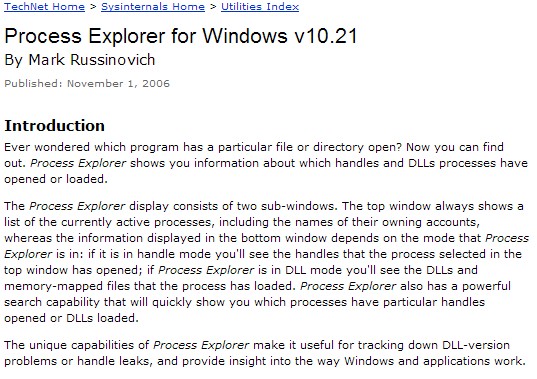
A wonderful, free alternative is Process Explorer from SysInternals. There isn't information you can't glean from it. It is very customisable, and a great feature are "column sets" - you can save views dedicated to I/O, memory and whatnot and easily switch between them. My screenshot shows my "general" view of essential resources for each app, this is all customisable.
You can determine working set memory use not only for apps, but dependent DLLs; and you can see which DLLs and handles an app has open.
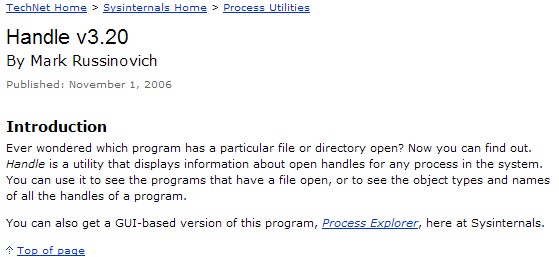
If a file is locked, it will tell you which app has it opened, it will run google searches on processes you're not sure of. Minimised to the systray it uses few resources and its animated icon keeps you aware of CPU (tooltip tells you the most hungry current app without even opening it!). The new version contains a host of details and more "history" displays to keep track of e.g. I/O operations per-app over time. There are lots of neat touches throughout.
I never leave home without it...
http://www.sysinternals.com/Utilities/processexplorer.html (which is also a great source of other software)
A wonderful, free alternative is Process Explorer from SysInternals. There isn't information you can't glean from it. It is very customisable, and a great feature are "column sets" - you can save views dedicated to I/O, memory and whatnot and easily switch between them. My screenshot shows my "general" view of essential resources for each app, this is all customisable.
You can determine working set memory use not only for apps, but dependent DLLs; and you can see which DLLs and handles an app has open.
If a file is locked, it will tell you which app has it opened, it will run google searches on processes you're not sure of. Minimised to the systray it uses few resources and its animated icon keeps you aware of CPU (tooltip tells you the most hungry current app without even opening it!). The new version contains a host of details and more "history" displays to keep track of e.g. I/O operations per-app over time. There are lots of neat touches throughout.
I never leave home without it...
http://www.sysinternals.com/Utilities/processexplorer.html (which is also a great source of other software)





 - carpe noctem