Hi folks,
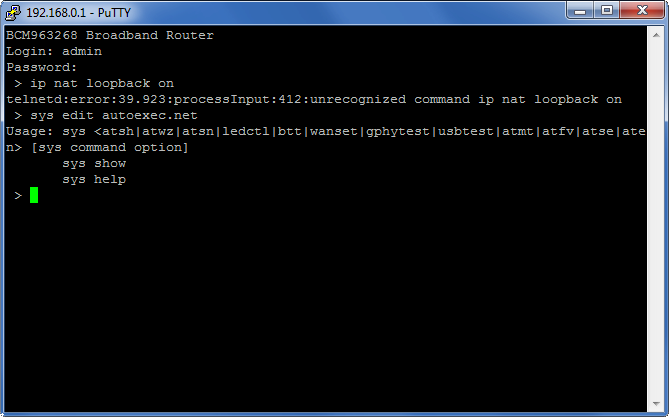
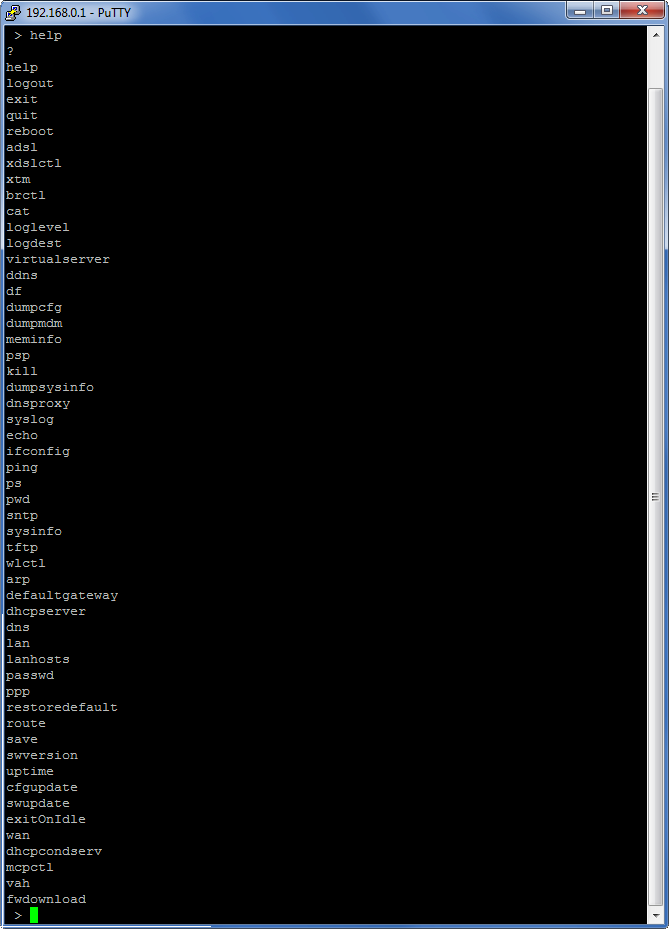
I recently got a new ZyXEL C1000Z DSL router (provided by my new ISP--I didn't get a choice) which unfortunately doesn't have NAT Loopbackw enabled by default. Through some Googling I've found reports that it is possible to enable NAT Loopback on the router, but so far I've failed to find any instructions that actually work. Can any of you fine folks with better Googlefu skills than me find a solution?
The reason why I want this feature enabled is so that I can use a service such as DynDNS to automatically update my IP address, then I can just type something like MyIP.dyndns.com to get my IP from anywhere. This is also helpful to connect to my own computer even on my LAN for multiplayer games--but this where the IP loopback is required. With it disabled, the router does not allow MyIP.dyndns.com to resolve to the router's (ISP's) IP address.
Any help or suggestions?
Thanks!
I recently got a new ZyXEL C1000Z DSL router (provided by my new ISP--I didn't get a choice) which unfortunately doesn't have NAT Loopbackw enabled by default. Through some Googling I've found reports that it is possible to enable NAT Loopback on the router, but so far I've failed to find any instructions that actually work. Can any of you fine folks with better Googlefu skills than me find a solution?
The reason why I want this feature enabled is so that I can use a service such as DynDNS to automatically update my IP address, then I can just type something like MyIP.dyndns.com to get my IP from anywhere. This is also helpful to connect to my own computer even on my LAN for multiplayer games--but this where the IP loopback is required. With it disabled, the router does not allow MyIP.dyndns.com to resolve to the router's (ISP's) IP address.
Any help or suggestions?
Thanks!