DonationCoder.com forum
 
Read-only archive. This is a static copy of the DonationCoder.com forum. Reading and searching work as before; logging in, posting and private messages do not.
Archive of 2026-10-21 · About this archive · Main site

Author Topic: MultiPhotoQuotes - Font is too large to display quote even after lowering size  (Read 18,789 times)

TelcoMan697

  • Participant
  • Joined in 2013
  • *
  • Posts: 5
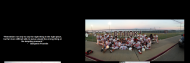
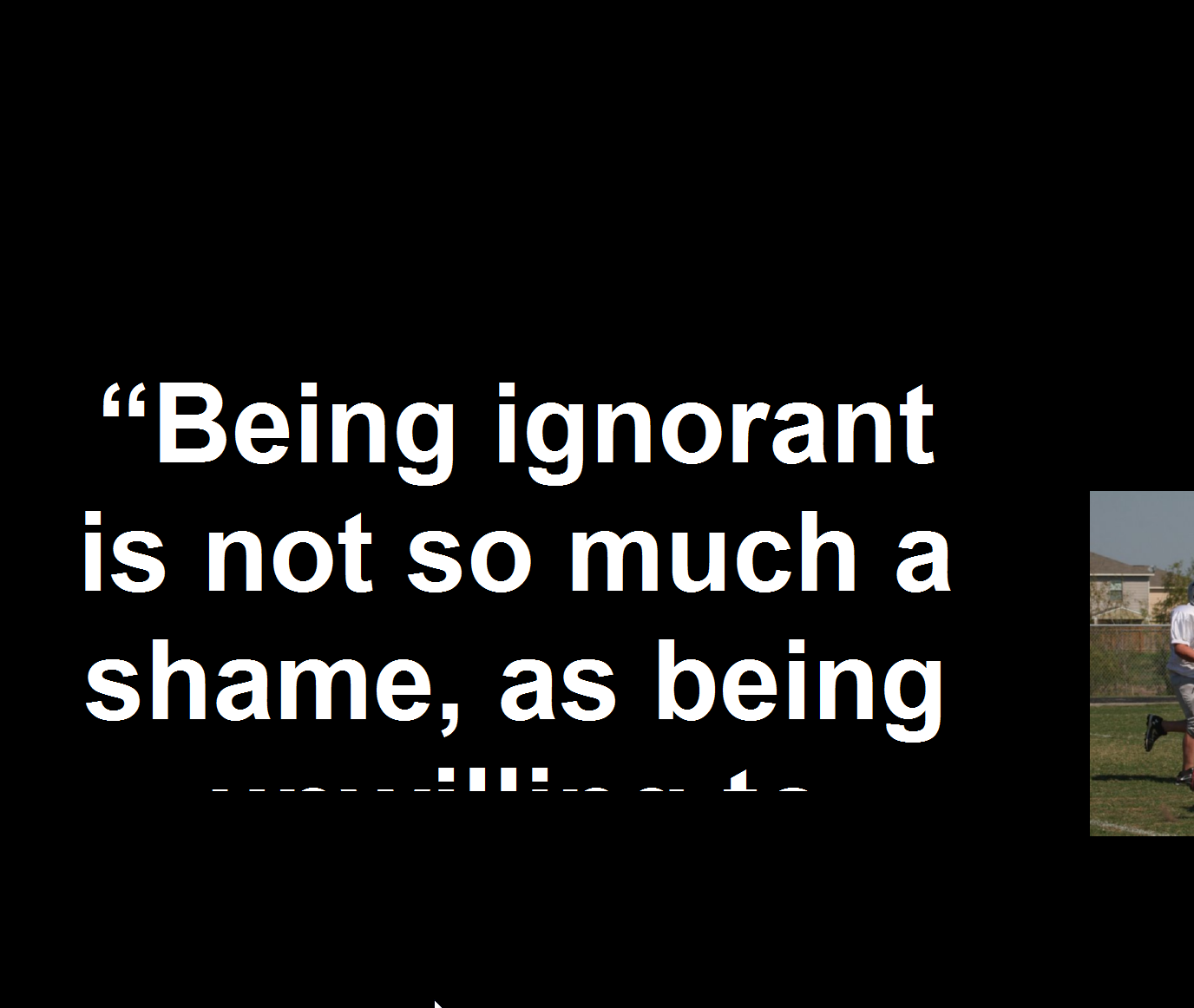
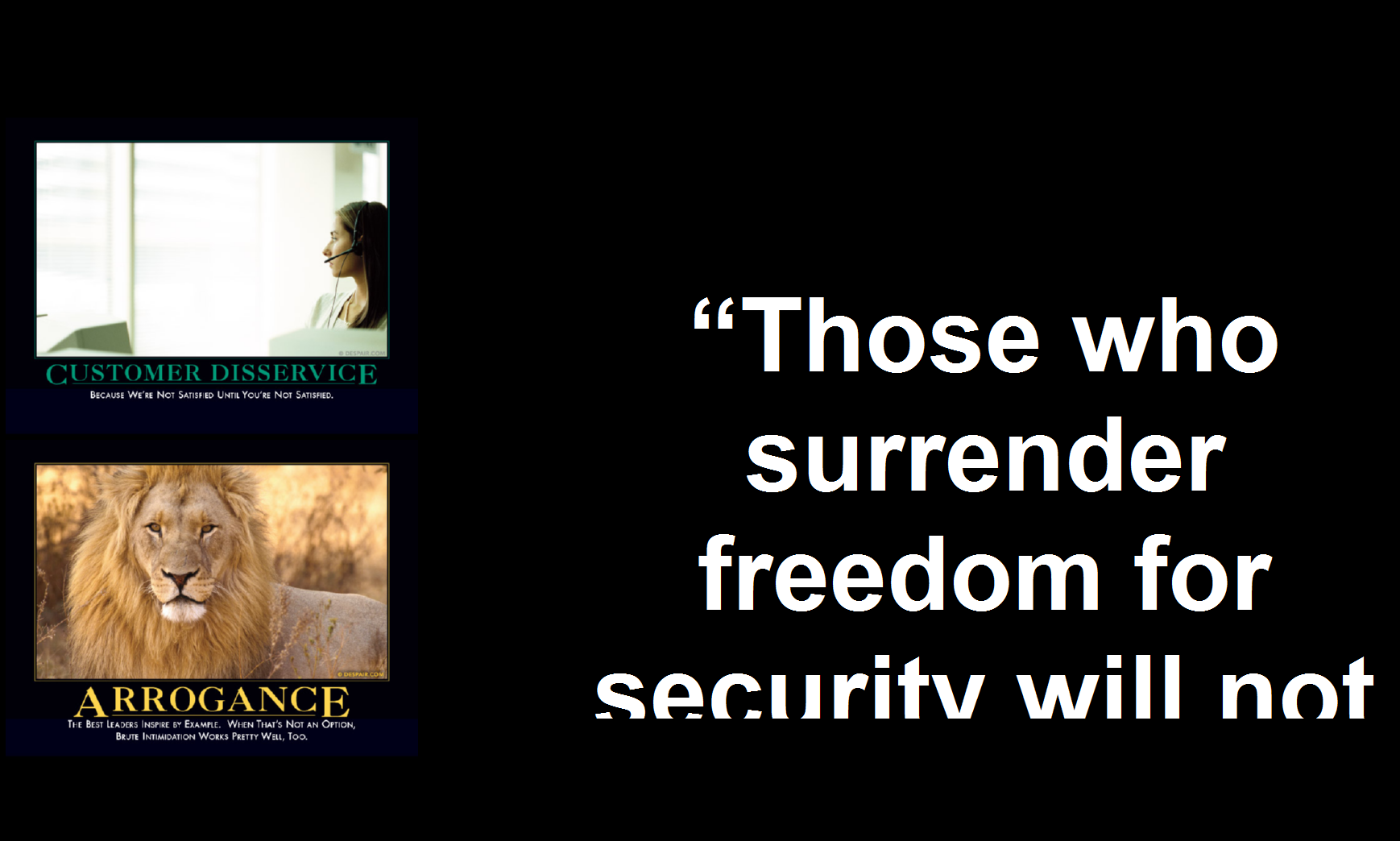
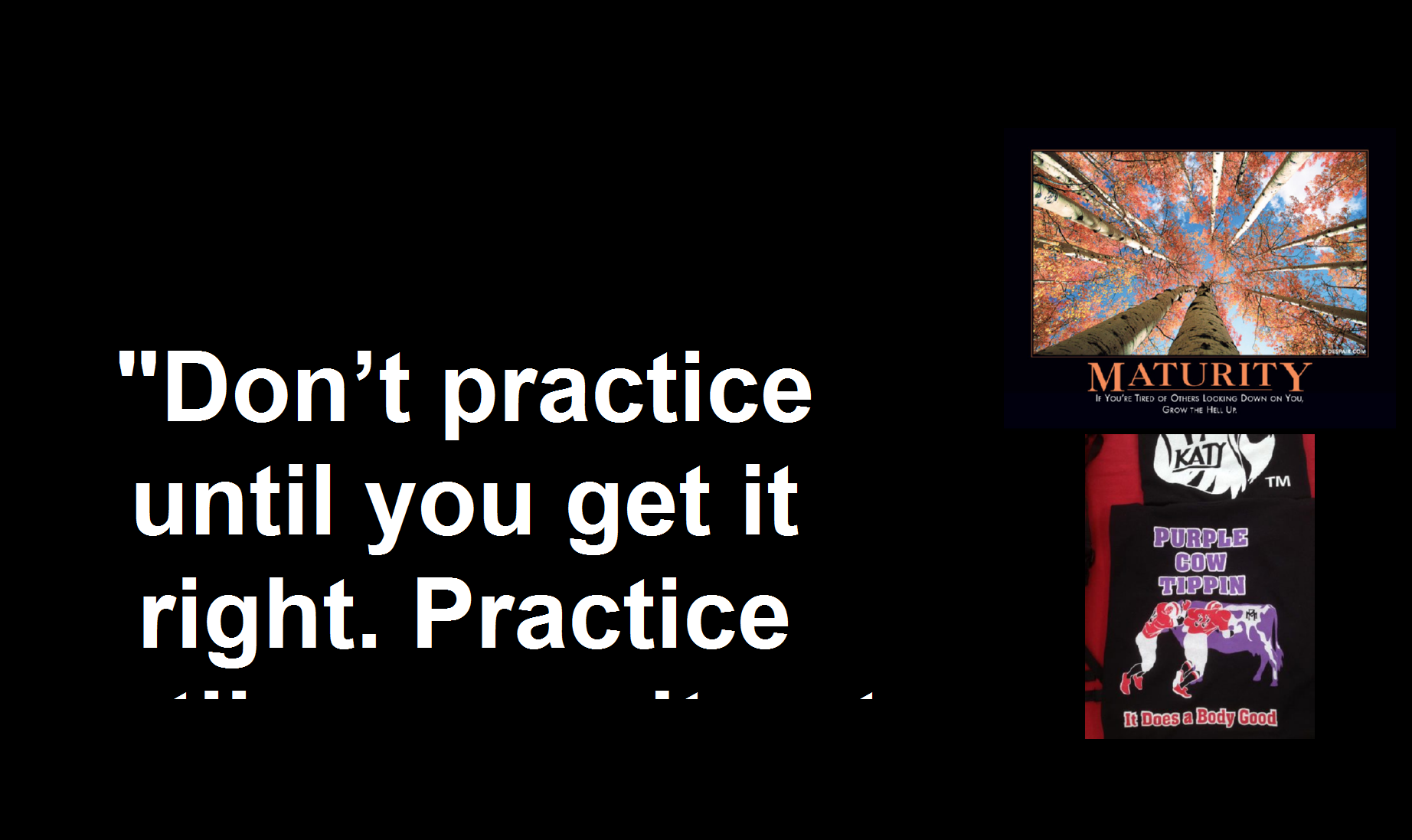
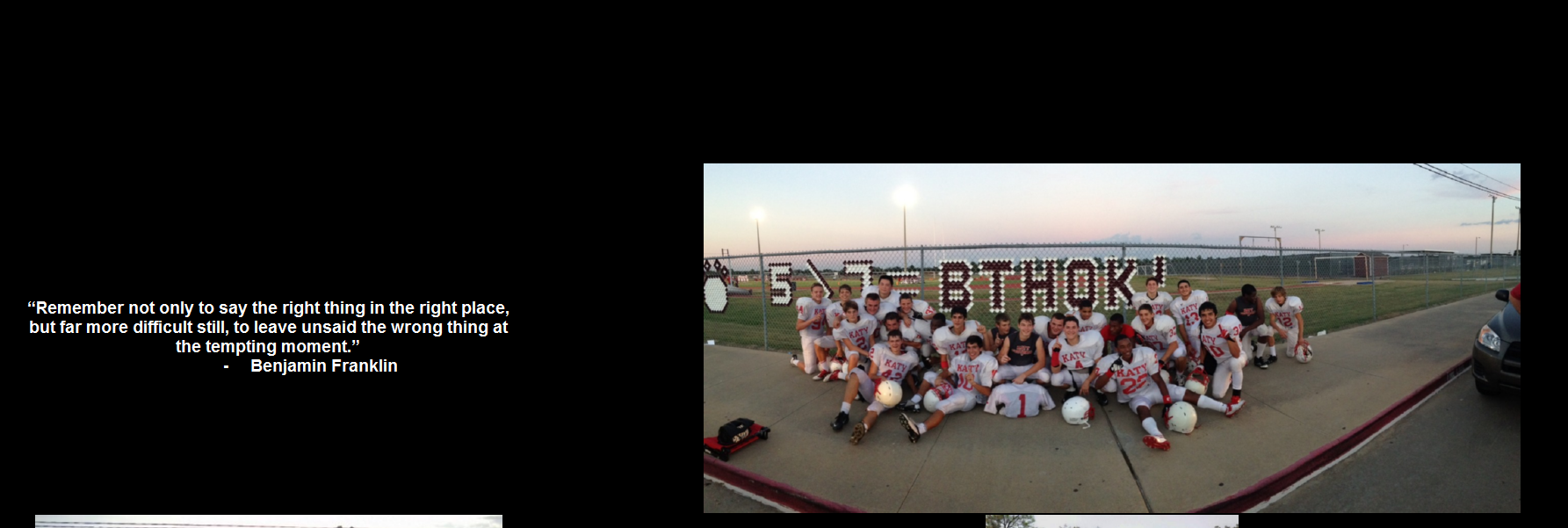
Is anyone else having an issue with displayed font size being larger than what it is configured for and therefore not displaying the entire quote?

The issue seems to be only with the pre-configured white font that displays far too large. I have unchecked the font, changed its size, change the type face, adjusted other settings and nothing has worked. One strange thing is that sometimes the quotes will display in the proper font size that I have configured for the white color.

I figured un-checking it would solve the issue, but it kept displaying it. The issue is that on longer quotes (and with the over-sized font) the text is cut off and it only displays part of the quote. (See screen shots). The last screen shot is displaying correctly with no modifications to the settings.

If anyone has experienced this (or solved it), please share what you know...it is frustrating.
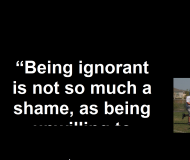
ScreenShot016.png    ScreenShot017.png    ScreenShot018.png    ScreenShot019.png
« Last Edit: May 09, 2013, 07:09 PM by TelcoMan697 »

mouser

  • First Author
  • Administrator
  • Joined in 2005
  • *****
  • Posts: 40,931
    • Gathering Badge
    • Plugin Coding Medal
    • Participated in NANY Challenge Seventeen Times
    • Cody Award
    • Coding Snacks
    • Volunteers/Staff
Welcome to the site TelcoMan.

I've never encountered such a bug myself -- has anyone else?

From what you are showing it seems an interesting problem.  The fact that it is cutting off the text suggests to me that it THINKS it is using a smaller font but somehow it's not.

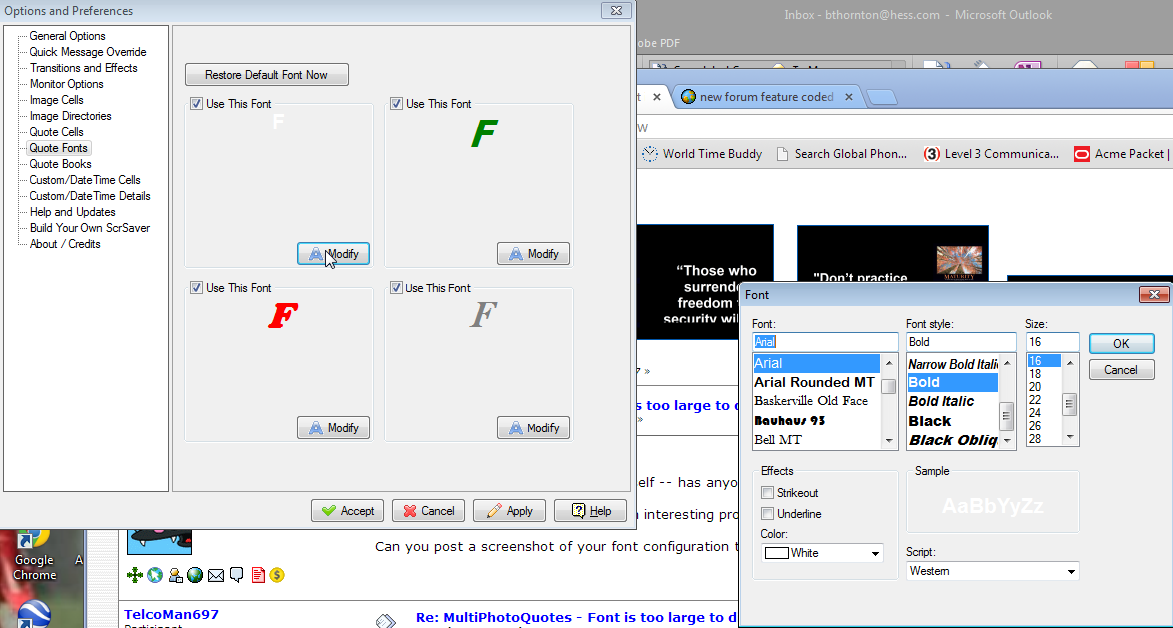
Can you post a screenshot of your font configuration tab in the options of MPQ?

TelcoMan697

  • Participant
  • Joined in 2013
  • *
  • Posts: 5
Here is a shot of my font config per your request.

ScreenShot021.png

mouser

  • First Author
  • Administrator
  • Joined in 2005
  • *****
  • Posts: 40,931
    • Gathering Badge
    • Plugin Coding Medal
    • Participated in NANY Challenge Seventeen Times
    • Cody Award
    • Coding Snacks
    • Volunteers/Staff
Can you try this: disable all but one of those fonts, and set that one to a clearly recognizable and unusual color and font.
Then have it show a few times and let me know if you ever see it using your custom set unusual font.

What i'm trying to get at is to understand if its paying attention to ANY of the settings you set on that dialog.

TelcoMan697

  • Participant
  • Joined in 2013
  • *
  • Posts: 5
OK..I made tests as you requested. I adjusted the settings as described below and then watched the screen for 10 changes or until failure.

Looking at the "Options and Preferences" screen under the "Quote Fonts" tab, I tested each of the four font selections individually and in conjunction with the others. For ease of reference, I will label them 1,2,3 & 4.
1 (Top Left - White from the screen shot)
2 (Top Right - Green from the screen shot)
3 (Bottom Left - Red from the screen shot)
4 (Bottom Right - Gray from the screen shot)

Pass - Displayed only the color and/or font/size that was selected
Fail - Displayed the selected color, font and size as well as the over-sized White font

Results:
Single Monitor:
Only 1 - Fail
Only 2 - Pass
Only 3 - Pass
Only 4 - Pass
1 & 2 - Pass
1 & 3 - Fail
1 & 4 - Pass
2 & 3 - Pass
2 & 4 - Pass
3 & 4 - Pass

Multiple Monitors:
Only 1 - Fail
Only 2 - Fail
Only 3 - Fail
Only 4 - Fail
1 & 2 - Fail
1 & 3 - Fail
1 & 4 - Fail
2 & 3 - Fail
2 & 4 - Fail
3 & 4 - Fail

Initial testing was done on the single monitor (laptop) and results appeared to point to the left side choices (1 & 3) being involved. However, with the introduction of the multiple monitors, it appears that theory is out the window. BTW, testing was done on a HP EliteBook laptop and multi-monitor testing used 2 HP LA2405WG flats.

Hope this helps to isolate the issue.

mouser

  • First Author
  • Administrator
  • Joined in 2005
  • *****
  • Posts: 40,931
    • Gathering Badge
    • Plugin Coding Medal
    • Participated in NANY Challenge Seventeen Times
    • Cody Award
    • Coding Snacks
    • Volunteers/Staff
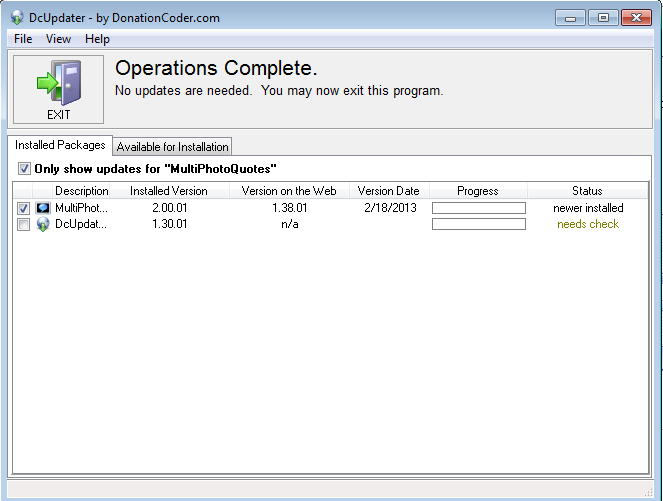
MPQ doesn't seem to report it's version for some ungodly reason.

If you go to the Help and Updates tab and ask it to check for updates, does it report that you have the latest version or are you on an older version?

TelcoMan697

  • Participant
  • Joined in 2013
  • *
  • Posts: 5
Here is the screen shot. Looks like I have the latest.

ScreenShot022.png

mouser

  • First Author
  • Administrator
  • Joined in 2005
  • *****
  • Posts: 40,931
    • Gathering Badge
    • Plugin Coding Medal
    • Participated in NANY Challenge Seventeen Times
    • Cody Award
    • Coding Snacks
    • Volunteers/Staff
It certainly does.  Ok let me try to dig down and figure out what's going on.. I'll report.

mouser

  • First Author
  • Administrator
  • Joined in 2005
  • *****
  • Posts: 40,931
    • Gathering Badge
    • Plugin Coding Medal
    • Participated in NANY Challenge Seventeen Times
    • Cody Award
    • Coding Snacks
    • Volunteers/Staff
no need for more testing, i have it reproducing on my end i think.. so let me track it down.
« Last Edit: May 12, 2013, 02:11 AM by mouser »

mouser

  • First Author
  • Administrator
  • Joined in 2005
  • *****
  • Posts: 40,931
    • Gathering Badge
    • Plugin Coding Medal
    • Participated in NANY Challenge Seventeen Times
    • Cody Award
    • Coding Snacks
    • Volunteers/Staff
Hopefully fixed in newly uploaded version.

TelcoMan697

  • Participant
  • Joined in 2013
  • *
  • Posts: 5
Thanks for the effort Mouser. Really appreciate it

mouser

  • First Author
  • Administrator
  • Joined in 2005
  • *****
  • Posts: 40,931
    • Gathering Badge
    • Plugin Coding Medal
    • Participated in NANY Challenge Seventeen Times
    • Cody Award
    • Coding Snacks
    • Volunteers/Staff
Thank you for all the help testing!

Original address: https://www.donationcoder.com/forum/index.php?topic=34890.0