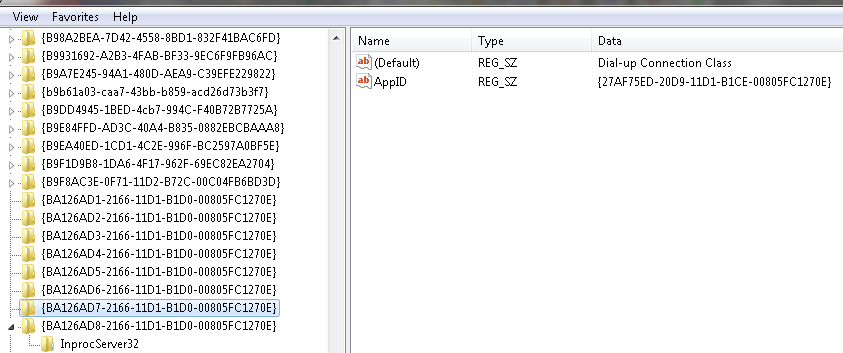
Now that was the one we needed. 
I changed the details in the script for one of my existing VPN's, created a shortcut and placed it in the PPTP toolbar - 1 click on, 1 click off.
The 2 command windows appear as before, the first one disappears almost immediately, the second one shows the changing status of the connection attempt (which is very useful) and disappears once it connects.
I left the cmdow.exe file in the System32 folder which is where I originally put it.
I have set up my 3 most used PPTP VPN's and the only problem I have is an 807 error on one of them, I don't think it's a port problem as all three are from the same provider so the server might be down at the moment.
Although I have not set it up permanently I ran a test with an L2TP connection and that worked fine as well.
Something I realised when I was changing VPN's is there is no indication as to which one is connected, the icon is showing 'PPTPcheck.exe' when I move the cursor over it.
To avoid any problems I have put a shortcut in the toolbar to the OFF batch file, it works for all PPTP connections (L2TP as well) and still only needs one click.
This is probably not necessary but sometimes I finished up with the PPTPcheck icon out of synch with the connection status, a couple of clicks on any ON icon sorts it out but this stops it happening.
As you said this latest script has considerably reduced the number of batch files needed.
If only MS had never removed the icons in the first place!
All the VPN's I use regularly I have accounts for (fortunately free) but I also have bookmarks for another 12 VPN's, 10 PPTP and 2 L2TP and I was surprised to see that the one you used wasn't amongst them.
When I first started using them there were hardly any about and few if any of them were free, now they are popping up all over the place although I'm not sure that I would trust the security of some of them.
I changed the details in the script for one of my existing VPN's, created a shortcut and placed it in the PPTP toolbar - 1 click on, 1 click off.
The 2 command windows appear as before, the first one disappears almost immediately, the second one shows the changing status of the connection attempt (which is very useful) and disappears once it connects.
I left the cmdow.exe file in the System32 folder which is where I originally put it.
I have set up my 3 most used PPTP VPN's and the only problem I have is an 807 error on one of them, I don't think it's a port problem as all three are from the same provider so the server might be down at the moment.
Although I have not set it up permanently I ran a test with an L2TP connection and that worked fine as well.
Something I realised when I was changing VPN's is there is no indication as to which one is connected, the icon is showing 'PPTPcheck.exe' when I move the cursor over it.
To avoid any problems I have put a shortcut in the toolbar to the OFF batch file, it works for all PPTP connections (L2TP as well) and still only needs one click.
This is probably not necessary but sometimes I finished up with the PPTPcheck icon out of synch with the connection status, a couple of clicks on any ON icon sorts it out but this stops it happening.
As you said this latest script has considerably reduced the number of batch files needed.
If only MS had never removed the icons in the first place!
All the VPN's I use regularly I have accounts for (fortunately free) but I also have bookmarks for another 12 VPN's, 10 PPTP and 2 L2TP and I was surprised to see that the one you used wasn't amongst them.
When I first started using them there were hardly any about and few if any of them were free, now they are popping up all over the place although I'm not sure that I would trust the security of some of them.


 )
) )
)
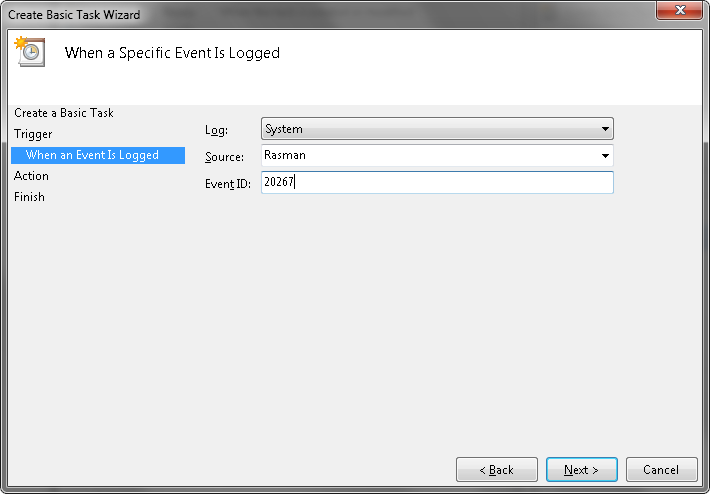
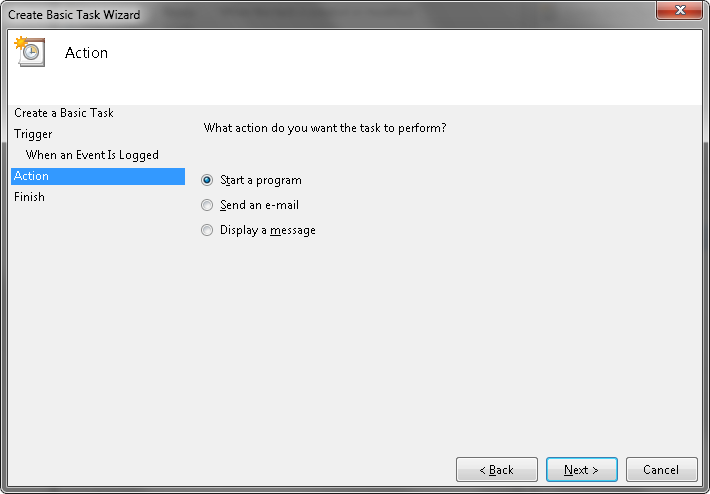
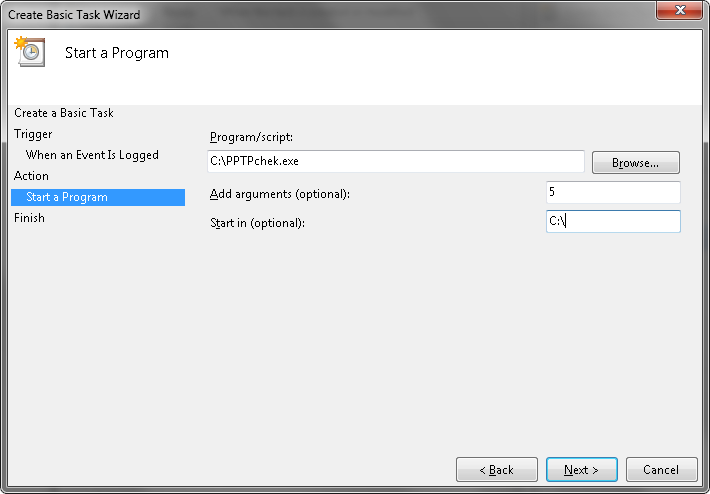
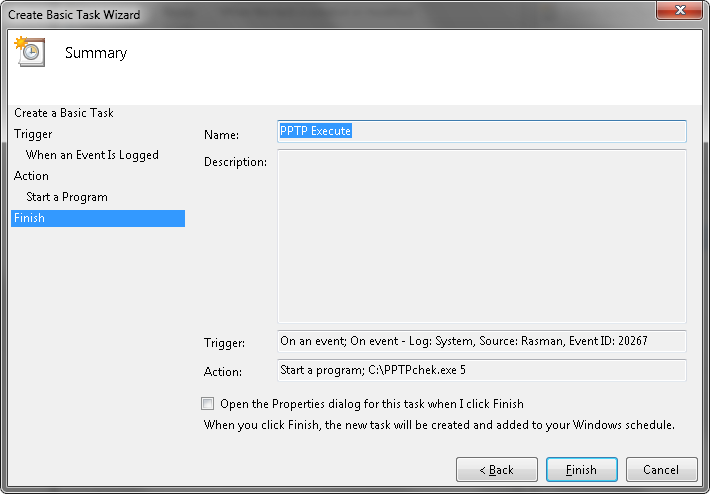
 )
)


 VIndicator.7z