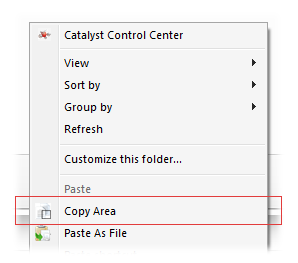
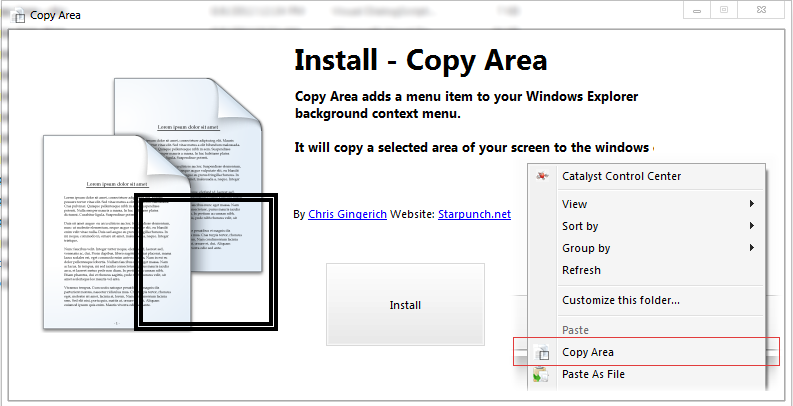
To go with Paste As File I made Copy Area. This also adds a menu item to the background context menu of windows explorer and the desktop called Copy Area. It will copy a selected are of your screen to the clipboard. You can then paste the image into any app that supports image pasting and you can also use Paste As File to paste the copied area to a file. There is a 5 sec delay until capture allowing you some time to get things in position for the capture if needed. You can also have a shortcut put on your desktop that has the hotkey Ctrl+Alt+Z that will also start the capture, but without the delay. You can change the hotkey using the shortcut properties dialog. This way the capture app does not stay running in the background.
You can download it from the webpage here -> Copy Area
You can download it from the webpage here -> Copy Area