


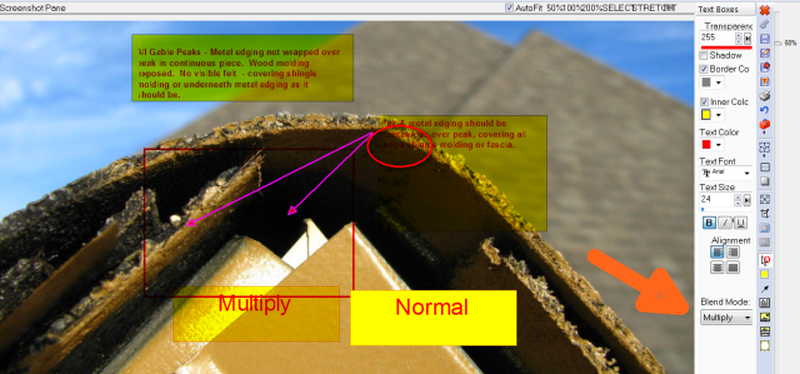
I've read everything & tried everything to get the background of a text object (text box) to be completely solid & block out all of the image or screen capture. I've played w/ this a LOT & can't get it right.
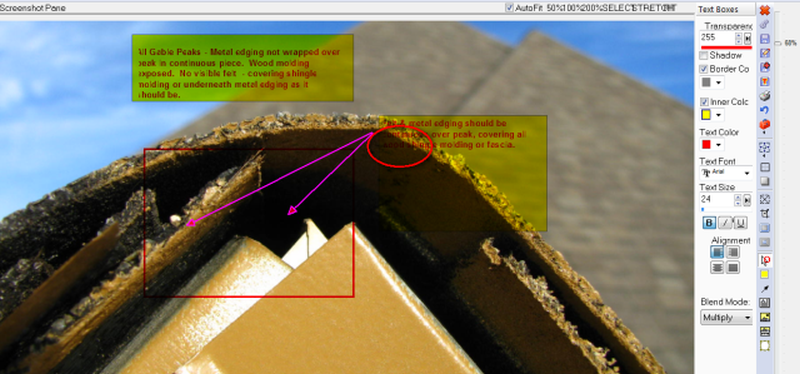
Even if the transparency value = 255, & a bright color is selected for background, once edited image is saved, the text box background color is transparent / washed out, & the text (even bright red, bolded) is almost impossible to read over darker parts of a screen or image. Like the part circled in red in attachment. The area of an image doesn't have to be nearly black in order for the text to become unreadable. I haven't seen these problems in other screen capture prgms or drawing prgms that allow a solid color background for text boxes.
This is a very common problem for me, entering text over screens or images where brightness of pic varies considerably from lightest to darkest area. As long as the pic is all fairly light, added text comments are readable. Any suggestions?
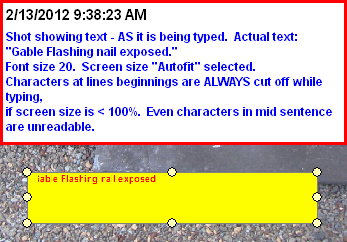
I also notice that as I'm entering the text, it's often quite "fuzzy" & sometimes part of letters are cut off -like at beginning of a line. But, after saving the image & opening w/ a viewer, the text (other than above mentioned probs) is clean / even & not cut off at beginning of a line???
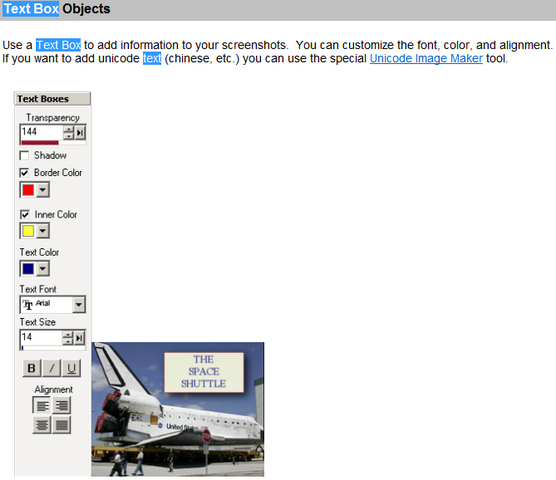
I tried uploading a small png file - doesn't seem to indicate / have an "add image" or "load image" button, once it's selected from my HDD.
Even if the transparency value = 255, & a bright color is selected for background, once edited image is saved, the text box background color is transparent / washed out, & the text (even bright red, bolded) is almost impossible to read over darker parts of a screen or image. Like the part circled in red in attachment. The area of an image doesn't have to be nearly black in order for the text to become unreadable. I haven't seen these problems in other screen capture prgms or drawing prgms that allow a solid color background for text boxes.
This is a very common problem for me, entering text over screens or images where brightness of pic varies considerably from lightest to darkest area. As long as the pic is all fairly light, added text comments are readable. Any suggestions?
I also notice that as I'm entering the text, it's often quite "fuzzy" & sometimes part of letters are cut off -like at beginning of a line. But, after saving the image & opening w/ a viewer, the text (other than above mentioned probs) is clean / even & not cut off at beginning of a line???
I tried uploading a small png file - doesn't seem to indicate / have an "add image" or "load image" button, once it's selected from my HDD.





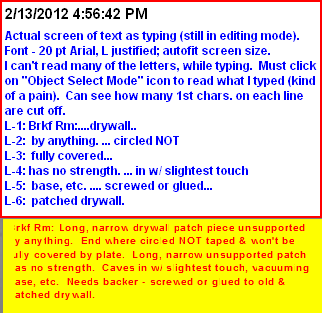
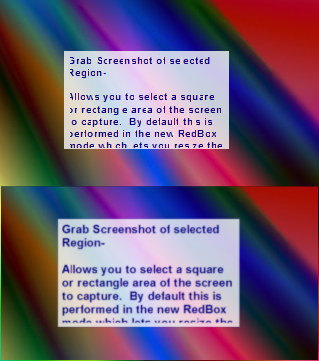
 - but yes, inserting images w/ text box comments into other documents is a definite use / possibility. Many times, the text would be several lines - but not 20 lines. If I only did a couple text boxes a month, wouldn't worry about it. Maybe the font used makes a difference in how badly it's "fuzzed out" or cut off characters are during edit mode. Though Arial True Type (used in my examples) is pretty standard, easy to read.