A very brief walk-through of some of the GUI elements involved in configuring a custom tool for CHS...
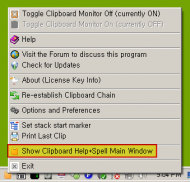
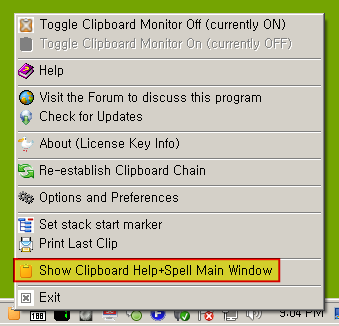
1. Bring up CHS tray menu and choose to show the CHS main window
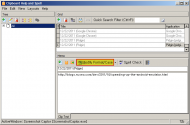
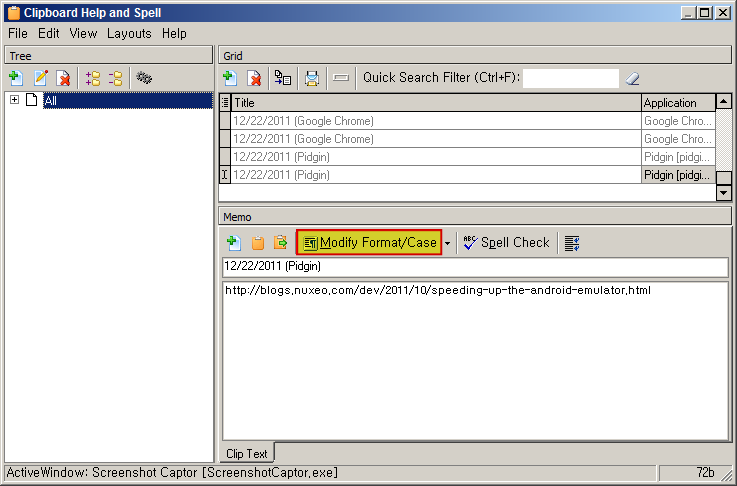
2. Click the "Modify Format/Case" button in the CHS main window
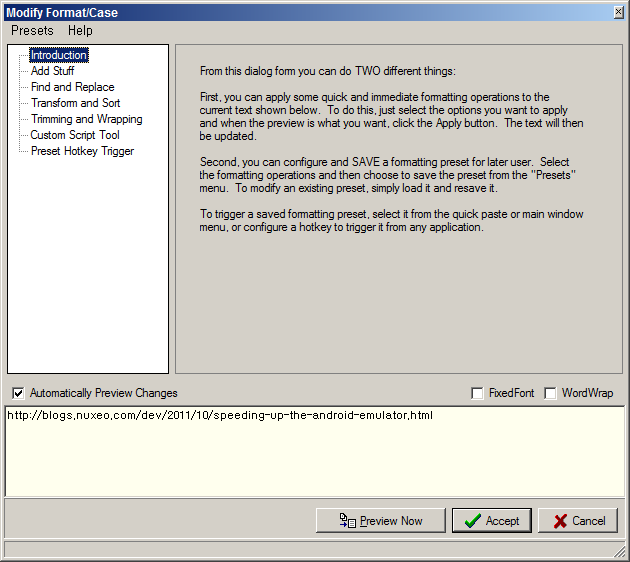
3. Wait for the "Modify Format/Case" dialog to appear
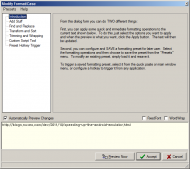
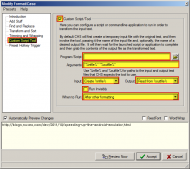
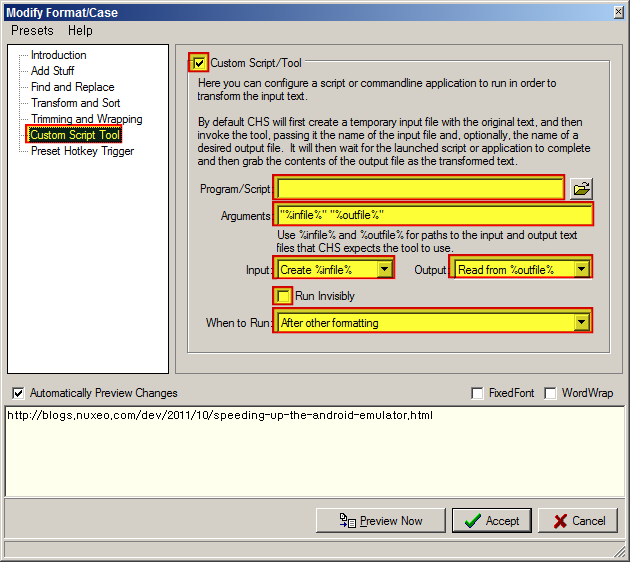
4. Choose the "Custom Script Tool" item in the left pane and fill in the appropriate fields...appropriately
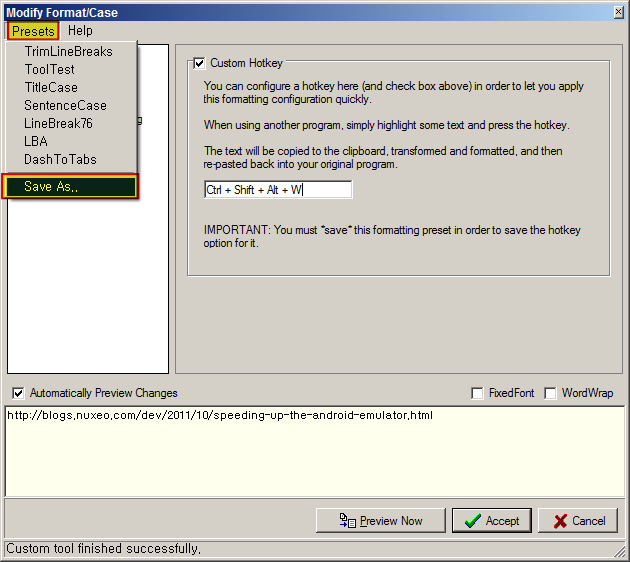
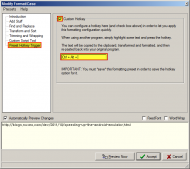
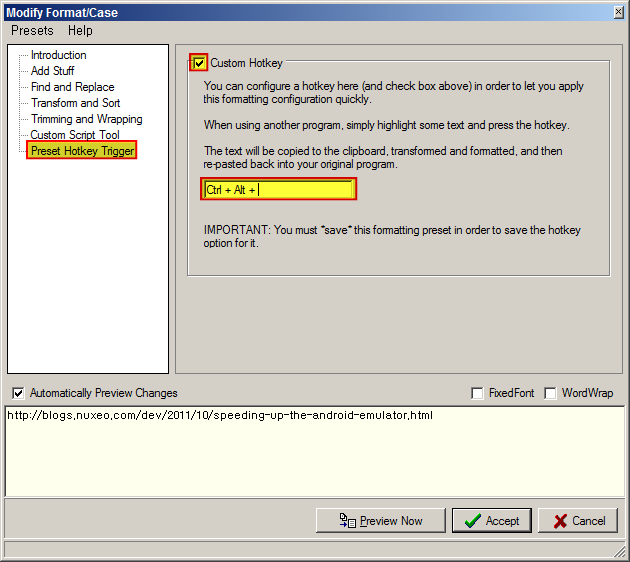
5. Optionally choose the "Preset Hotkey Trigger" item in the left pane and fill in fields.
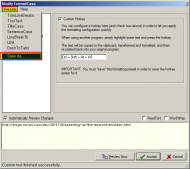
6. Choose the "Save As.." menu item from the "Presets" menu and specify an appropriate name to save as.
1. Bring up CHS tray menu and choose to show the CHS main window
2. Click the "Modify Format/Case" button in the CHS main window
3. Wait for the "Modify Format/Case" dialog to appear
4. Choose the "Custom Script Tool" item in the left pane and fill in the appropriate fields...appropriately
5. Optionally choose the "Preset Hotkey Trigger" item in the left pane and fill in fields.
6. Choose the "Save As.." menu item from the "Presets" menu and specify an appropriate name to save as.