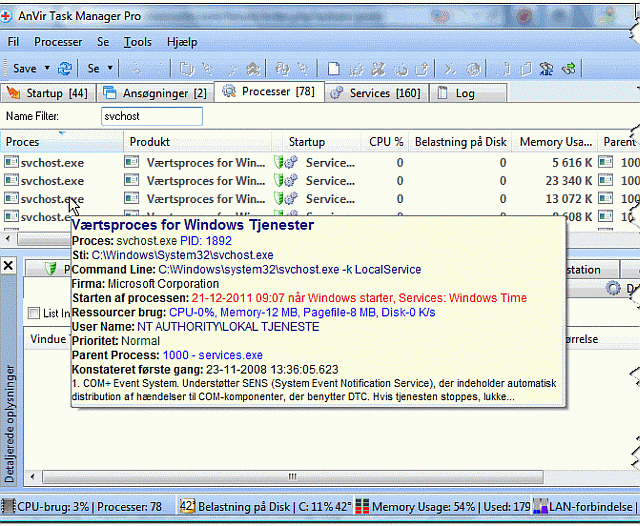
saw this on Addictive Tips
if you're like me and you've been wondering just what all those service host processes were doing this may help - Service host Analyzer
disclaimer - I have nothing to do with the developer whatsoever, nor can I vouch for the efficacy of the app. I posted it here simply because I figured the functionality may be of interest to others (as it was to me)
if you're like me and you've been wondering just what all those service host processes were doing this may help - Service host Analyzer
Quote
Want to check which user application or Windows utility initiated a specific instance of svchost.exe process? The svchost is basically a small executable file that resides in system32 folder. It is a generic Windows host process that plays a vital role in keeping all the system and user initiated services stable. Since Task Manager doesn’t provide a detailed information on running instances of svchost executables, you may need Svchost Process Analyzer to analyze the services and applications that run multiple instances of svchost.exe and to identify all the svchost related malwares. It helps you prevent Windows from those malwares and viruses which create a fake svchost.exe file at different locations to exploit user’s access rights; it lists down all the running instances of svchost processes with detailed information, so that you can easily identify malware infected svchost.exe files.
disclaimer - I have nothing to do with the developer whatsoever, nor can I vouch for the efficacy of the app. I posted it here simply because I figured the functionality may be of interest to others (as it was to me)