


NANY 2012 Entry Information
| Application Name | MPH (Media Player Hotkeys) |
| Supported OSes | Windows 7. Probably works, but not tested on, Windows XP/Vista/8/10 |
| Web Page | Website |
| Download Link | Download |
| Author | Jody Holmes (Skwire Empire) |
Description
MPH (Media Player Hotkeys) is a hotkey application designed to allow you to control various audio, video and media players from one set of global hotkeys.
Features
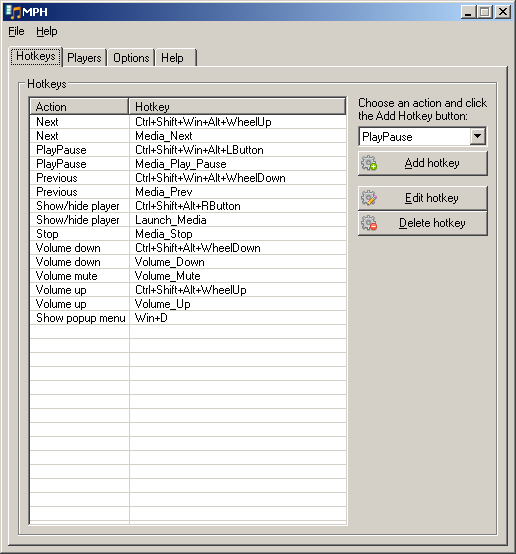
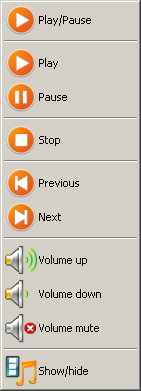
- Actions: Play, Pause, PlayPause, Stop, Next, Previous, Volume Up, Volume Down, Volume Mute and Show Popup Menu.
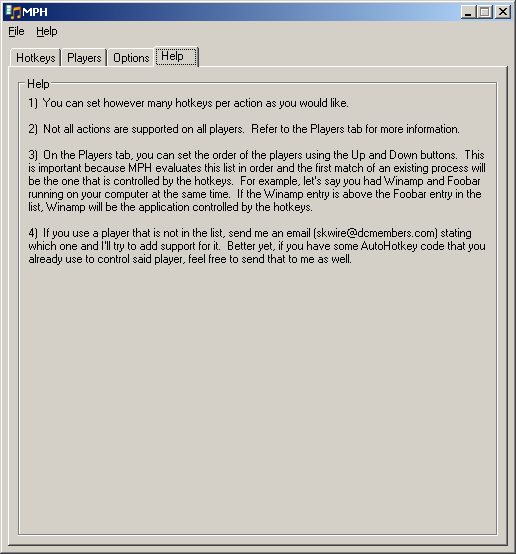
- You can set however many hotkeys per action as you would like.
- Extremely flexible hotkey system. You can even use mouse buttons and the mouse wheel.
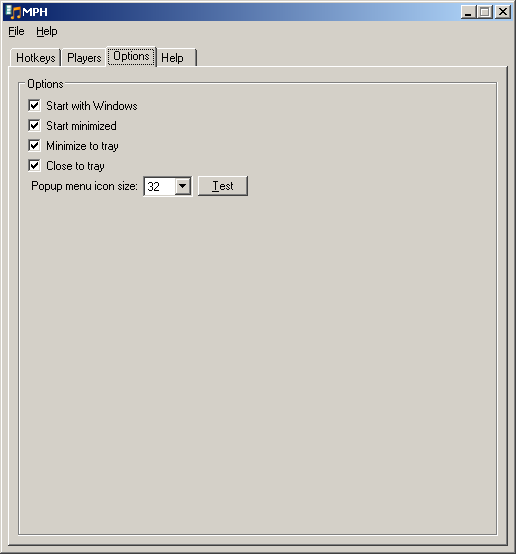
- Popup menu has configurable icon size: 16, 32, 48, 64 or 128 pixels.
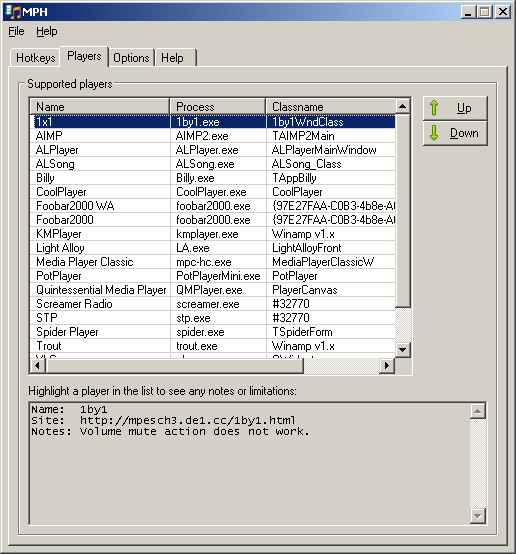
- Currently, 19 applications are fully or partially supported: 1x1, AIMP, AIMP3, ALPlayer, ALSong, Billy, CoolPlayer, Foobar2000 WA, Foobar2000, KMPlayer, Light Alloy, Media Player Classic, Pandora Desktop App, PotPlayer, Quintessential Media Player, Screamer Radio, STP, Spider Player, Spotify, Trout, VLC, Winamp, and Windows Media Player.
Screenshots
Usage
Installation
Download the zip file and extract its contents into a new folder. Run MPH.exe to start the application.
Using the Application
Set some hotkeys and try it.
Uninstallation
Delete the folder you unzipped it to. The application doesn't write to the registry.






