Skwire provided ClipTrap which I use often. Terrific program. Captures copy and pastes automatically to file.
Now I have another semi-related request:
I'm copying from a complex time-line chart (on the surface, a graphics image). Each line on the chart actually, when copied, is the data BEHIND the line on the chart -- a column of data (date, value).
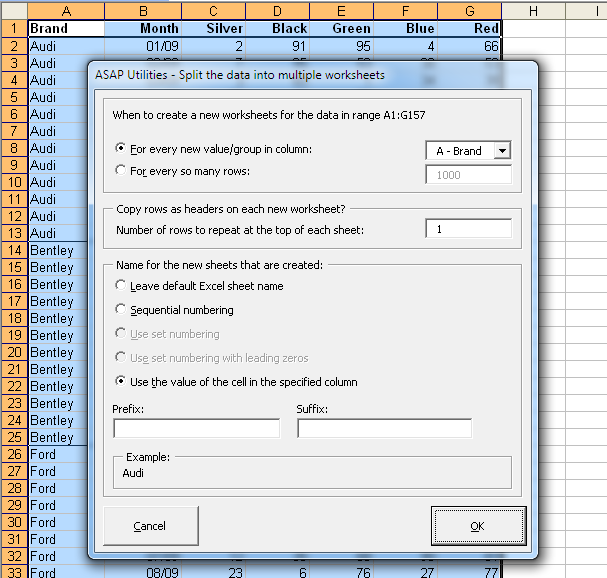
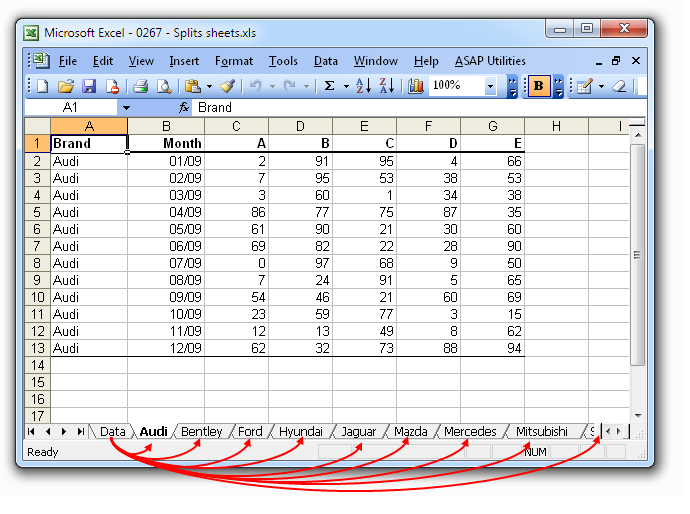
I need to get the data from each line on the chart into a separate Excel worksheet -- one worksheet per chart line. There are around 50 lines on the chart. So..., 50 separate worksheets would be the result I need.
Ideally, as with ClipTrap, each time I copy, the data would automatically go into a (separate worksheet) file.
Naming the files will be an issue as well -- names will simply be xxx numbers, 001, 002, etc.
If we can't arrive at the ideal solution, can any here think of the fastest, easiest way of pasting data into 50 separate worksheets?
I'll be happy to clarify if the above isn't clear enough.
Thanks for your help.
Nicholas
Now I have another semi-related request:
I'm copying from a complex time-line chart (on the surface, a graphics image). Each line on the chart actually, when copied, is the data BEHIND the line on the chart -- a column of data (date, value).
I need to get the data from each line on the chart into a separate Excel worksheet -- one worksheet per chart line. There are around 50 lines on the chart. So..., 50 separate worksheets would be the result I need.
Ideally, as with ClipTrap, each time I copy, the data would automatically go into a (separate worksheet) file.
Naming the files will be an issue as well -- names will simply be xxx numbers, 001, 002, etc.
If we can't arrive at the ideal solution, can any here think of the fastest, easiest way of pasting data into 50 separate worksheets?
I'll be happy to clarify if the above isn't clear enough.
Thanks for your help.
Nicholas