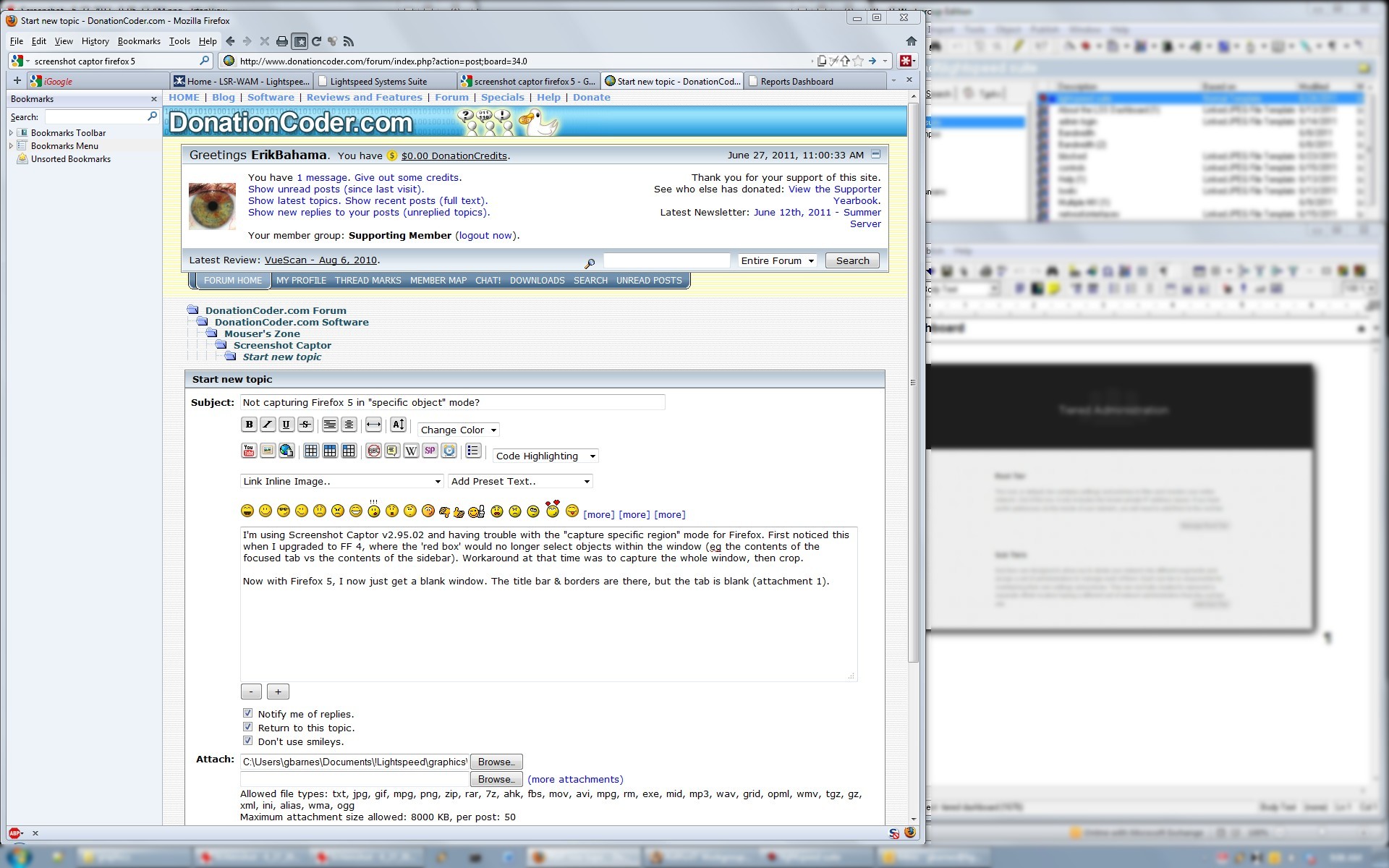
I'm using Screenshot Captor v2.95.02 and having trouble with the "capture specific region" mode for Firefox. First noticed this when I upgraded to FF 4, where the 'red box' would no longer select objects within the window (eg the contents of the focused tab vs the contents of the sidebar). Workaround at that time was to capture the whole window, then crop.
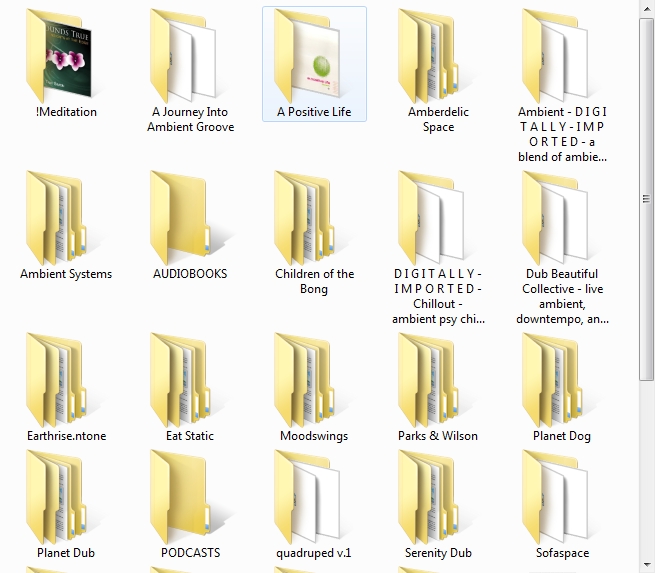
Now with Firefox 5, I now just get a blank window. The title bar & borders are there, but the tab is blank (attachment 1). If I capture the whole desktop, I get the contents of the FF window, but I have to crop the resulting image to get what I want (attachment 2). Meanwhile, the capture region thing is working in other apps (example 3, Windows Explorer)
Any idea what's going on here? Have I missed a setting somewhere, do I have 2 different PCs with weird video cards, or is Firefox 5 being uncooperative with SCC?
[Edit: I'm using Windows 7 Pro at work on a Dell box with quirky onboard (?) Nvidia video, and XP at home on a home-built PC with integrated Intel video. Haven't re-checked SSC behavior on home box since upgrading to FF5. If that matters. ]
Now with Firefox 5, I now just get a blank window. The title bar & borders are there, but the tab is blank (attachment 1). If I capture the whole desktop, I get the contents of the FF window, but I have to crop the resulting image to get what I want (attachment 2). Meanwhile, the capture region thing is working in other apps (example 3, Windows Explorer)
Any idea what's going on here? Have I missed a setting somewhere, do I have 2 different PCs with weird video cards, or is Firefox 5 being uncooperative with SCC?
[Edit: I'm using Windows 7 Pro at work on a Dell box with quirky onboard (?) Nvidia video, and XP at home on a home-built PC with integrated Intel video. Haven't re-checked SSC behavior on home box since upgrading to FF5. If that matters. ]