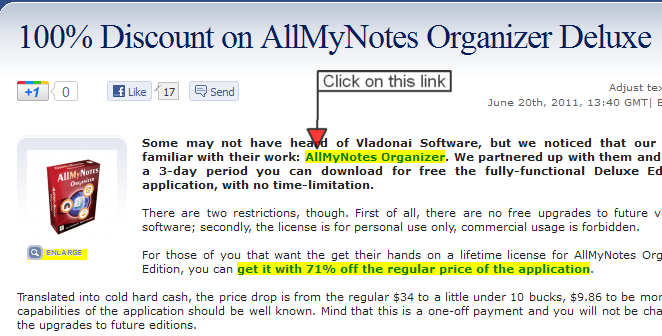
I heartily recommend it !
AllMyNotes Deluxe latest version today on GOTD
« on: May 13, 2011, 08:38 AM »


 Topic: AllMyNotes Deluxe latest version today on GOTD (Read 21,310 times)


it's a long way from portable by any sensible definition
Is Portable version of AllMyNotes Organizer available at Giveawayoftheday?
Follow the steps below to convert this GOTD build in to a PORTABLE version:
1. Install AllMyNotes to your PC using the installer from GOTD.
2. Go to the directory where AllMyNotes is installed. By default folder path is "c:\Program Files\AllMyNotes Organizer\"
3. Copy this folder to your USB media (any location)
4. Create empty Portable.sig file in to the folder (must be same path where allmynotes.exe file is located). Existence of this file will SWITCH PORTABLE MODE ON. You will see this in About screen, it will say "Portable Mode".
Note: This Portable version will launch in Deluxe mode only on PCs where it was installed using GOTD's Activatate.exe application. So if you want to have it working on many PC please make sure to activate it on all of these PCs TODAY!!!


Doesn't seem to work for me ! I keep getting the standard order page.
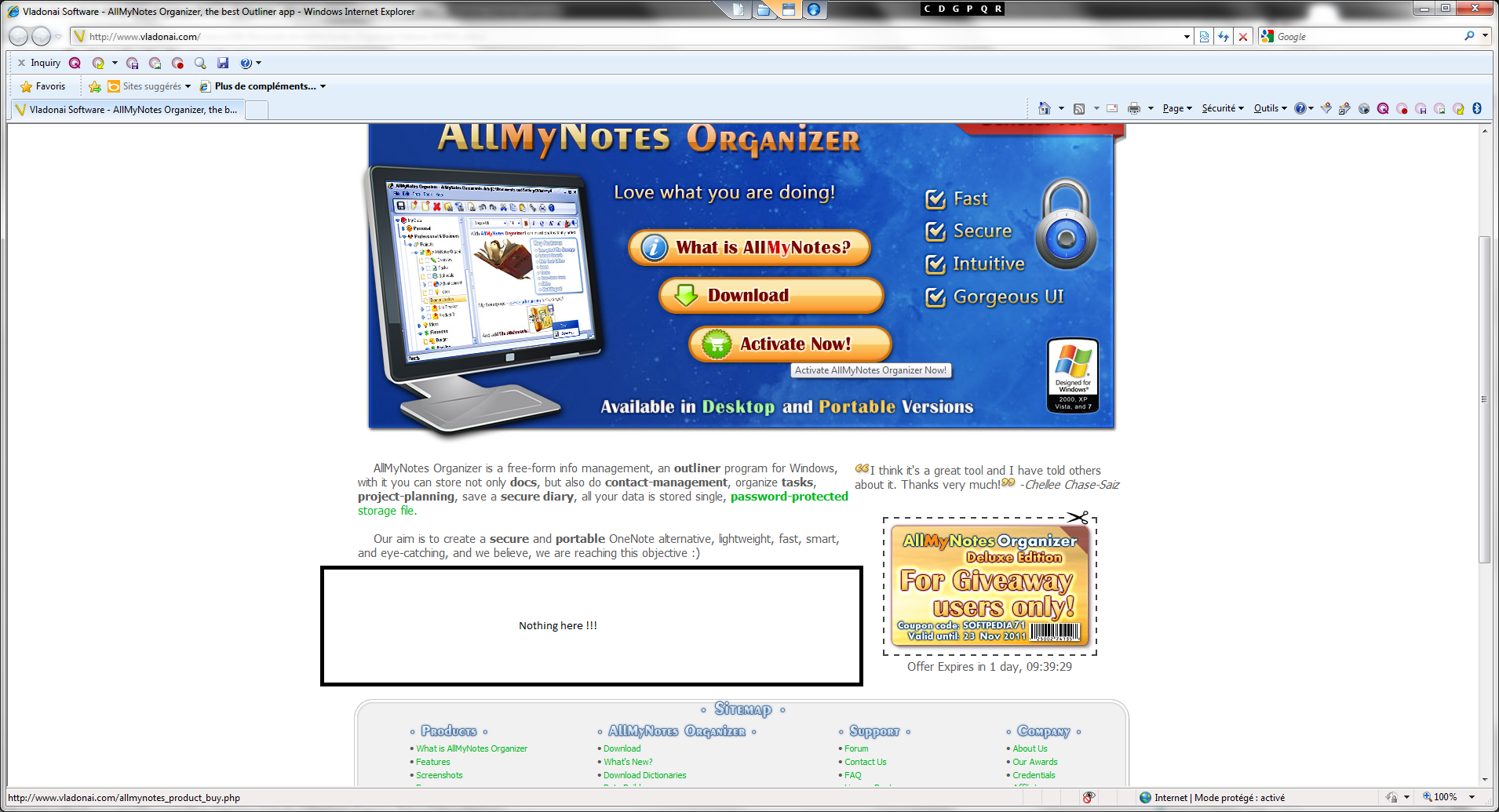
hm, you are supposed to get this
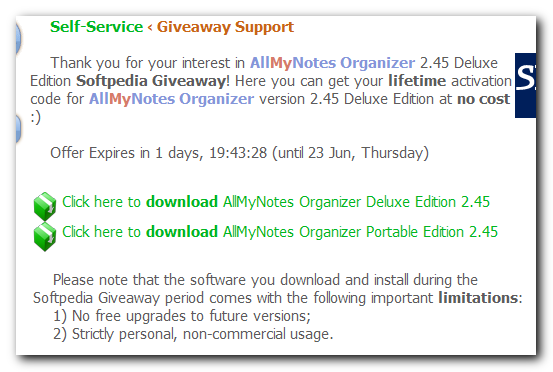
http://www.vladonai.com/allmynotes_support_self_service_giveaway.php?p=softpedia


Giveaway of the Day - free licensed software daily. AllMyNotes Organizer Portable - AllMyNotes offers an alternative concept of data management.
http://www.giveawayoftheday.com/allmynotesorganizer/


 (I know - I'm a weird notes junkie!)
Original address: https://www.donationcoder.com/forum/index.php?topic=26735.0