


Trying out Firefox 4 here and noticed that the Ctrl+E shortcut key for the Search Bar from the 3.x days seems defunct (Ctrl+K seems to work).
Checking out:
http://support.mozilla.com/en-US/questions/764069
led to a work-around of installing and configuration via the following extension:
https://addons.mozilla.org/en-US/firefox/addon/customizable-shortcuts/
Configuration was done via the Shortcuts tab of the Options dialog:
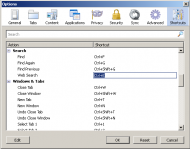
Once a row for the action/shortcut in question was selected, clicking on the 'Edit' button or double-clicking on the shortcut key name made it possible to type a replacement shortcut key.
Checking out:
http://support.mozilla.com/en-US/questions/764069
led to a work-around of installing and configuration via the following extension:
https://addons.mozilla.org/en-US/firefox/addon/customizable-shortcuts/
Configuration was done via the Shortcuts tab of the Options dialog:
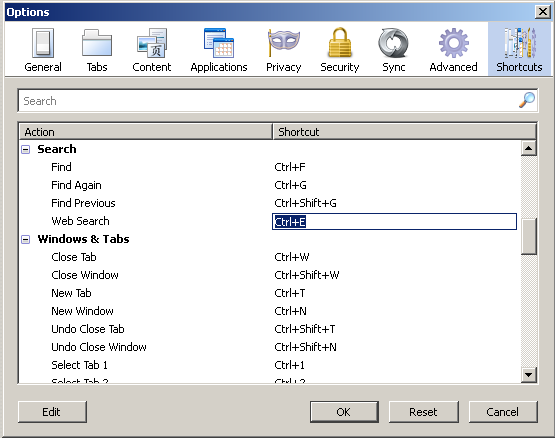
Once a row for the action/shortcut in question was selected, clicking on the 'Edit' button or double-clicking on the shortcut key name made it possible to type a replacement shortcut key.





 ):
):