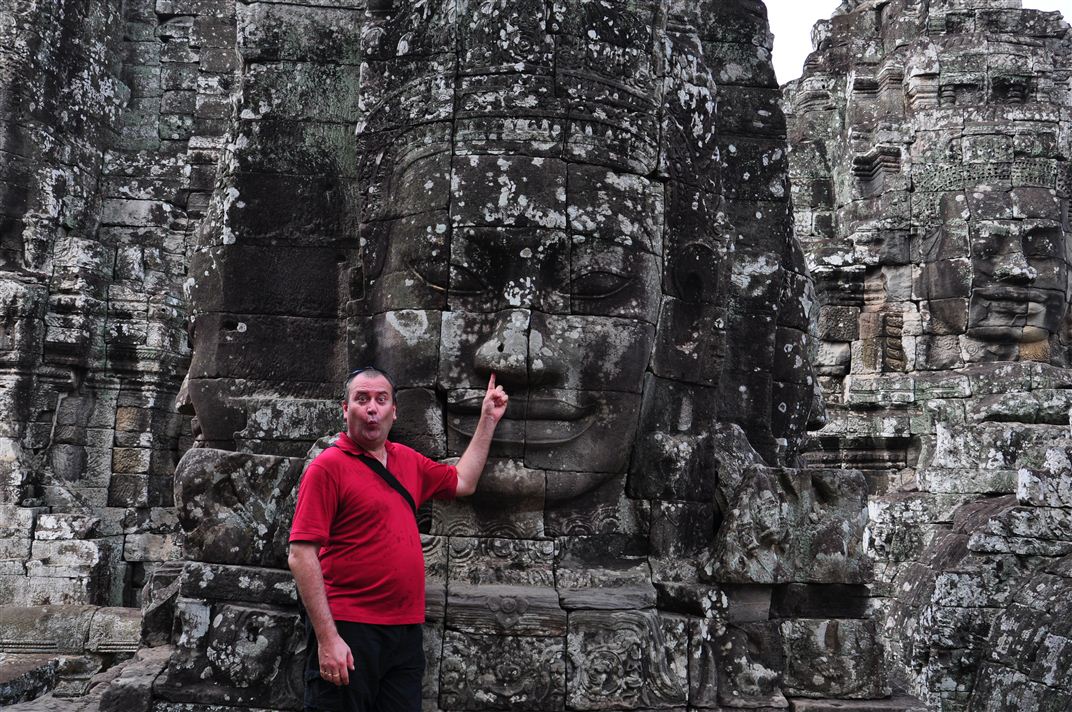
My wife came to me and wanted to resize a photo. Well, we've been through this before... She's got software to do it, but it's not easy enough. I showed her again, but she doesn't like IrfanView because it's simply too complicated. So...
The all new Renegade Photo Resizer! ed. Super Simple Photo Resizer
[attachimg=#]
Is it easy enough to use? I'm looking to make it stupidly simple. So simple that a politician could use it~!
I had options and stuff in there... but I figured that it was just crap that isn't needed. Who cares about JPG ratios? 80% is good enough. Exact sizes? BAH! Slider. Close enough. How many people actually know that you must have your photo dimensions as multiples of 16 in order to minimize quality loss? Not many... I take care of the little stuff and leave only the MAJOR decisions to the user.
It requires .NET v4 though. There's no installer. Just the EXE.
(It's not final quality yet -- a few tiny things to tweak.)
UPDATE 2011-03-25:
I've posted follow up in this thread.
[attachimg=#]
Is it easy enough to use? I'm looking to make it stupidly simple. So simple that a politician could use it~!
I had options and stuff in there... but I figured that it was just crap that isn't needed. Who cares about JPG ratios? 80% is good enough. Exact sizes? BAH! Slider. Close enough. How many people actually know that you must have your photo dimensions as multiples of 16 in order to minimize quality loss? Not many... I take care of the little stuff and leave only the MAJOR decisions to the user.
It requires .NET v4 though. There's no installer. Just the EXE.
(It's not final quality yet -- a few tiny things to tweak.)
UPDATE 2011-03-25:
I've posted follow up in this thread.
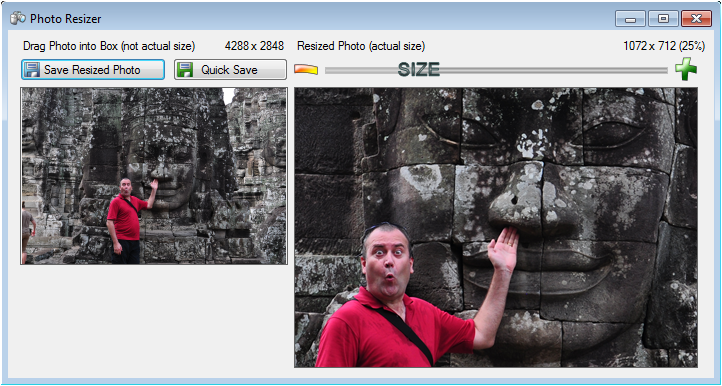


 so here goes:




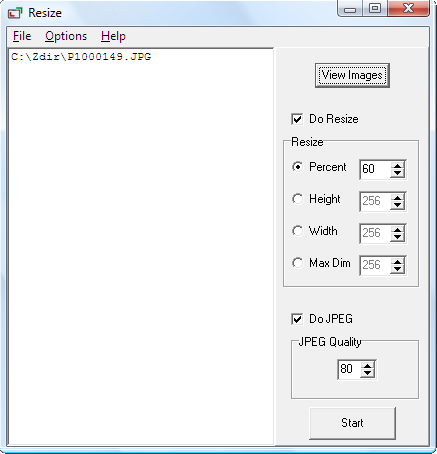


 I think I meant, more or less, the equivalent of leaving the slider at the same point next time you enter the program, so that all your output images will be the same size. Hmmm... mind going fuzzy... time I got some sleep...