Marvellous.
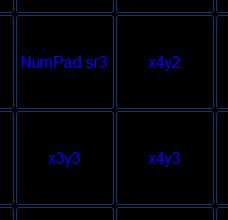
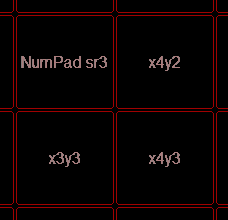
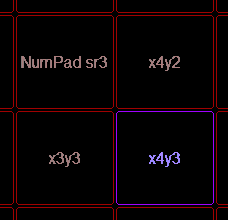
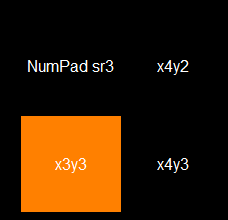
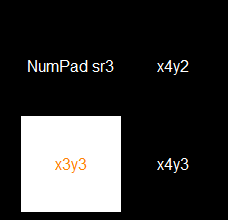
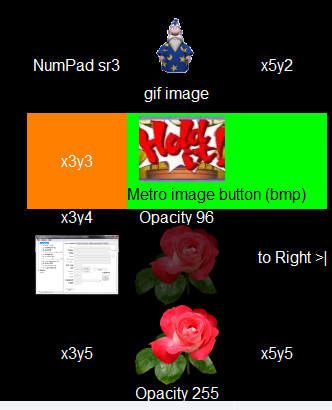
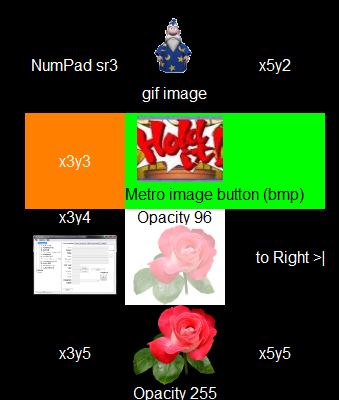
One main feature I've been meaning to request is a button "state" toggle, i.e. when you hit a button it then changes appearance, which means it could change background and/or text colour OR the button image file.
As an example: I use the buttons to toggle "modes" or program states in Photoshop like "snap to grid", but I can quickly forget whether I've enabled that mode or not - so a visual cue of the related button being red, for enabled, and black for disabled would be very useful.
Maybe this kind of feature would lead to more confusion, though, as the button wouldn't reflect any program (Photoshop) state changes that were performed via menu commands or keyboard shortcuts.
One main feature I've been meaning to request is a button "state" toggle, i.e. when you hit a button it then changes appearance, which means it could change background and/or text colour OR the button image file.
As an example: I use the buttons to toggle "modes" or program states in Photoshop like "snap to grid", but I can quickly forget whether I've enabled that mode or not - so a visual cue of the related button being red, for enabled, and black for disabled would be very useful.
Maybe this kind of feature would lead to more confusion, though, as the button wouldn't reflect any program (Photoshop) state changes that were performed via menu commands or keyboard shortcuts.


 And if those states could be explicitly set, but lots of times it's a toggle, and not one menu-item for On and another for Off.


 I'll look into it.
 , makes it easier to aim at the right function.