


The best program I've found so far (and have used for years) to capture the text from error messages is NirSoft's SysExporter. ... it isn't nearly as convenient as a clipping program would be.
Yes, it has its uses, but if the computer was busy, with lots of windows open, I found it a real pain to scroll a long SysExporter list to find the one I wanted. Even then, a bit more manipulation was required to clip the text.
@rjbull:
I'm a little slow in replying, but thought I'd mention that as of v1.50 NirSoft added a "target" icon (like the one in SysInternals Process Explorer) that you just drag to the window you want to capture, which makes SysExporter MUCH more convenient to use (no more scrolling through the list to find just the right window).
And I don't know how long ago you tried it, but I remember long ago having to do some extra manipulation to get the text (seems like maybe I had to use the menu to save to a file then open the file to copy/paste ???) but now with nearly all of his programs you can simply click on whatever lines you want (or the typical Ctrl-Click to select several individual lines, or Shift-Click to select a range of lines, or Ctrl+A to select all lines) and copy to the clipboard with Ctrl+C.
So it's definitely been improved, but still not as convenient as a clipping program would be.

I'll try some of the other text scraping programs you mentioned as soon as I get a chance!


 TC is my main file manager and XY, excellent though it is, does things so differently that I use it less than I should.


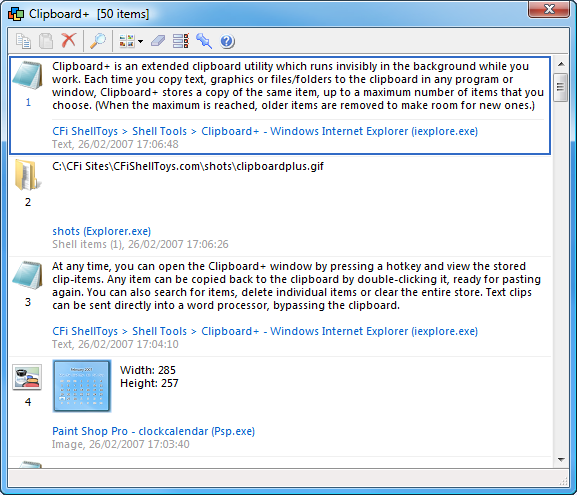
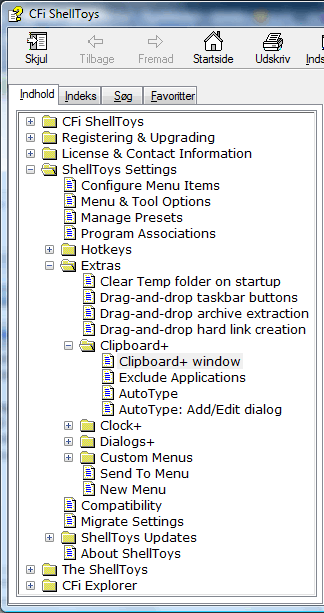


 What do you specially like about it?
