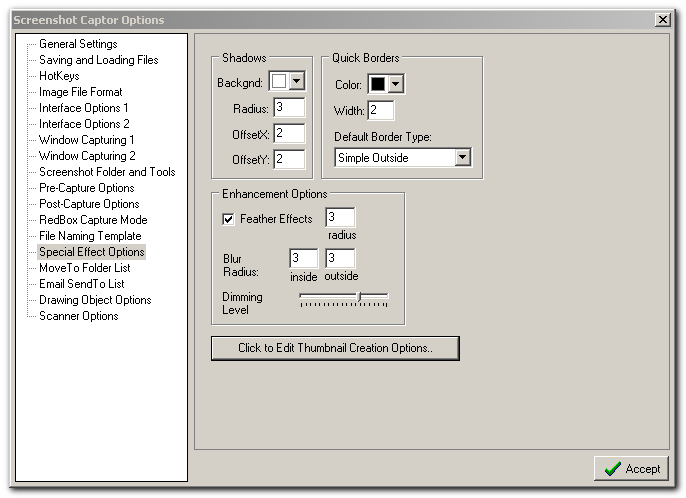
If I add a border to an image it seems to add a lot of "whitespace" around the image. Could this be made a bit more lean? I have attached an image of my preferences and added a border to show the excess space (in particular the left and top of the image).
I also discovered that when I had the preferences screen open and clicked Capture-> Capture Image of Screenshot Window, beneath the name field at the bottom of the main screenshot capture screen, I got details relating to an Internet session I had open. Even after I had completely closed Internet Explorer and tried the same thing again, the same details are being recorded. Having said that I don't really use that field so it's not much of an issue for me - just an observation.
I also discovered that when I had the preferences screen open and clicked Capture-> Capture Image of Screenshot Window, beneath the name field at the bottom of the main screenshot capture screen, I got details relating to an Internet session I had open. Even after I had completely closed Internet Explorer and tried the same thing again, the same details are being recorded. Having said that I don't really use that field so it's not much of an issue for me - just an observation.