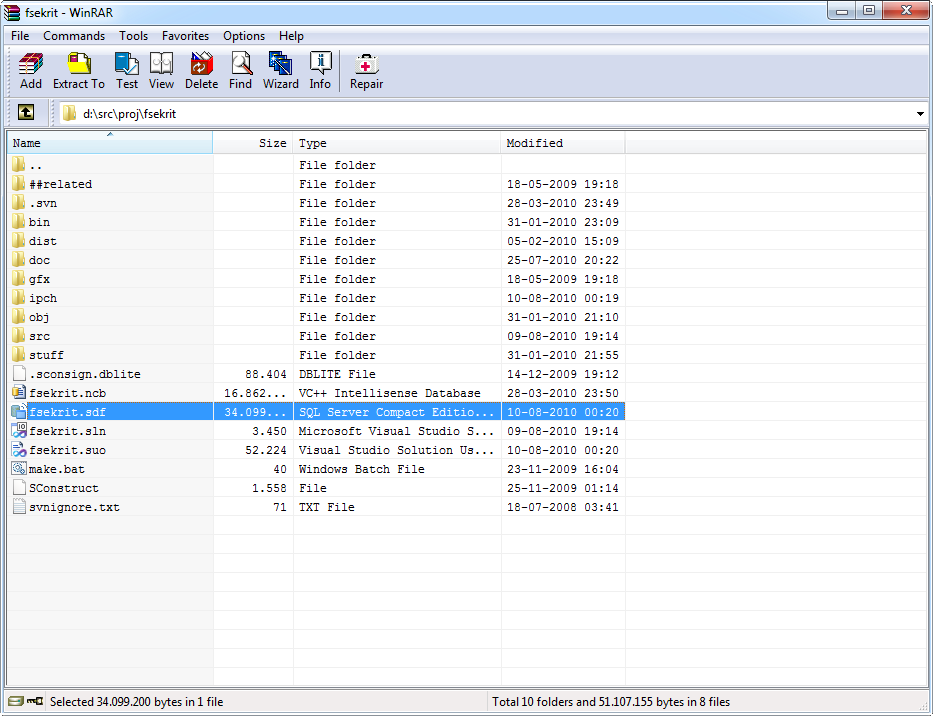
I'm curious to see which archiver DC members are using these days. Most of them are cross-platform, but which is your favorite and why?
Which archive software are we using in 2010 (and why)?
« on: August 10, 2010, 01:49 AM »


 Topic: Which archive software are we using in 2010 (and why)? (Read 59,340 times)





 - carpe noctem


...I use 7zip (command line) daily at work and home. I know that it's interface need improvement but it gets the job done.


I usually use WinRar for extracting (right click file and extract) and rarely come across anything it can't handle.
I use Winzip for archiving (right click and archive) because the preferred format for distribution on the web is .zip and I don't want to fuss with doing things the more difficult way and actually run an application first and mess with settings to make a .zip.

I usually use WinRar for extracting (right click file and extract) and rarely come across anything it can't handle.
I use Winzip for archiving (right click and archive) because the preferred format for distribution on the web is .zip and I don't want to fuss with doing things the more difficult way and actually run an application first and mess with settings to make a .zip.
In WinRAR if you pick the plain add to archive option from the context menu, you can then select compress as .zip in the dialog that opens. Granted it is a extra step, but it's not a real tricky one.



 - carpe noctem
does anyone know if the winrar license is still a lifetime one ? (couldnt see there on their site)Dunno about new licenses (though I would think so), but my license back from eons ago is still valid for the most recent version
- carpe noctem


Something that has always bugged me:
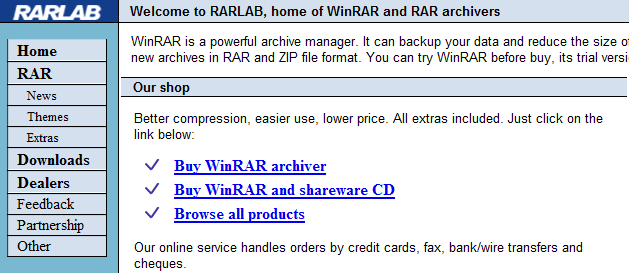
Why does WinRar have two different websites? See the links below:
Copyright © 2002-2010 Alexander Roshal. All rights reserved.
win.rar GmbH - the official publisher for RARLAB products - handles all support, marketing and sales related to WinRAR and www.rarlab.com.
 .
.Why does WinRar have two different websites?
Original address: https://www.donationcoder.com/forum/index.php?topic=23687.0