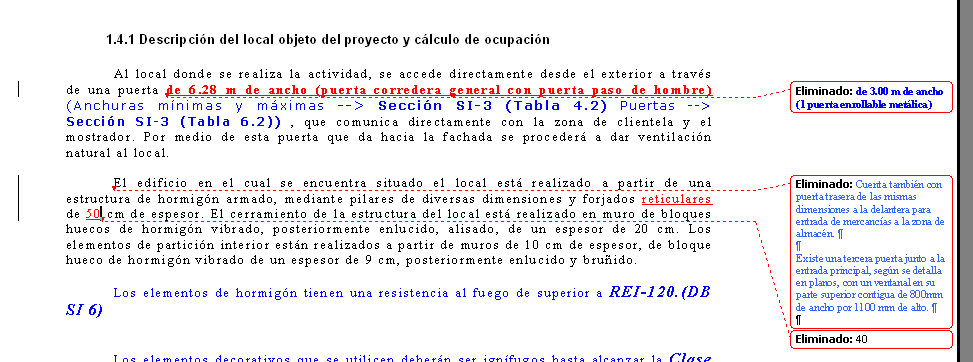
In word 2002 when I select a text to replace when I began to write all the old text is gone and sometimes my memory is not good and I would like to have the old text in an auxliary window i can adapt to see the old text.
In this snack may be :
1) crystal window configurable
2) a hotkey to activate the auxiliary window after select the text that may be the DEL key pressed after the text selection. And the out key (ESC o ENTER) .
In notepad++ is possible to select a text and with CTRL+H proceed to replace with the original text under control.
I have tried with word 2002 with no result.
Best Regards
In this snack may be :
1) crystal window configurable
2) a hotkey to activate the auxiliary window after select the text that may be the DEL key pressed after the text selection. And the out key (ESC o ENTER) .
In notepad++ is possible to select a text and with CTRL+H proceed to replace with the original text under control.
I have tried with word 2002 with no result.
Best Regards