PC: Win 7 x64, Aero interface
SC 2.82.01
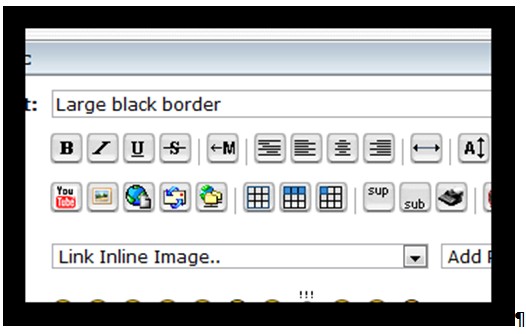
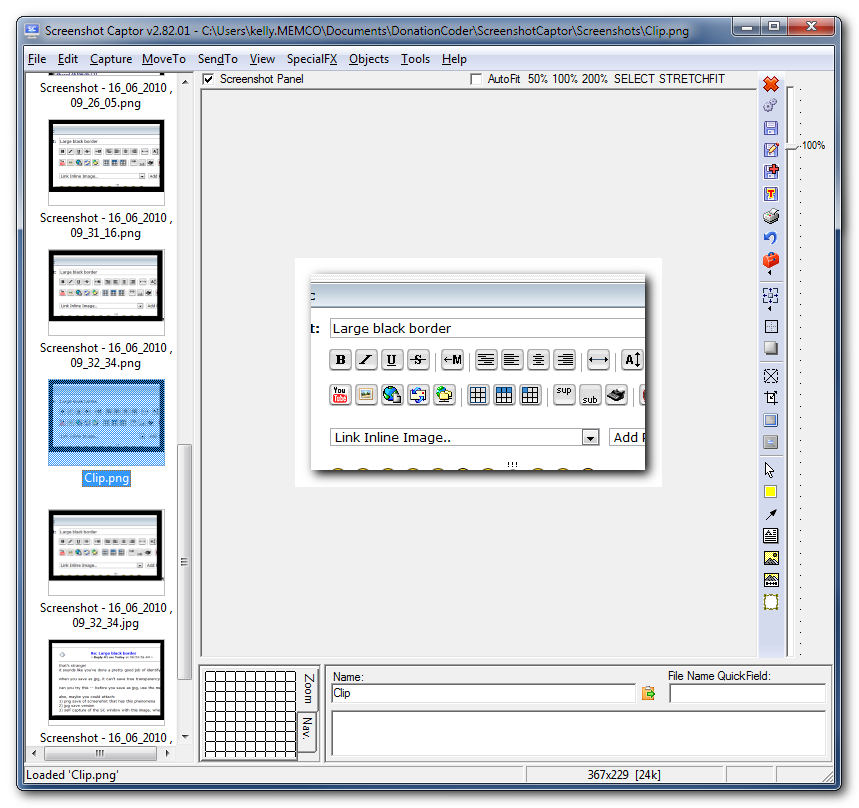
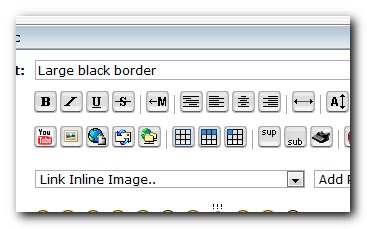
I have just started using SC, but I find if I add a drop shadow to the captured image it appears fine in SC main form, but when pasting into any other third party app (eg email) it is replaced by a very thick black border.
I can see it is something to do with transparency, as saving the file as a png looks correct, but saving as jpg has the same effect as when I paste into other apps from the clipboard
Am I just misunderstanding something?
I used Picpick up until recently, which didn't exhibit this behaviour.
[attachthumb=#]
SC 2.82.01
I have just started using SC, but I find if I add a drop shadow to the captured image it appears fine in SC main form, but when pasting into any other third party app (eg email) it is replaced by a very thick black border.
I can see it is something to do with transparency, as saving the file as a png looks correct, but saving as jpg has the same effect as when I paste into other apps from the clipboard
Am I just misunderstanding something?
I used Picpick up until recently, which didn't exhibit this behaviour.
[attachthumb=#]