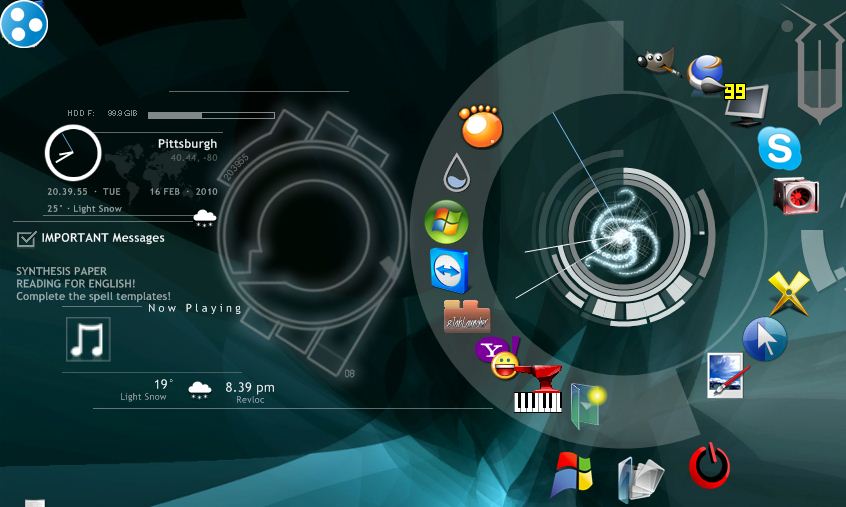
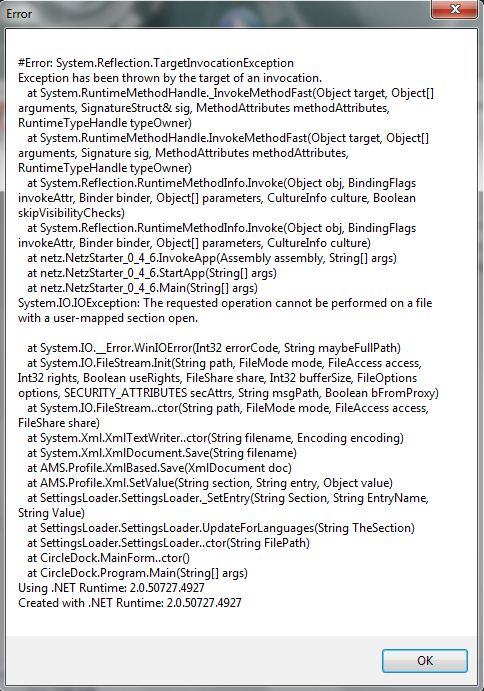
You will generally only see this effect when adding a new Dock Item using the context menu's "Add File, Folder or Special Item". The program is, at that point, in a bit of a "chicken and egg" situation. It can't place the dock item without some form of valid image and the dock item isn't added - and the dock redrawn - until that dialog is dismissed. This form of behaviour has been in all versions of the program and is down to the way the Net Framework works.
I have not witnessed the behaviour you mention and no-one else has mentioned it either, so I'm not yet convinced that there's a problem with Circle Dock in that regard. It is conceivable that an image has got "stuck" some how and if that's the case, select the dock and do something that will cause it to reposition its items on screen - such as move it or rotate the items. That should clear the effect.
Mark


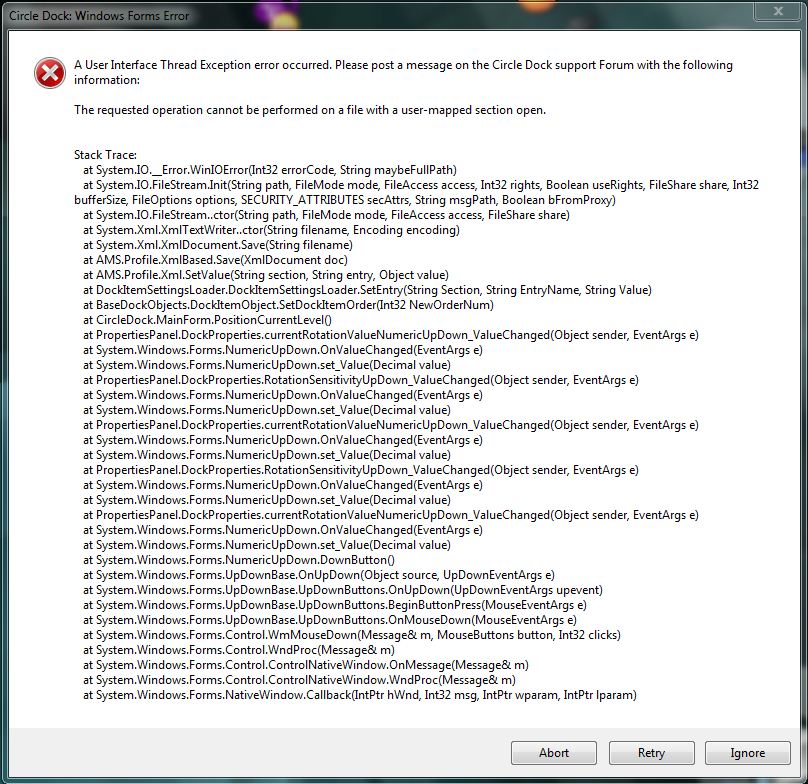
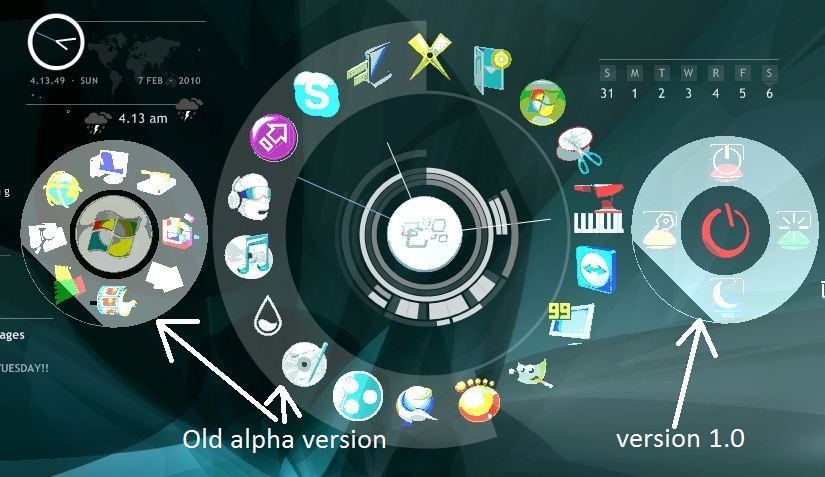

 ya that was the problem with the dock disapearing...