This version has one bug fix, one change and one new feature.
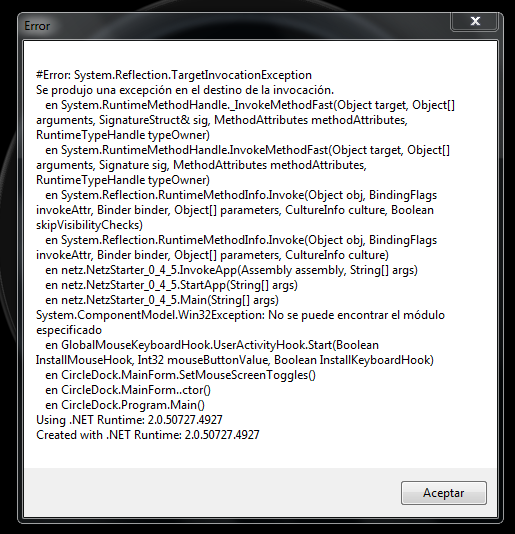
The bug fix concerns clearing the exception when setting the mouse to toggle the Dock's visibility at one or more screen edges. Simply rearranging the modules in the packed executable fixes that.
The change is that the help system was consuming to much memory and resources. It has now been externalised and can be called-up from the Dock's Context Menus, the main Properties dialog, as well as the Start Menu and Desktop (if you've permitted that on installing).
The new feature is that now Circle Dock can almost entirely be controlled by the keyboard. You will almost certainly need to have a mouse available to configure your Dock but once all your items are added, you can enable the "keyboard emulation" mode. This is documented in the help system.
Download: SetupCircleDock.zip (7.5 MB)
Enjoy!
Mark
The bug fix concerns clearing the exception when setting the mouse to toggle the Dock's visibility at one or more screen edges. Simply rearranging the modules in the packed executable fixes that.
The change is that the help system was consuming to much memory and resources. It has now been externalised and can be called-up from the Dock's Context Menus, the main Properties dialog, as well as the Start Menu and Desktop (if you've permitted that on installing).
The new feature is that now Circle Dock can almost entirely be controlled by the keyboard. You will almost certainly need to have a mouse available to configure your Dock but once all your items are added, you can enable the "keyboard emulation" mode. This is documented in the help system.
Download: SetupCircleDock.zip (7.5 MB)
Enjoy!
Mark

 Config.txt
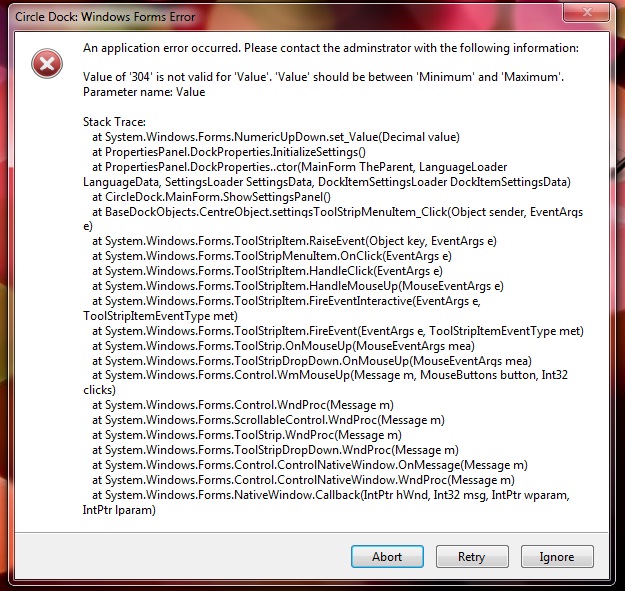

 After uninstalling i tried installing into C:Program files/ instead of the default of C: Program files (x86). Don't know what difference it makes but i can now use the dock. I won't be changing the toggle settings. Or anything except icons and backgrounds.