


The next release will be v0.9.2.7 and will contain the following enhancements, changes and bug fixes:
October 18 - New Enhancement
19th October
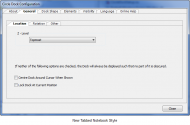
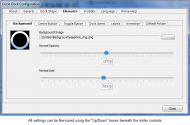
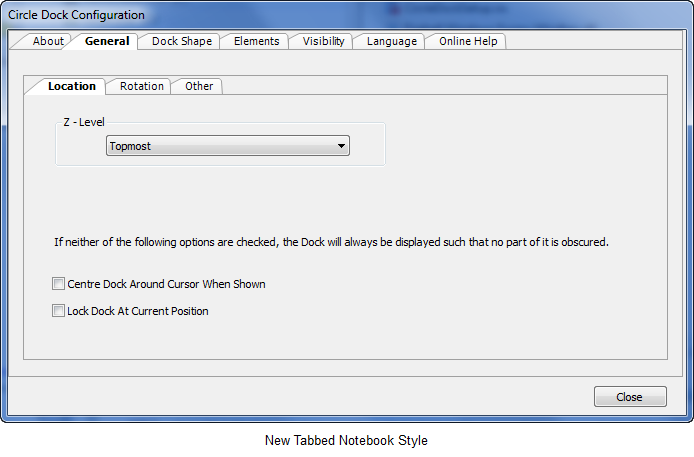
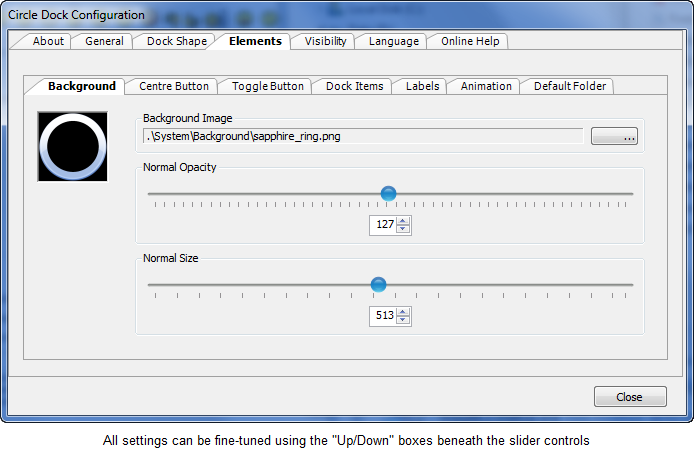
- The Configuration Settings dialog has been completely revamped and is now in the form of a Tabbed Notebook. This makes it much easier to implement enhancements to Circle Dock and include their settings. This paves the way for inclusion of new shapes.

- The LNK bug should now be cleared - finally!
- If a Dock Item was moved to the Centre Button and the user decides against deleting it, the item would continue to have a "Garbage Can" cursor whenever the mouse moves over it. The cursor is now updated correctly.
- Cleared a bug in the Configuration affecting the showing of the dock when mouse cursor at a screen edge: the new setting was not immediately applied.
- Some users have reported that the Start Menu is not shown when the Centre Button is clicked. A new configuration item has been introduced that, if enabled, forces the Start Menu to open by sending Windows KeyDown and KeyUp commands using an undocumented key value. The only drawback to this method is that the Start Menu will be shown in its normal position (ie bottom left of the screen).
- Some of the Special Folders used Class IDs that were specific to Windows XP and earlier versions of Windows. These IDs are not correct for Windows Vista or Windows 7. The correct Class IDs are now used.
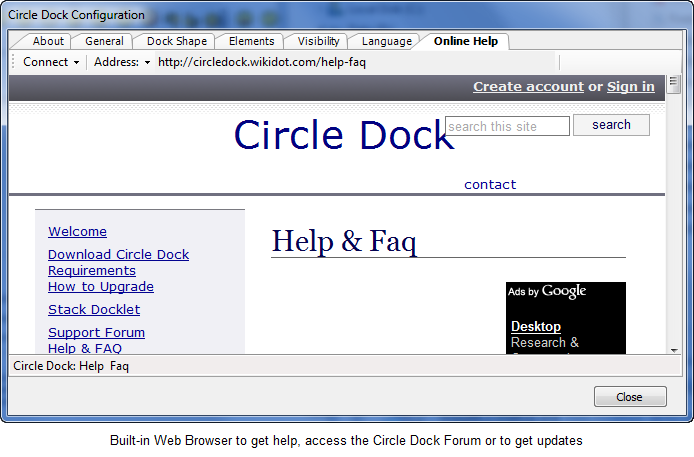
October 18 - New Enhancement
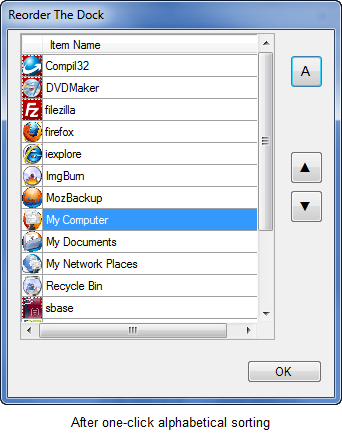
- A user requested the ability to sort the Dock Items. I've added a popup dialog which displays a table of the current dock level's items - as well as a thumbnail of their dock image. You can either select a single dock item and move it up or down, or, with a single mouse-click, sort all the dock items alphabetically by their display names. When the dialog is dismissed, all the dock items are reordered on the dock.
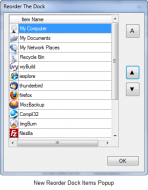
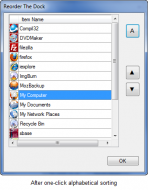
Since writing the above, I've added the ability to sort alphabetically in descending order (as well as in ascending order). - Added additional "Poof" effect and you can choose between "smoke" and "fire" in the new Settings dialog.
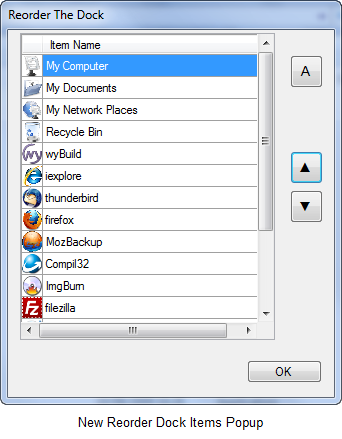
19th October
- When you change the Circle Dock's Language, you needed to restart the program in order for the new language setting to be fully-applied. There is now a (large) button on the Language Settings page which, if clicked, restarts Circle Dock - using the newly-selected language.
- Found and fixed an old bug which affected the opacity/transparency of the dock's Centre Button: if you moved the dock, the Centre Button would become fully opaque rather than obey its user setting.
